Hosting a data file is putting a file at an address. Whether a page elsewhere can read it is a separate question decided by two headers.
This guide covers both headers, safety, and caching.
The content type
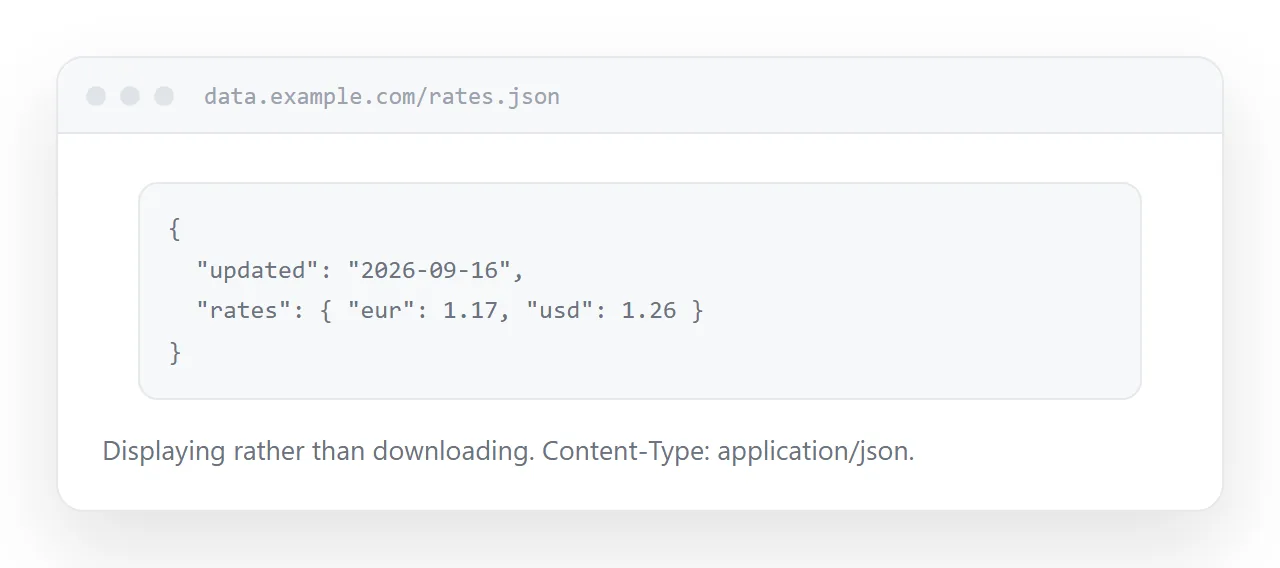
Served with the wrong type, the file downloads instead of displaying, and fetching it behaves inconsistently.
Content-Type: application/json; charset=utf-8
Most hosts set this correctly by extension. Some do not, particularly when the file has an unusual extension or none.
Open the address in a browser. If it downloads rather than displaying, the type is wrong and that is the first thing to fix.
The cross-origin header
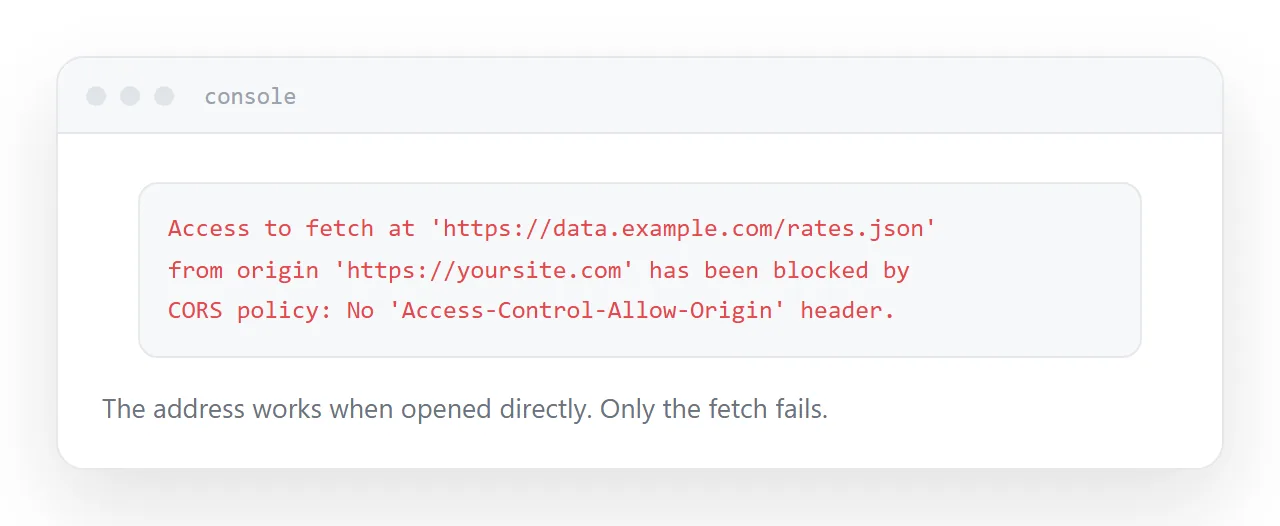
A browser will not let a page read a response from a different origin unless the server says it may.
Access-Control-Allow-Origin: https://example.com
Without it, the request is made and the response is blocked, which produces a console error and an empty result. The file is fine, the address works when opened directly, and only the fetch fails. That combination is what makes it confusing.
Set it to the specific origin that needs the data. Use a wildcard only when the data is genuinely public and you are content for anyone to build on it.
| Symptom | Cause |
|---|---|
| Downloads instead of displaying | Wrong content type |
| Works in the browser, fails in a fetch | No cross-origin header |
| Works locally, fails deployed | Same, plus different origin |
| Consumers see old data | Cache lifetime too long |
Everything in it is public
A file at an address is readable by anyone with the address.
An unguessable path keeps it out of search results and away from casual discovery. It is not access control. Addresses appear in browser histories, in referrer headers, in shared links and in the source of any page that fetches them.
So: no personal data, no commercial detail you would not publish, no keys. If the data needs protection, it needs something in front of it that checks who is asking, which is a server rather than a file.
Caching
Consumers refetch to get updates, and how often they see changes depends on the cache lifetime you set.
Too long and consumers serve stale data without knowing. Too short and every page view hits the file.
Match it to how often the data actually changes. Daily data, an hour. Data that changes rarely, a day. Data that changes constantly does not belong in a static file.
Keep the address stable
Consumers hard-code the address into their pages.
Changing it breaks every one of them silently, and you frequently do not know who they are. If a structural change is unavoidable, publish the new shape at a new address and keep the old one serving until you are confident nothing depends on it.
Version in the path if you expect the structure to change: one address for the current shape, another when it changes.
Two neighbouring cases are worth a look: What is CORS? Why a fetch works locally and fails once published and MIME type for HTML: the header that decides how your file is treated.
Put it at an address
Serve it as JSON, add the cross-origin header where other pages fetch it, treat the contents as public, set a cache lifetime matching the update rate, and keep the address stable.
Then the page that needs the data actually gets it.