Release notes are written once and used repeatedly by people who were not in the room. Support, sales, and customers checking whether something they asked for arrived.
This guide covers structure, who uses them, and what to lead with.
The three readers
Support, answering a ticket. They want to link to one item, not to a page and an instruction to scroll.
Sales, answering whether something is now possible. They want to find it by searching the feature name a customer used.
Customers, checking whether the thing they asked for shipped. They want to scan for their thing.
All three are served by the same structure and none of them are served by a wall of items in internal language.
One address per release, anchored items
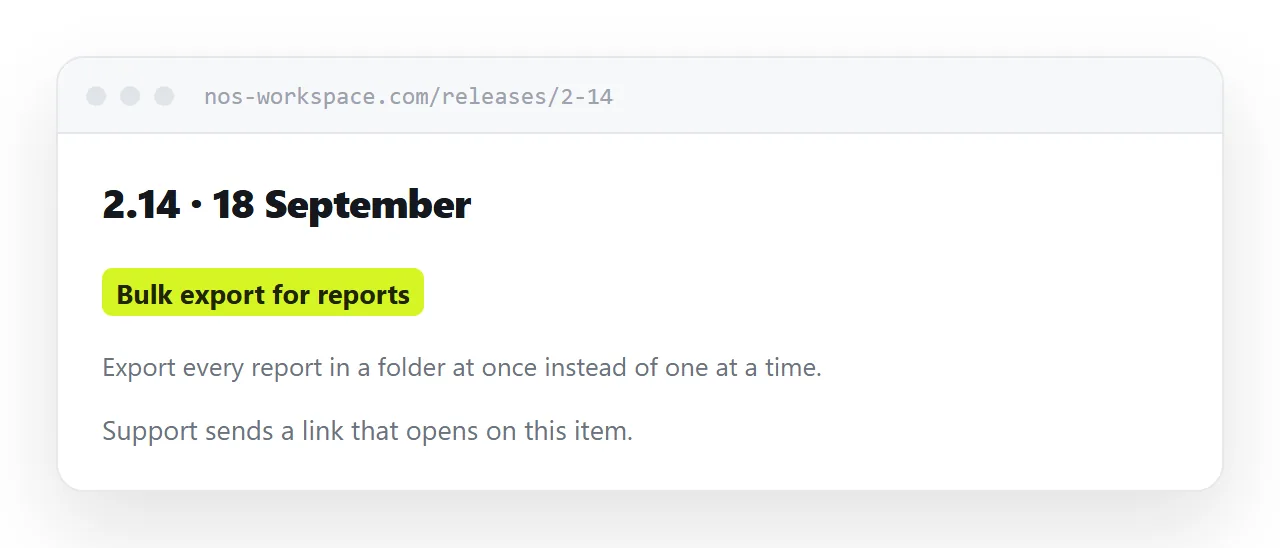
A permanent address for each release, with every item having its own anchor.
<h3 id="bulk-export">Bulk export for reports</h3>
Support then sends a link that opens on the exact item. Over a couple of years those links accumulate in tickets, in documentation, and in customer emails, and they keep working.
Never reorganise old release notes. Those links are in places you cannot see.
| Notes in a support portal | Public anchored pages | |
|---|---|---|
| Support can link to one item | Rarely | Yes |
| Findable in search | No | Yes |
| Prospects can read them | No | Yes |
| Survives a portal migration | No | Yes |
Lead with anything requiring action
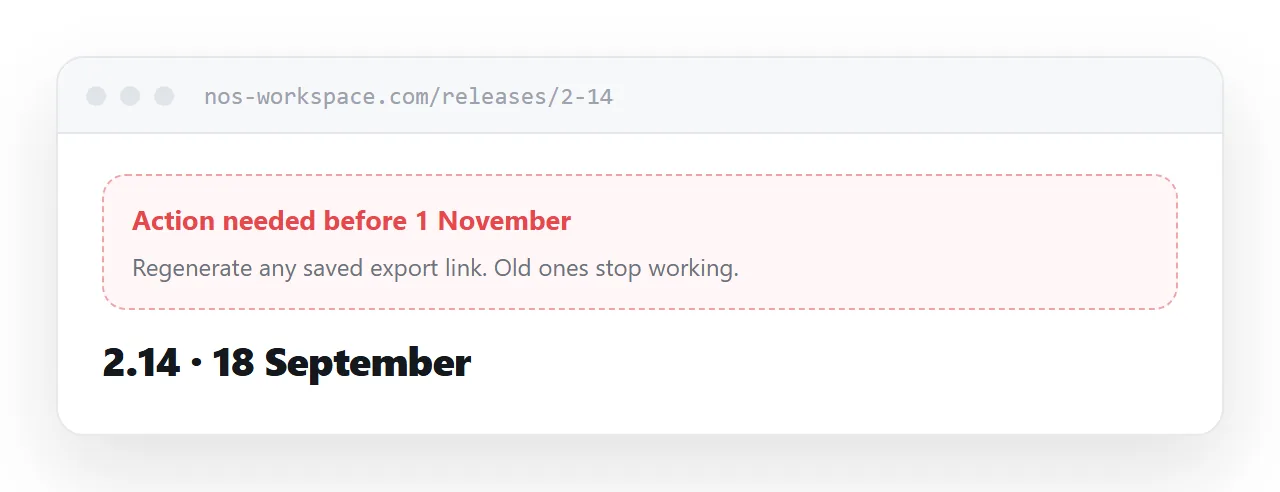
Some releases require the customer to do something. Update an integration, change a setting, migrate data, accept a new permission.
That goes at the top, marked clearly, with what to do and by when.
Everything else follows: new capabilities, improvements, fixes.
A customer who has to read forty items to discover that something breaks next month has been failed by the document.
Write for the customer
Internal feature names mean nothing outside the team.
The customer knows the thing they could not do before. Describe the change in those terms, and mention the internal name only if it appears in the interface.
Same discipline as a changelog: what changed for them, and what they should do about it.
Keep them public
The instinct to put release notes behind a login is understandable and usually wrong.
Prospects evaluating a product read release notes to judge whether it is actively developed. That is one of the few honest signals available to them, and hiding it removes evidence that was working in your favour.
Unless a release discloses something genuinely confidential, publish it.
Do not delete old releases
A customer on an older version needs the notes for their version. An integrator needs the history. A prospect reads the pattern over eighteen months.
Keeping everything costs nothing and every removal breaks links you cannot see.
Two neighbouring cases are worth a look: How to host a changelog and How to host a status page.
Put it at an address
One permanent address per release, every item anchored, anything requiring action at the top, written in the customer's terms, and kept public.
Then the person answering a ticket has a link to send.