A freelancer's own site is the project with no client and no deadline, which means it is the project that decays.
Design it to need nothing
The site that survives is the one with nothing to maintain.
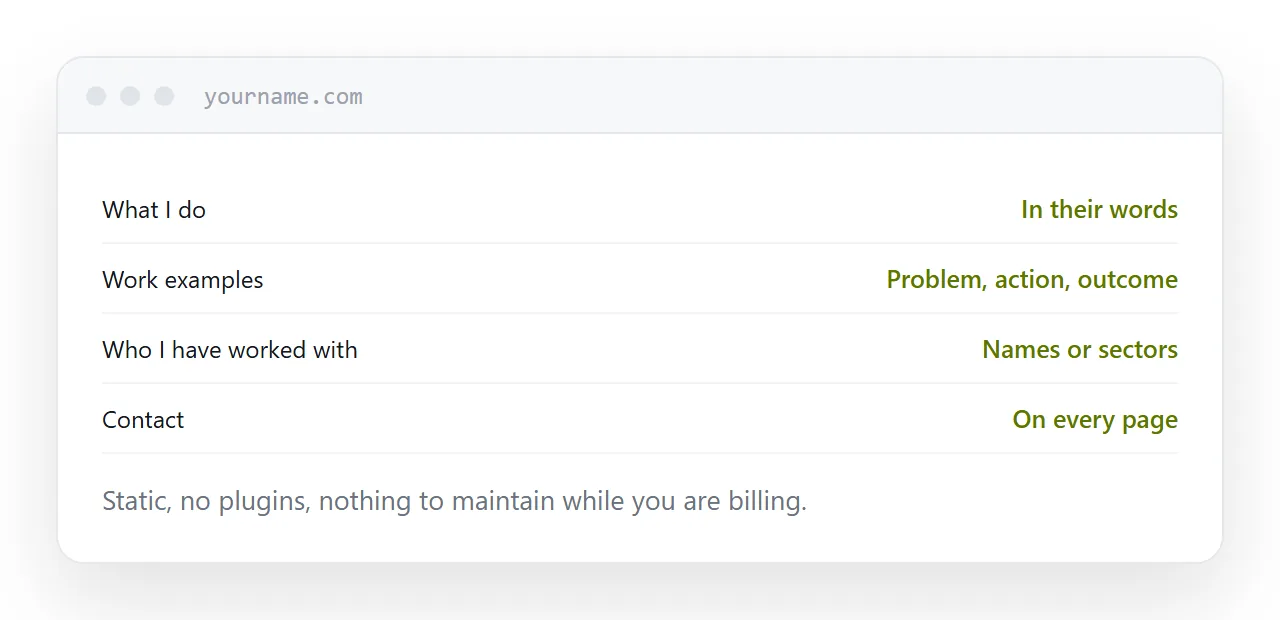
Static files, your own domain, no plugins, no database, no administration login. Nothing needs updating for security, nothing expires except the domain, and nothing breaks while you are busy with a client.
That is not a compromise. For a site of four or five pages, it is the correct architecture, and it costs almost nothing to host.
| Element | Keep | Skip |
|---|---|---|
| What you do | Yes | |
| Work examples | Yes | |
| Who you worked with | Yes | |
| Contact | Yes | |
| Blog | Only if you write | Otherwise |
| Testimonial carousel | Yes | |
| Live chat | Yes |
Four pages
What you do. In the words a client would use, not the words your industry uses. Specific beats broad: somebody looking for exactly what you do should recognise themselves immediately.
Work examples. The most valuable page on the site, and the one most often missing.
Who you have worked with. Names or sectors. It answers the question people will not ask, which is whether you have done this before.
Contact. One route, on every page.
Everything else is optional and most of it is a maintenance burden with no return.
The work example page
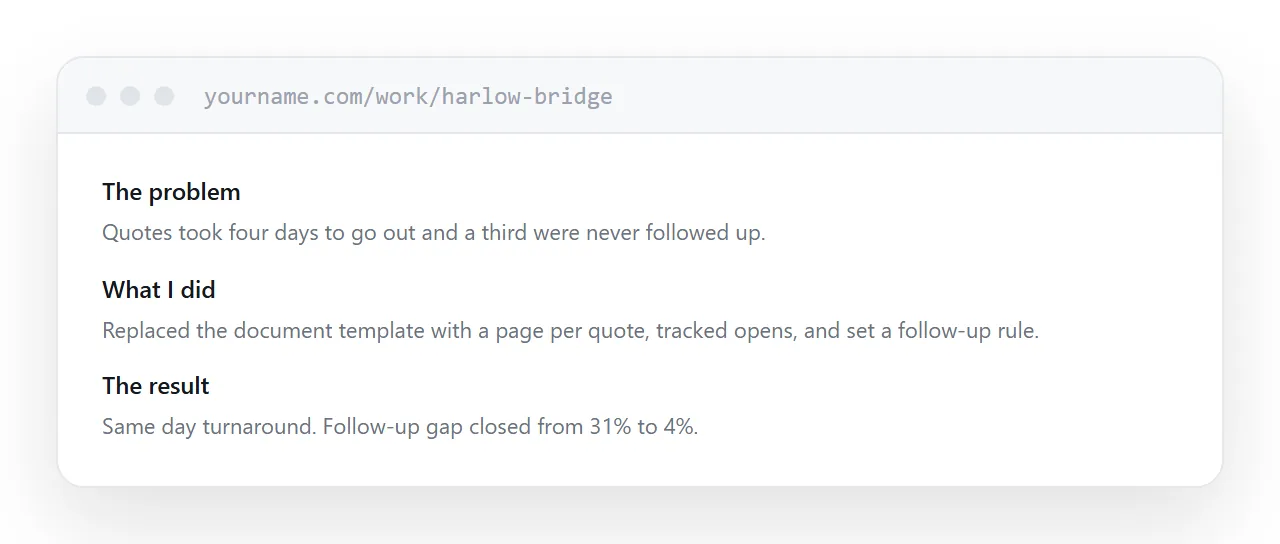
Three parts, short.
The problem in the client's words. What you actually did. What the result was, with a number if one exists.
That is what somebody deciding whether to contact you reads, and it does more than a portfolio of screenshots, because screenshots show what it looked like and this shows what it was for.
Three of these, written properly, beat twenty thumbnails.
The blog question
Only if you will actually write.
A blog with three posts, the most recent from two years ago, tells a visitor the business may not be active. That is a worse signal than having no blog, and it is the most common state of freelance blogs.
If you will write monthly, a blog is a genuine asset. If you will not, put the effort into two more work examples.
Contact on every page
People decide on whichever page they land on, which is frequently not the homepage.
Your name, what you do, and one way to reach you, at the bottom of every page. A form if you prefer, and an address as well, because some people simply want to write.
Closely related: Hosting arrangements for client work, and Free static website hosting, compared honestly for the adjacent problem.
Put it at an address
Build it so it needs no maintenance, keep it to four pages, write work examples with outcomes, skip the blog unless you will write it, and put a contact route on every page.