A PDF stores characters at coordinates. It has no paragraphs, no line wrapping, and no concept of text that flows. Every difficulty with editing follows from that.
This guide covers why, and the three routes.
What the editor has to do
Change a word and the software must work out which font was used, find something matching, set the replacement at the right size, re-space the line so the words after it do not collide, and reflow anything that moved.
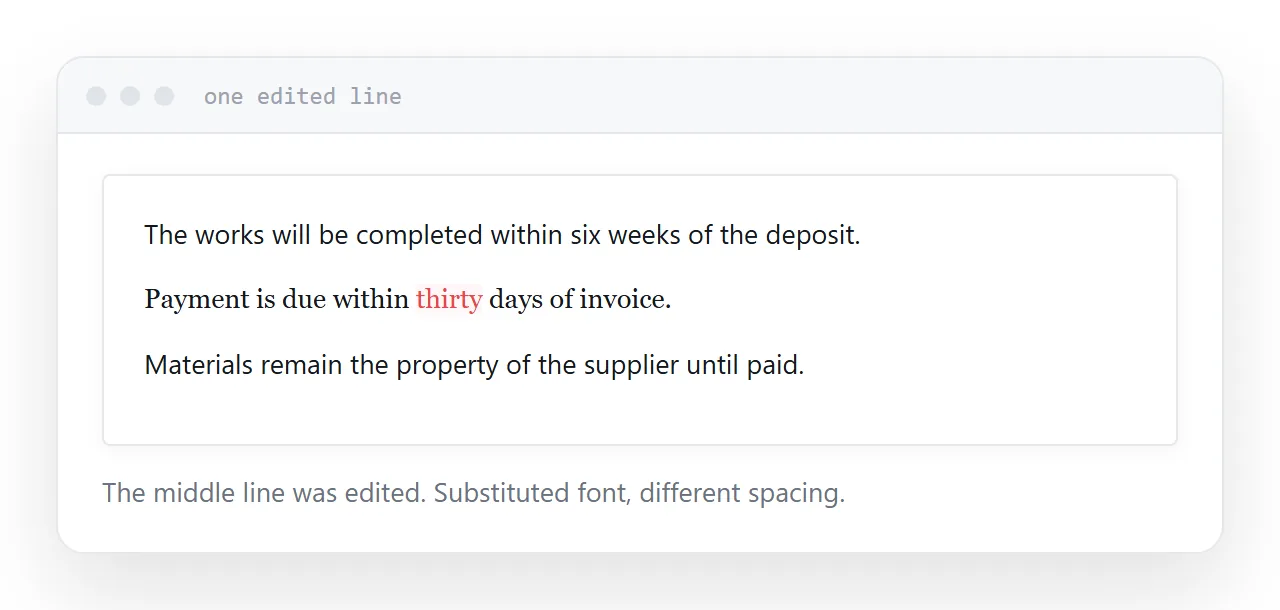
When the original font is not installed, which is most of the time, it substitutes. Substitutes have different widths, so the edited line has different spacing from the ones around it.
The result is usually visible. Slightly different weight, slightly different letter spacing, a line sitting a fraction off. Not obviously wrong, and noticeable to anyone comparing.
Route one: the source document
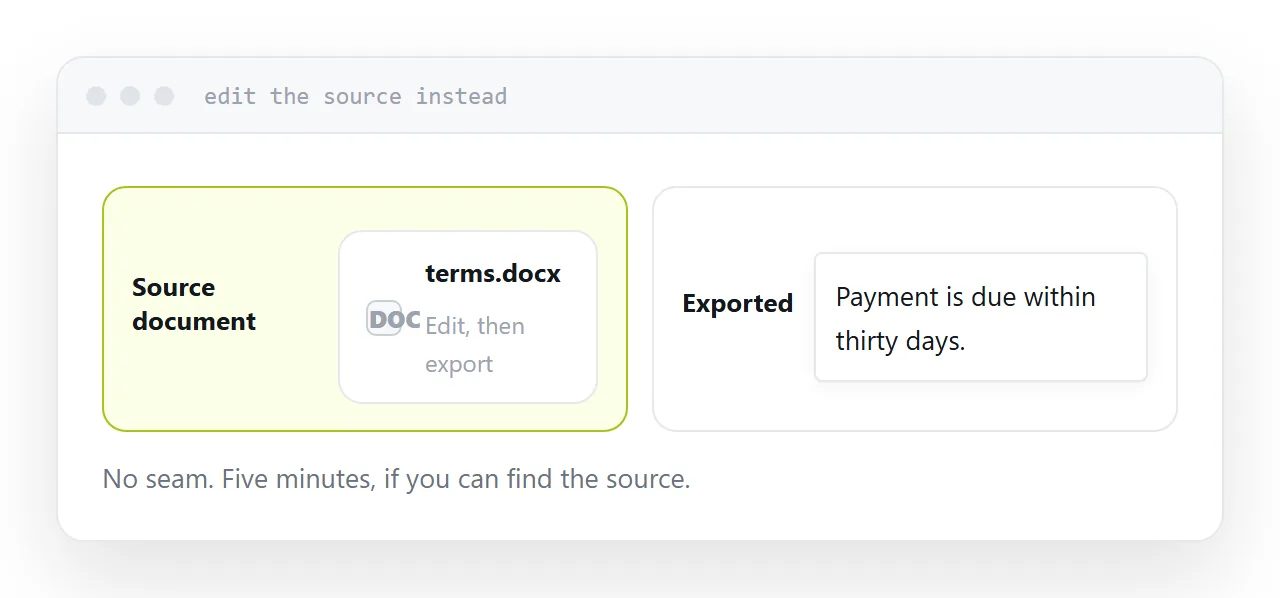
If the file that produced the PDF still exists, edit that and export again.
Correct result, no seam, five minutes. This is nearly always faster than fighting an editor, and it is skipped because locating the source feels like more work than it turns out to be.
Look before reaching for anything else.
| Change | Best route |
|---|---|
| A word or two, source gone | PDF editor, accept the seam |
| A line, source gone | Redact and retype the line |
| A section | Convert to a document, rewrite, export |
| Anything, source exists | Edit the source |
| Changes monthly | Move it to a page |
Route two: a PDF editor
For a date, a number, a name, a typo.
Dedicated editors handle this and the seam is the cost. For internal documents nobody is comparing, that is fine. For anything a client reads closely, the difference is noticeable.
Free online editors do the same job and upload the document to a company you know nothing about. For a flyer that is a reasonable trade; for a contract, a payslip or anything with personal data, it is not.
Route three: convert and rewrite
For a whole section, converting to an editable document and rewriting is more honest than patching.
The conversion rebuilds the layout by inference, so expect it to differ from the original. That is acceptable when you are rewriting anyway, and it gives you a source document for next time.
The redaction trick
For a single line where the seam would be obvious, cover the original and set the replacement fresh in a font you have.
The line no longer matches the document either, and at least it matches itself. For a printed form or a label this is often the cleanest available result.
If it changes monthly
A document edited every month is in the wrong format.
Put it on a page. Changing a word becomes changing a word, everyone holding the link gets the correction, and you export a PDF when somebody needs a file.
That removes the whole category of problem rather than getting better at working around it.
Two neighbouring cases are worth a look: How to edit a PDF without Adobe and How to open a PDF in Google Docs.
Put it at an address
Find the source first, use an editor only for small changes and expect a seam, convert when rewriting a section, keep sensitive documents off free editors, and move anything frequently revised to a page.
Then a one-word change does not leave a mark.