Saving an email produces a readable copy. Whether it produces a useful record depends on three details that the default path leaves out.
This guide covers the saving, what is missing, and what the copy actually proves.
The saving part
Print, then save as a document instead of choosing a printer.
Works in every mail client, every webmail interface and every browser. Nothing to install, nothing to upload, and the message never leaves your machine, which matters if it is confidential.
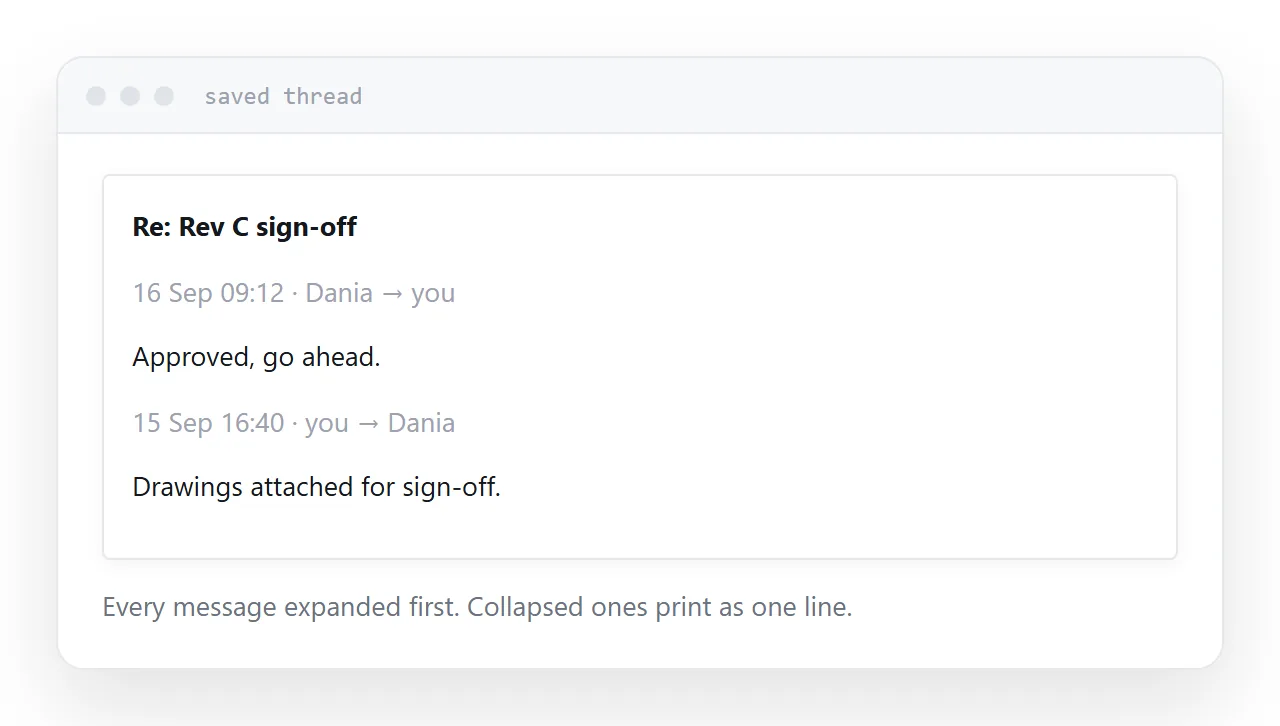
Expand the thread first
This is the failure that catches people out.
Mail interfaces collapse older messages in a thread to a one-line summary. Printing in that state produces a document with the most recent message in full and everything else as a list of names.
The person who saved it usually does not notice, because on screen they had read the whole thread.
Expand every message before printing. If the thread is long, check the saved document against what you expected before relying on it.
What is missing
Full headers. The routing, the precise timestamps, the authentication results, the message identifier. A printed email shows sender, recipient, date and subject. The headers are where the evidence lives.
Attachments. They do not print. A saved email referring to an attached contract, with no contract, is incomplete in a way that is easy to overlook months later.
Formatting fidelity. Remote images may not have loaded, and quoted text sometimes prints oddly.
| Printed email | Original in the mailbox | |
|---|---|---|
| Readable | Yes | Yes |
| Full headers | No | Yes |
| Attachments | No | Yes |
| Timestamps to the second | No | Yes |
| Alterable | Trivially | Not by you |
What it proves
It proves what was in your mailbox at the moment you saved it.
It does not prove the message is unaltered, because a document can be edited. Nobody accepts a saved email as proof of content in a genuine dispute, and this is worth knowing before relying on one.
What is relied on is the mailbox and the headers, produced through a proper process. So whatever you save, do not delete the original.
For anything that might genuinely become contested, ask your mail provider or your IT team what their export and retention process is, before you need it.
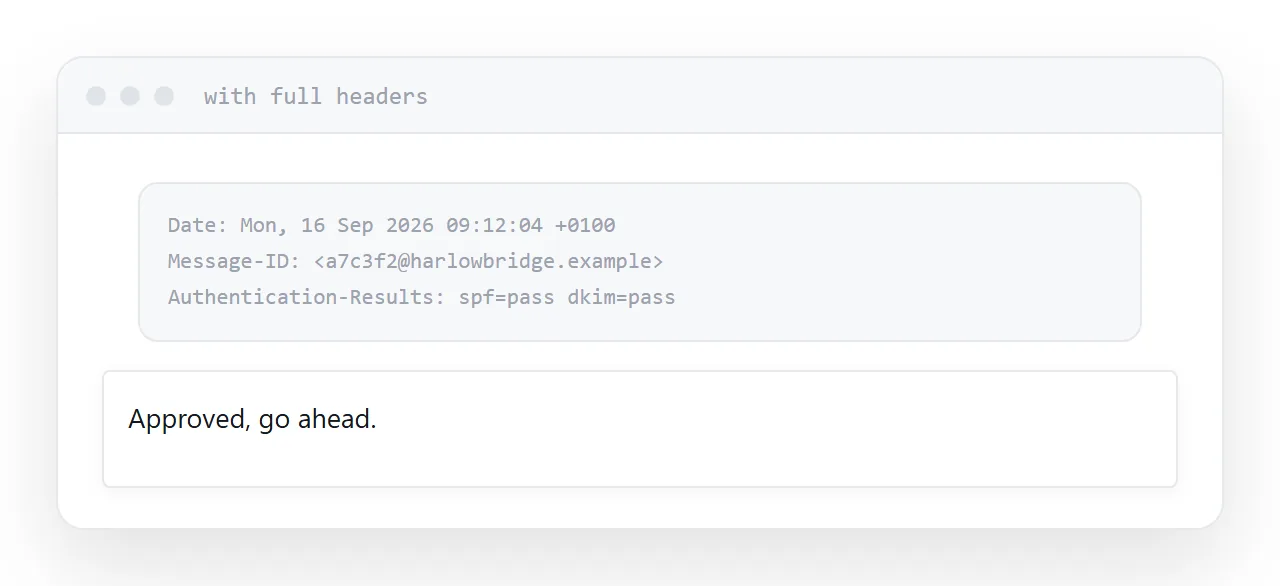
Include the headers when it might matter
Most clients can show the original message including the full headers, usually under an option called something like show original or view source.
Save that as well. It is unreadable and it is the part with the information, and having it costs nothing.
Attachments separately
Save each attachment, keep them beside the saved email, and note in the document which attachments were present.
A folder containing the email and its attachments, named after the date and the subject, is a complete record. A document on its own is half of one.
If this is near what you are doing, How to save a webpage as a PDF and How to share a PDF as a link cover the cases on either side.
Put it at an address
Expand the whole thread, print to a document, save attachments separately and note them, include the full headers when it might matter, and keep the original in the mailbox regardless.
Then the copy is still useful when somebody asks about it next year.