Saving a page as a document captures what the browser would print, which is nearly but not quite what you wanted.
This guide covers cleaning it up, why the layout moves, and when not to bother.
Reading mode first
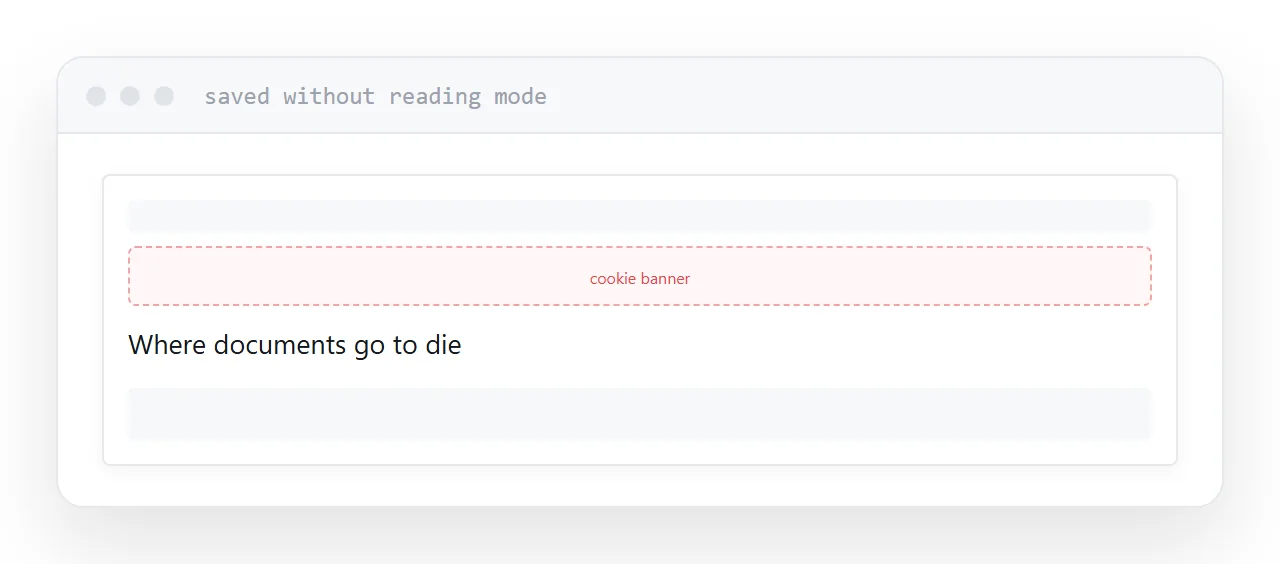
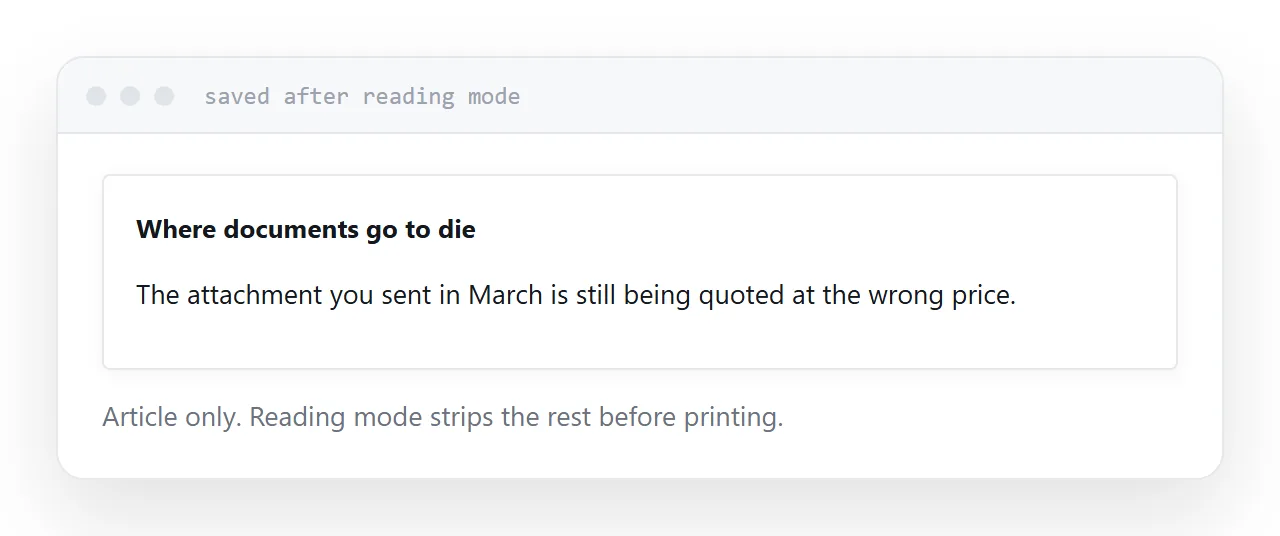
Every major browser has a reading mode that strips a page down to its article: headline, body, images.
Turn it on, then print. The saved document contains the content and nothing else. No navigation, no sidebar, no cookie banner, no newsletter prompt frozen halfway through appearing.
This is the single most effective step and most people do not know it exists.
It works on article-shaped pages. On an application, a dashboard or a listing page it usually does not engage, and you are back to printing the page as it is.
Why the layout moves
A page is built for a screen whose width is unknown. A document is a fixed paper size.
So anything positioned relative to the viewport, anything sticky, anything sized as a percentage of the window, lands somewhere the designer never considered. Sticky headers commonly repeat on every page. Elements fixed to the bottom of the screen appear in the middle of the text.
None of this is a fault. It is what happens when something built to be flexible is forced into a fixed shape.
| Problem | Cause | Fix |
|---|---|---|
| Navigation included | Printing the whole page | Reading mode |
| Header on every page | Sticky positioning | Reading mode or print styles |
| Backgrounds missing | Off by default | Enable background graphics |
| Text cut at page breaks | No break rules | Print styles |
| Links unreadable | Addresses not shown | Print styles can show them |
If you control the page
Print styles let you decide what a page looks like on paper.
@media print {
  nav, footer, .banner, .share { display: none; }
  a[href]::after { content: " (" attr(href) ")"; }
  h2, h3 { break-after: avoid; }
  table, figure { break-inside: avoid; }
}
Four things there. Hide the furniture. Print the address after each link, since a printed link is otherwise a dead end. Stop headings being orphaned at the bottom of a page. Stop tables and figures being split across pages.
Twenty lines of print styles turn a page that saves badly into one that saves well, and almost nobody writes them.
Backgrounds are off by default
Browsers omit background colours and images when printing, to save ink.
Usually helpful. Occasionally it removes something meaningful, such as a coloured status column in a table or a diagram drawn as a background.
The print dialogue has a background graphics option. Turn it on when the colour carries information.
When to send the address instead
If the page will still be there, send the address.
It stays current, opens on a phone, and does not need downloading. A saved document is a photograph of the page on the day you took it.
Save a document when you specifically need the page as it was: a record, a submission, evidence, or something that will be printed. Then the frozen copy is the point rather than a side effect.
Closely related: How to turn a PDF into a website, and HTML to PDF without losing formatting for the adjacent problem.
Put it at an address
Use reading mode, print to a document, enable backgrounds when colour matters, add print styles if the page is yours, and send the address when the page will persist.
Then the saved document contains the article and nothing else.