An HTML banner is a small page that runs inside a frame on somebody else's site, under rules that page's owner enforces. The specification is the whole design brief.

This guide covers the click tag, weight, animation and fonts.
The click tag
Networks do not want the destination hard-coded into the creative. They want to set it, change it, and count the clicks.
<script>var clickTag = "";</script>
<a href="javascript:window.open(window.clickTag)"
   class="hit" aria-label="Visit the offer"></a>
.hit { position: absolute; inset: 0; z-index: 99; }
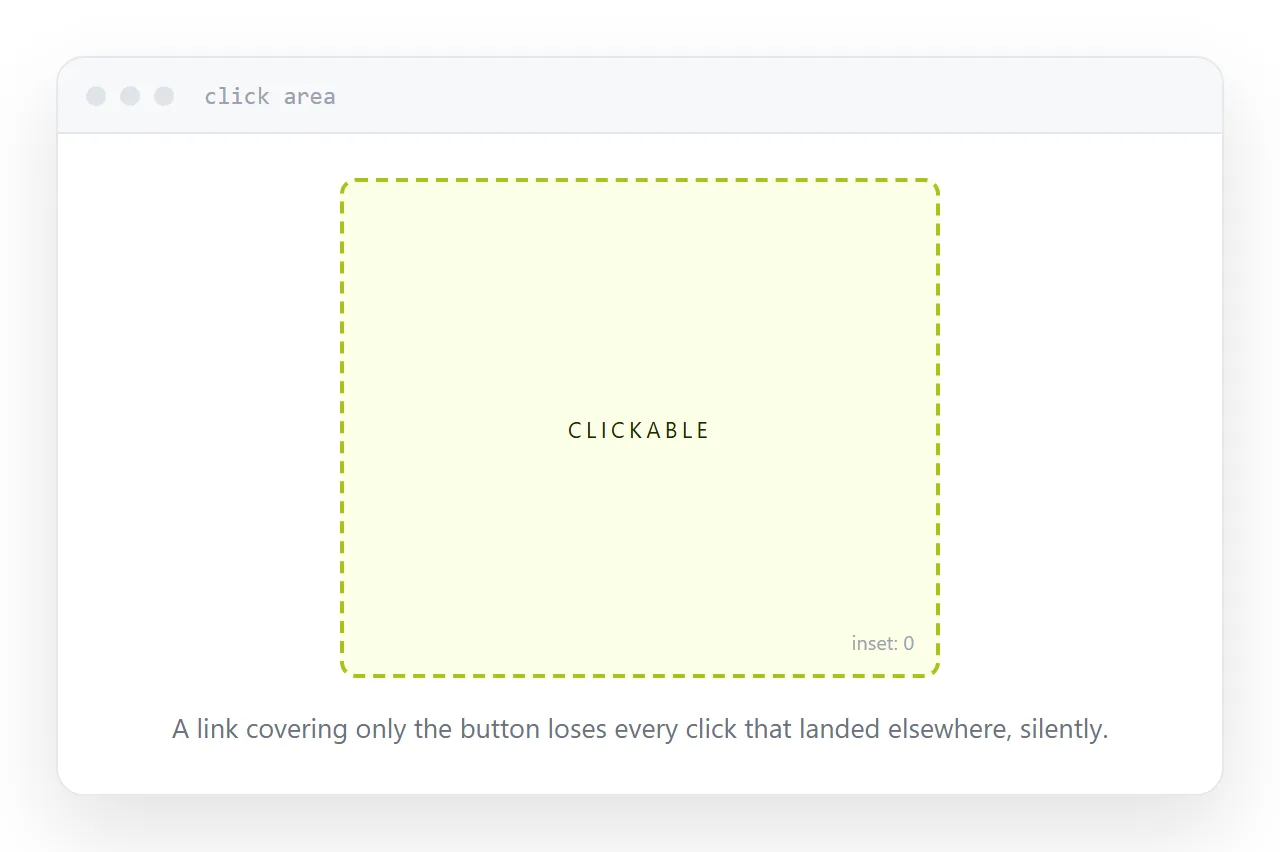
Two things matter here. The variable is declared and left empty for the network to populate. And the clickable element covers the entire banner through the inset rule, which is the fix for the most common and least visible failure in banner work.
A banner where the link covers only the button loses every click that landed elsewhere, and produces no evidence that it happened.
Weight
The limit covers the whole package: markup, styles, scripts, images, fonts.
Images are almost always where the weight is. Compress them properly, size them to the banner rather than to the design canvas, and prefer a vector image for anything that is a logo or a simple shape.
| Element | Typical share of the weight | What to do |
|---|---|---|
| Photographs | Most of it | Compress, size to the slot |
| Logo | Small if vector, large if not | Use a vector |
| Embedded fonts | Surprisingly large | Use system fonts |
| Script | Small | Rarely the problem |
Animation and the final frame
Animation is usually capped at around fifteen seconds with a limited number of loops.
The rule that matters more than the cap is the final frame. When the animation stops, what remains on screen has to carry the message and the branding on its own, because most viewers arrive after it finished or never see it at all.
Design the final frame first. Then animate towards it. Banners designed the other way round end on a frame that makes no sense in isolation.
Fonts
Prefer the fonts already on the viewer's device.
An embedded font adds real weight against a tight limit. A font loaded from a network can fail, and a banner whose text depends on it renders empty, which is worse than rendering in the wrong typeface.
If the brand font is genuinely required for the headline, put the headline in an image and use a system font for everything else.
Self-contained or not
A banner with everything inlined has nothing external to fail. No missing image, no path problem, no font that did not arrive.
The cost is size, because inlined images are 33% larger than the same images loaded separately.
For a small banner, self-contained is usually the right trade. For anything with heavy photography, load the images separately and accept the extra failure mode.
Closely related: How to test banner ads, and Self-contained HTML file: one file that works anywhere for the adjacent problem.
Put it at an address
Read the specification first, use a click tag with a full-coverage click area, keep the weight down by fixing the images, design the final frame first, and avoid embedded fonts.
Then the banner runs where it was bought to run.