A banner is built in isolation and runs inside a frame on a stranger's page. Testing is the step where those two facts meet, and skipping it produces rejections after the buy has started.
This guide covers the preview page, what usually breaks, and the network limits.
One page, every size
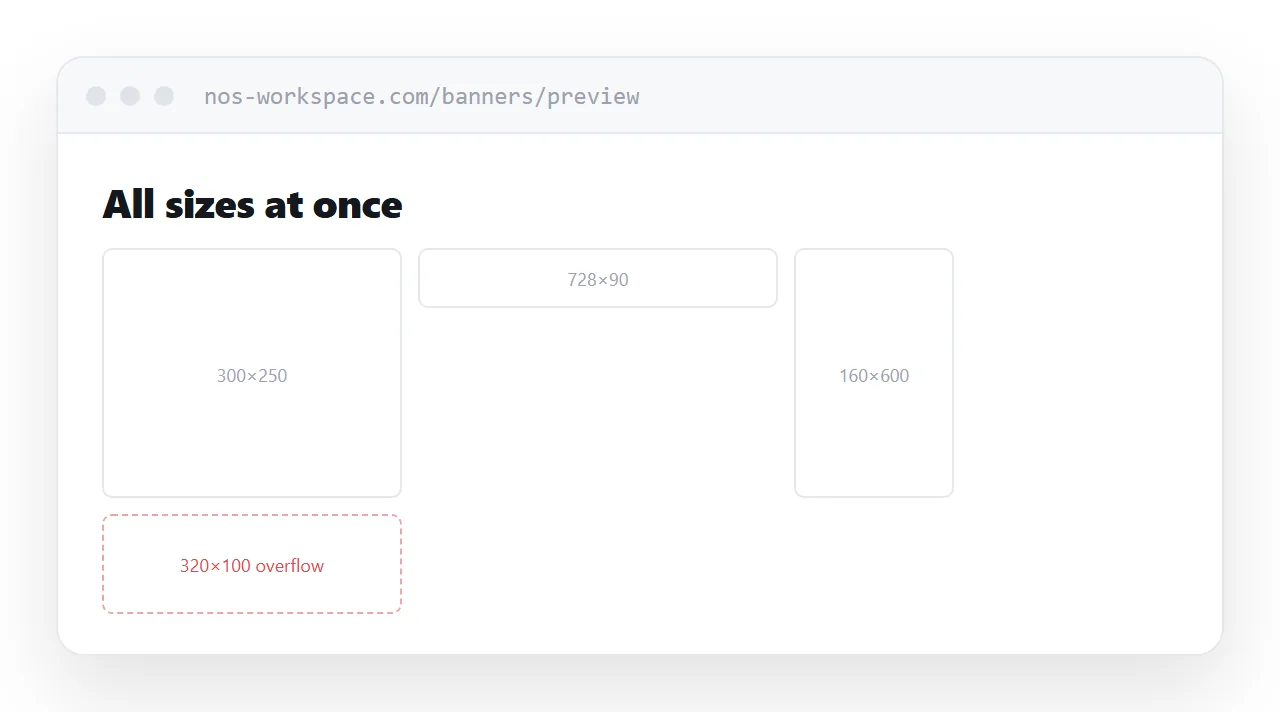
Build a preview page that holds every size at its exact pixel dimensions, side by side.
Reviewing banners one at a time hides the problem. Seeing all of them together makes the failures obvious in one glance: the one where the headline has wrapped to three lines, the one where the logo has collided with the call to action, the one that is still blank because a font did not load.
<div class="slot" style="width:300px;height:250px">
  <iframe src="/banners/300x250/index.html"
          width="300" height="250" frameborder="0"></iframe>
</div>
Framing each banner reproduces the ad slot, which is the environment that actually matters.
The smallest size breaks first
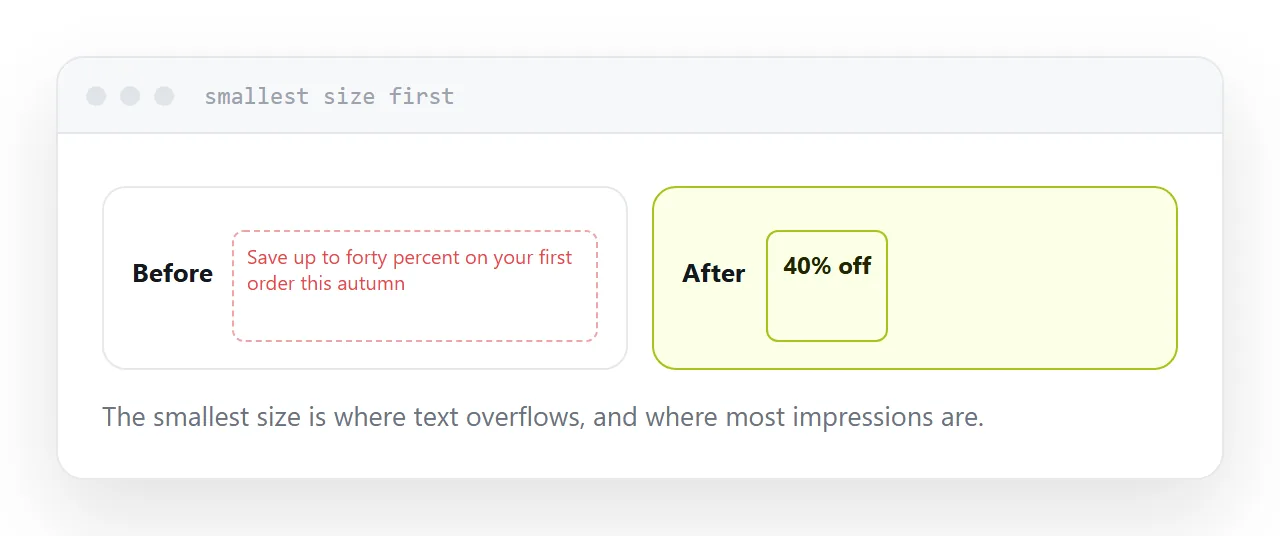
Always check the smallest format before anything else.
A headline that fits comfortably at the large size overflows at the small one, and the small ones are usually where most of the impressions are. Designers work at the large size because it is pleasant to work at, and the small sizes get adapted late.
Put the smallest first on the preview page so it is the one you look at properly.
| What breaks | Where it shows | Why |
|---|---|---|
| Text overflow | Smallest sizes | Designed at the largest |
| Blank banner | Any size | Font or asset failed to load |
| Animation too long | Any size | Network limit exceeded |
| Dead click area | Any size | Link does not cover the banner |
| Wrong scale | In the slot | Frame smaller than the creative |
Animation and weight are hard limits
Networks specify a maximum total weight and a maximum animation duration, and both are enforced at upload rather than negotiated afterwards.
Time the animation with a stopwatch against the actual specification for the network being bought. Looping counts. So does the final frame requirement, where the last state has to hold the message and the branding.
Weight is usually images. Compress them, and remember that the specification covers the whole package rather than each file.
The click area
This one is quietly expensive.
If the clickable element does not cover the entire banner, a share of the clicks land on nothing. Nobody notices, because a click that does nothing produces no data anywhere.
Make the link cover the full area, and test it by clicking the corners on the preview page.
Send the preview for approval
A folder of banner files is something a client cannot open. They contain markup, not pictures, and double-clicking one produces either nothing or a browser showing a broken layout.
The preview address solves it. One link, every size, running, on any device. The client sees what will actually run and approves in one pass rather than three.
Keep the preview at a permanent address per campaign so the approval trail stays available.
Two neighbouring cases are worth a look: How to build an HTML banner ad and How to share a Canva design as a link.
The HTML viewer renders it in the browser so you can look before publishing.
Put it at an address
Preview every size on one page at exact dimensions, check the smallest first, time the animation against the specification, confirm the click area, and send the address for approval.
Then the rejection happens before the buy rather than after it.