An HTML job description as a page is read with a thumb, quickly, alongside nine others, and the conventional format puts everything the candidate is deciding on at the bottom: company boilerplate first, then a long requirements list, then compensation. Reverse it.

Range, location, team and process in the first screen, the work described as work, required separated from helpful, and the JobPosting structured data that gets the page into job search results.
This guide covers the order, the range, the requirements split, the hiring process, the markup, and the four steps.
A job post is read with a thumb, quickly, alongside nine others. The conventional format — company boilerplate, then a long requirements list, then a compensation section — puts everything the candidate is deciding on at the bottom.
Invert it.
The HTML job description: the order that works
<h1>Operations analyst — Busan, hybrid</h1>
<p class="meta">₩45–60m · permanent · open to first-role candidates</p>

<h2>What you would do</h2>
<h2>What we need</h2>
<h2>What would help</h2>
<h2>How hiring works</h2>
<h2>About the team</h2>
Title, money, location and arrangement in the first two lines. Company description last, because nobody has ever applied for a job on the strength of the paragraph about company values.
Include a range
<p class="meta">₩45–60m depending on experience</p>
Many candidates filter out posts with no figure, on the reasonable assumption that an undisclosed salary is a low one. Several jurisdictions now require a range. And the alternative — discovering a mismatch after three interviews — wastes more of your time than theirs.
Separate required from helpful
<h2>What we need</h2>
<ul>
  <li>Comfortable in spreadsheets to the level of pivot tables and lookups</li>
  <li>Written Korean and English</li>
</ul>

<h2>What would help, and we will teach</h2>
<ul>
  <li>SQL</li>
  <li>Any experience automating a repetitive task</li>
</ul>
A single list of twelve requirements filters out capable people who read it as a checklist they fail. Two short lists — genuinely required, and helpful — produce a better applicant pool, and it costs one heading.
Describe the work, not the responsibilities
<!-- says nothing -->
<li>Responsible for operational reporting and stakeholder management</li>

<!-- says something -->
<li>Turn the weekly call data into a one-page summary the support leads act on.
    Currently four hours of manual work; we would like it to be twenty minutes.</li>
The second version tells a candidate what their Tuesday looks like and what success means. It also attracts the people who find that problem interesting, which is the point.
Say how hiring works
<h2>How hiring works</h2>
<ol>
  <li>A 20-minute call about what you have done</li>
  <li>A short exercise with real, anonymised data — under two hours, and we pay for your time</li>
  <li>A conversation with the team about the exercise</li>
</ol>
<p class="fine">Two weeks end to end. We reply either way.</p>
Rarely included and disproportionately effective. Candidates have been through opaque processes that went silent, and stating the shape and the timeline is a credible signal about how the company operates.
JobPosting structured data
{
  "@context": "https://schema.org",
  "@type": "JobPosting",
  "title": "Operations analyst",
  "description": "Turn weekly operational data into summaries the support leads act on.",
  "datePosted": "2026-09-13",
  "validThrough": "2026-10-31",
  "employmentType": "FULL_TIME",
  "hiringOrganization": { "@type": "Organization", "name": "Example", "sameAs": "https://example.com" },
  "jobLocation": {
    "@type": "Place",
    "address": { "@type": "PostalAddress", "addressLocality": "Busan", "addressCountry": "KR" }
  },
  "baseSalary": {
    "@type": "MonetaryAmount", "currency": "KRW",
    "value": { "@type": "QuantitativeValue", "minValue": 45000000, "maxValue": 60000000, "unitText": "YEAR" }
  }
}
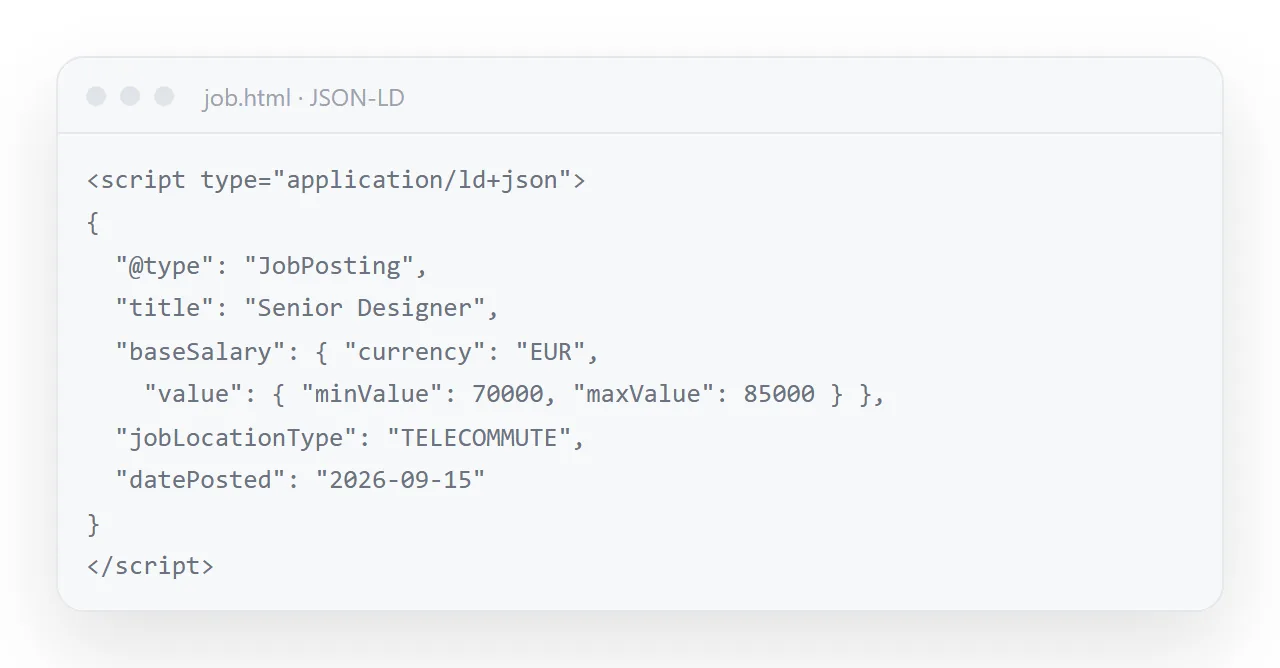
This is what puts the role into job search results with its salary and location shown. validThrough matters — without it the post can keep appearing after the role is filled, and you will keep receiving applications for it. See JSON-LD.
Order matters more than content
| Position | Conventional | What works |
|---|---|---|
| First | Company boilerplate | Title, salary, location, arrangement |
| Second | Mission statement | What you would actually do |
| Third | Twelve requirements | What is genuinely required |
| Fourth | Compensation, sometimes | What would help, and will be taught |
| Fifth | How to apply | How hiring works, with a timeline |
| Last | — | About the team |
Nothing in the right column is harder to write. It is the same information in the order a candidate reads it.
Closing the post
When the role is filled, do not delete the page. Add one line at the top saying it is closed and the date, set validThrough in the markup to that date, and leave the address live.
Candidates who saved the link get an answer instead of a dead page, and the next opening for the same role starts from this page with the date changed.
Why it belongs at an address
A job post is forwarded constantly — to a friend, into a group, onto a board. A link opens on a phone, previews with a title, and can be corrected after posting. And it will be corrected: the band changes, the arrangement is clarified, the closing date moves.
With one address everyone holding the link reads the current post. Add JobPosting structured data and it also appears in job search with its salary and location shown.
Words that lose candidates
"Rockstar", "fast-paced", "wear many hats", "5+ years" for a role that needs two: each is a phrase candidates have learned to read as a warning, and each removes people you wanted.
Describe the work, name the constraints honestly, and let the range and the process do the persuading. The candidate who applies to a plain, specific post is the one who read it.
One address, many boards
The page at its own address is the master; the job boards get the address, not a pasted copy. When the range changes or the role closes, the page changes and every board listing that links to it is current.
A pasted copy on a board is a file, and it will be quoted back at you after the role is filled.
Writing the job description as a page: 4 steps
- Put the four facts in the first screen. Salary range, location, team size, and the hiring process with its length.
- Describe the work as work and split required from helpful. What the person will do in the first three months, not a list of responsibilities. Two required items, not twelve.
- Add the JobPosting structured data. Title, dates, employment type, location type, the salary range, the organisation. It is what job search reads. JSON-LD covers the format.
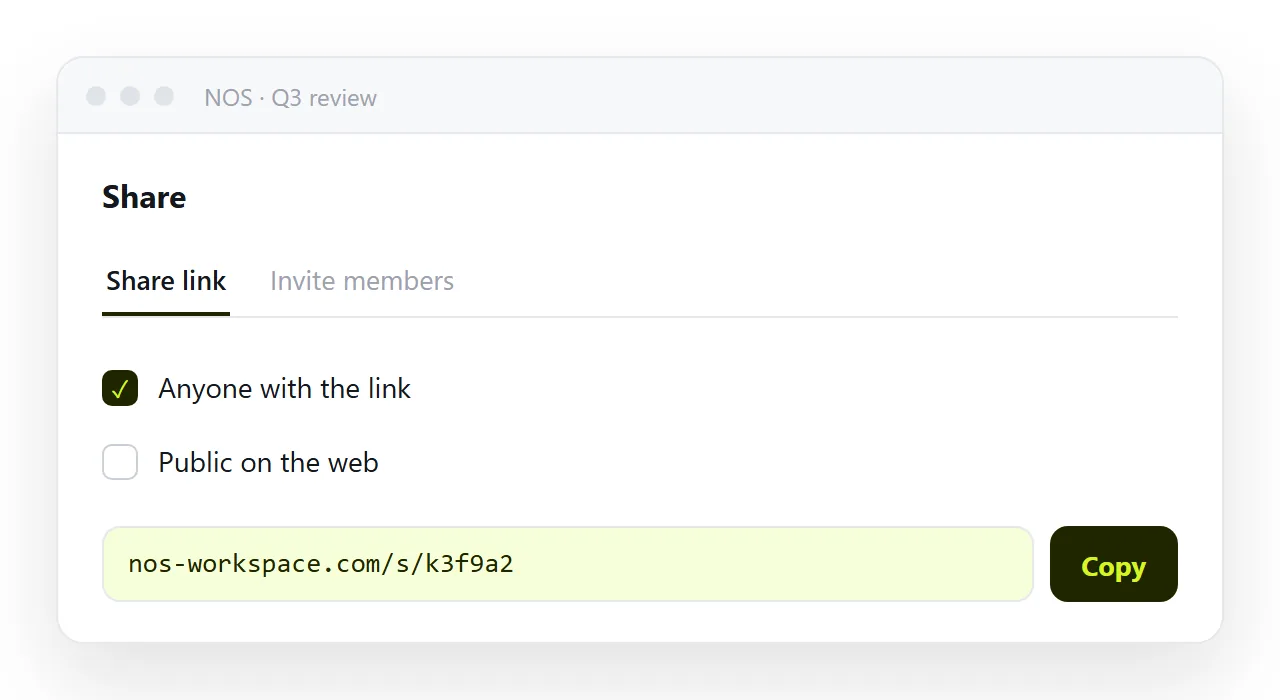
- Paste it into a NOS document, tick Public on the web, and share the link. Share, then Share link, then Create link. Public, so job search can index it. Edit the page as the role changes; the address in every job board listing stays the same. Turning HTML into a link is this step.