A simple HTML index page is a single page listing links to your other pages, with one line of context per link so a reader can choose without opening everything.
It exists for a specific problem: you have six HTML files and no way to hand someone all of them at once.
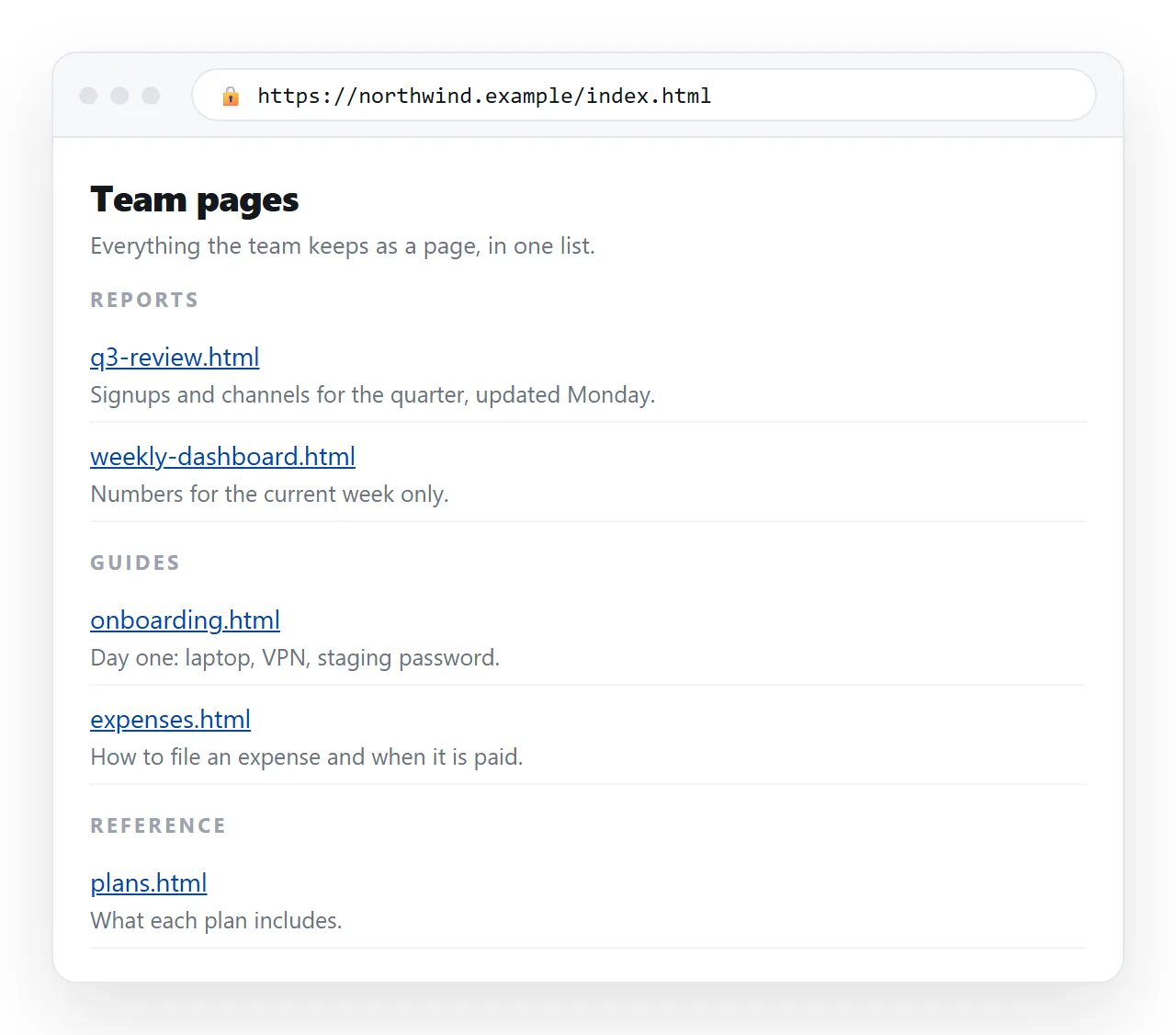
A simple HTML index page, minimum version
<!doctype html>
<meta charset="utf-8">
<meta name="viewport" content="width=device-width,initial-scale=1">
<title>Q3 reporting pack</title>
<h1>Q3 reporting pack</h1>
<p>Five pages, updated 16 September 2026.</p>
<ul>
  <li><a href="revenue.html">Revenue by channel</a>
      <span>Monthly totals with the channel split.</span></li>
  <li><a href="costs.html">Cost breakdown</a>
      <span>Fixed and variable, against budget.</span></li>
</ul>
The span after each link is the part people skip and the part that makes the page useful. A list of file names is a directory listing, not navigation.
Where "index" comes from
A web server asked for a folder rather than a file responds with index.html if one is present. That is the entire reason for the name.
Ask for a folder with no index file and you get either a raw directory listing or a 403. Neither is something you want to hand a client.
If the page is served from a document address instead of a folder, none of this applies. The name of the file you pasted from is irrelevant, because the address points at the document.
What to put on it
| Element | Include when | Note |
|---|---|---|
| Title and one-line purpose | Always | What this collection is |
| Last updated date | The content changes | A real date, kept current |
| Grouped link list | More than about six links | 2 to 5 headings |
| One line per link | Always | What it is, who needs it |
| Owner or contact | Others will have questions | One name, one method |
| Search box | Dozens of entries | Otherwise skip it |
Resist adding a hero image and a colour scheme. An index page is read in three seconds and left; decoration costs load time and gains nothing.
Relative paths or full addresses
This is the decision that determines whether the page survives being sent.
Relative paths like revenue.html resolve against the folder the page is in. Keep the folder together and they work. Send the index file alone and every link is dead.
Full https addresses resolve from anywhere. The index page can be emailed, pasted into chat, or opened on a phone, and the links still work.
Relative versus absolute paths covers the rules. The short version is that anything you intend to share should use full addresses.
Opening the folder locally has its own problems, because pages loaded over the file protocol are restricted in ways that served pages are not.
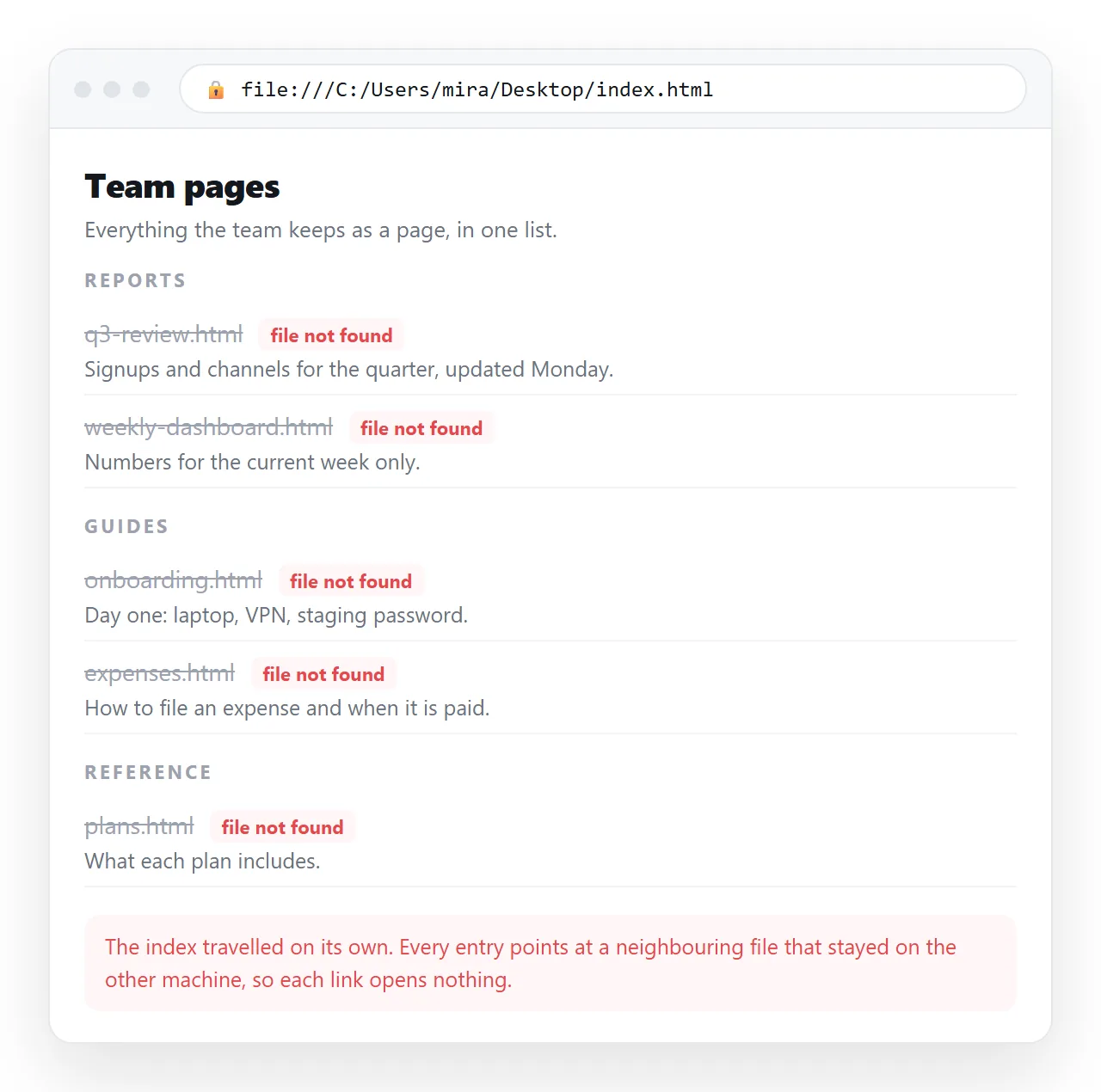
Grouping and ordering
Under about six entries, one flat list. Past that, group with <h2> headings.
Order by what the reader needs first, not alphabetically. Alphabetical order is a way of avoiding the decision about what matters.
Mark entries that changed recently. A small date or a "new" label next to two of twenty links saves the reader opening the other eighteen.
Give each page its own address
An index page is only as good as what it points at. If the targets are files on your machine, you have moved the problem rather than solved it.
The route is the same for each target page.
- Open the page in the HTML file opener to confirm it renders outside your folder.
- Paste it into a NOS document.
- Share, then Share link, then Create link. Copy the address.
- Put that address into the index page.
Then do the same for the index page itself, and send that one link.
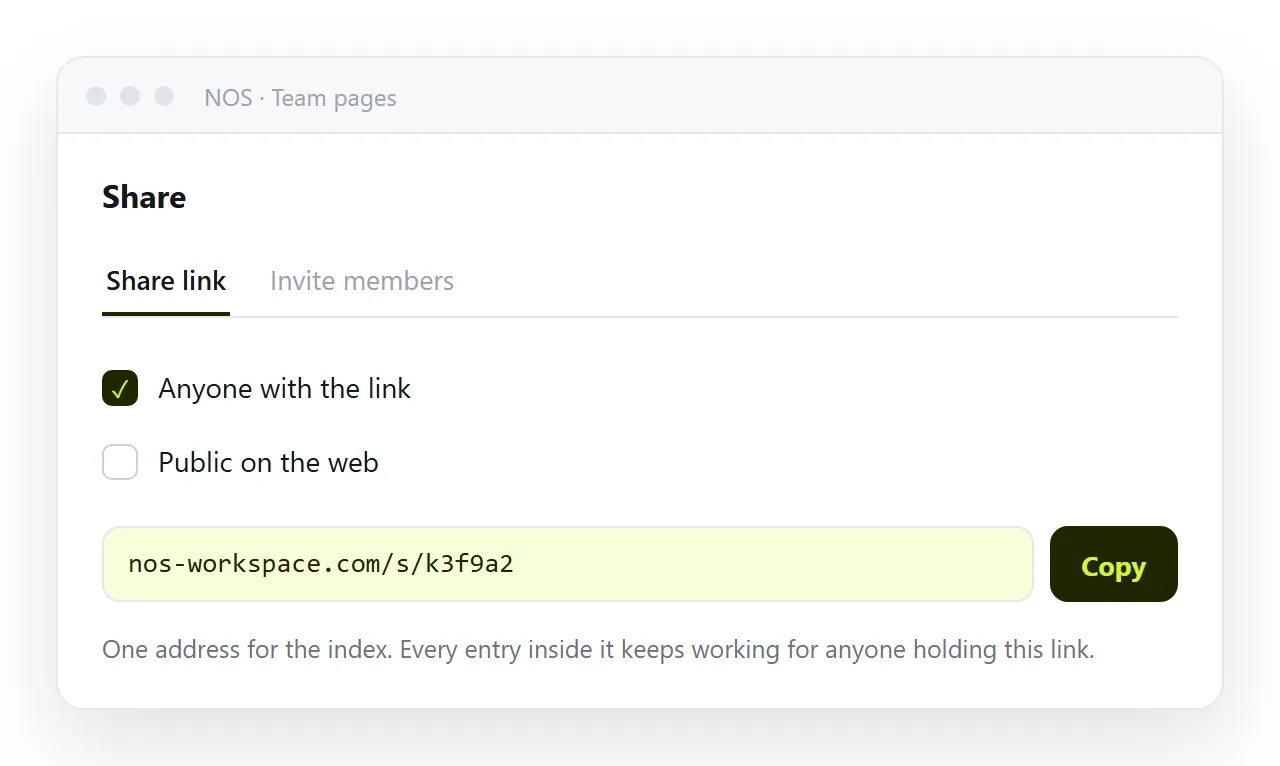
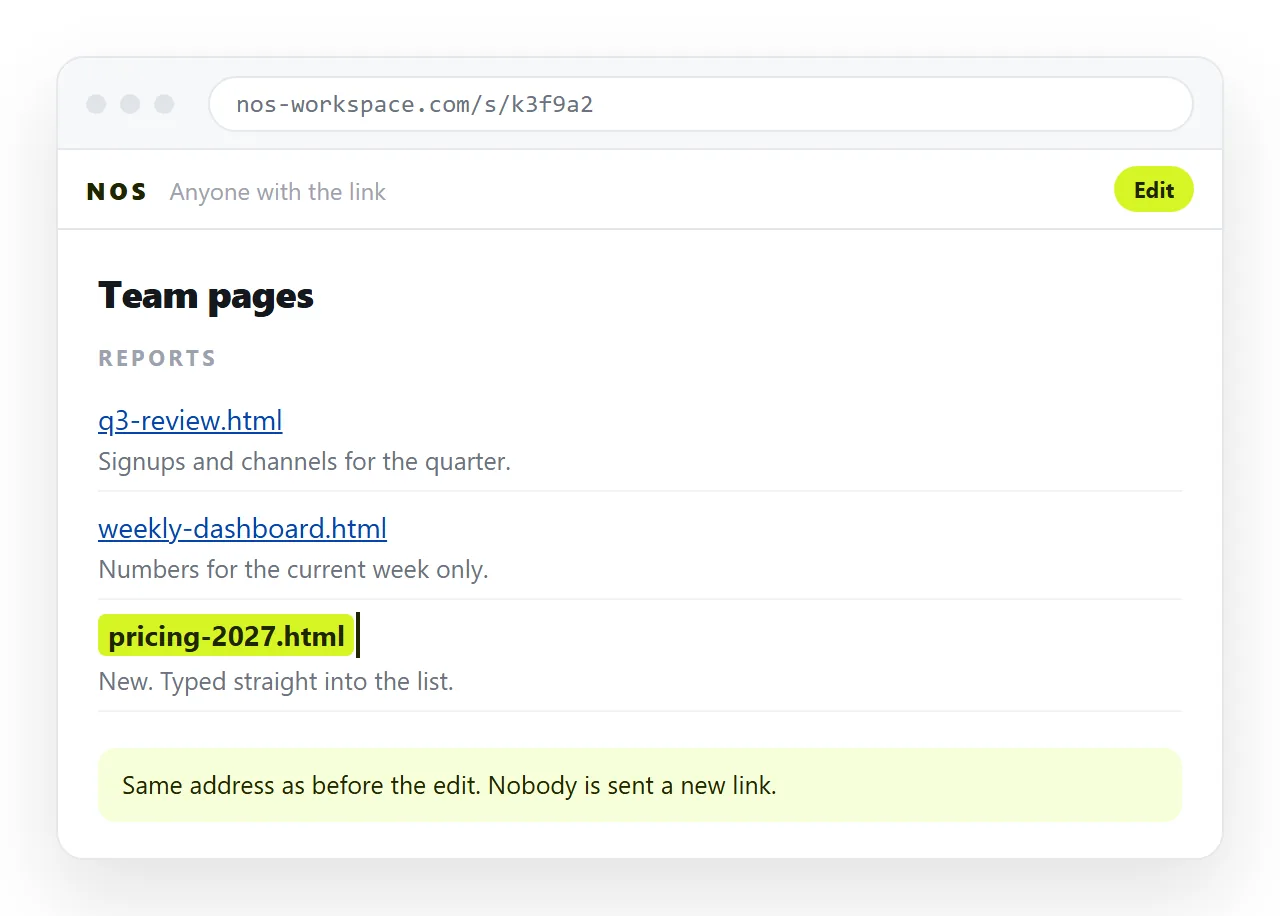
Because each address is stable, updating a target page does not break the index. You edit the page, the link already points at the new version.
Index page or home page
They overlap, and for a small project one file can do both.
A home page explains and persuades. It has a hero, a statement of what this is, and one action.
An index page navigates. It assumes the reader already knows what this is and wants to reach a specific part of it.
If your readers are outside the organisation, write a home page and put the index list on it. If they are colleagues who use the pack weekly, write the index and skip the persuasion.
An about page is a separate thing again. Link to it from the index rather than merging it in, because the two are read by different people for different reasons.
Keeping it from going stale
An index page rots faster than the pages it points at. Someone renames a file, or a page is retired, and the list quietly stops matching reality.
Two habits keep it honest. Check every link whenever you add one, which takes a minute and catches the breakage while you still remember the cause.
And remove entries rather than leaving them with a "deprecated" note. A list of twenty links where six are dead teaches readers not to trust any of them.
If the pack is rebuilt regularly, keep the index in the same document and paste the new list over the old. One address, one current list, no archive of stale copies.
Before you send it
- Does every link work from a machine that has never seen your folder?
- Does every entry have a line of context, not just a file name?
- Is the updated date real and current?
- Is there a
<title>, so the tab and preview card are not blank? - Does the list read on a phone without sideways scrolling?