An HTML about page is a single page that answers who you are, what you do, and how to reach you, and it needs no framework, build step, or website behind it.
The failure mode is not technical. It is a page of adjectives that a reader finishes without learning what the organisation actually does.
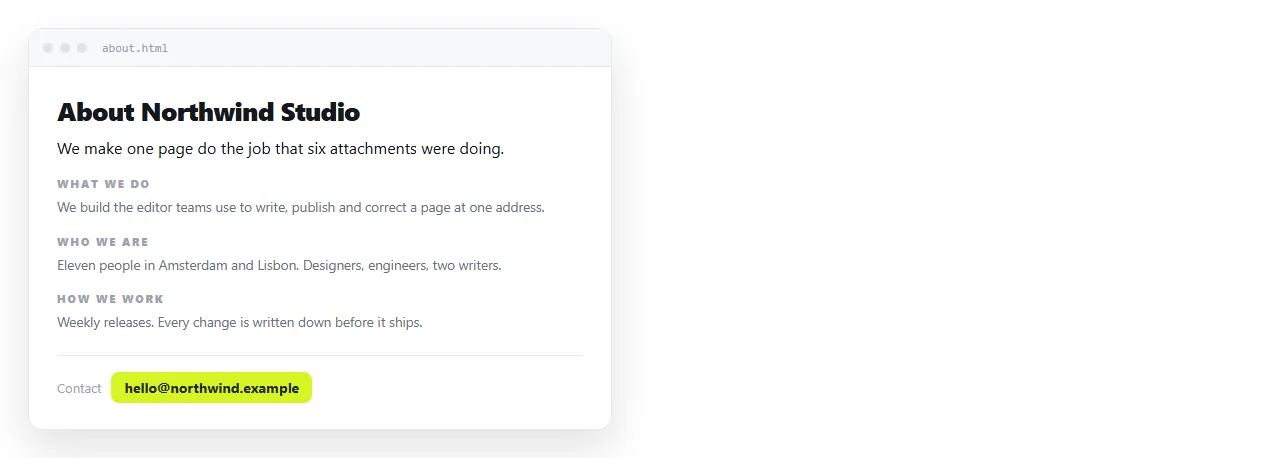
Lead with the sentence, not the story
The first line under the heading states what you do and for whom. Concrete nouns, no adjectives.
"We run payroll and statutory filing for companies with 5 to 50 staff in Korea" tells a reader more than three paragraphs about passion.
Founding stories are fine further down. They are not an opening, because a reader who does not yet know what you do has no reason to care when you started.
What actually belongs on the page
| Section | Include when | Keep to |
|---|---|---|
| One-line statement | Always | One sentence |
| What we do | Always | 3 short paragraphs |
| How we work | The buying decision involves process | A list of 3 to 5 points |
| Who we are | Readers choose by people | Name, role, one line each |
| History | There is a fact worth knowing | 2 sentences |
| Numbers | You can state them accurately | A short table |
| Contact | Always | One method you check |
Anything not on that list probably belongs on a different page. An about page that also sells, recruits, and blogs does none of them.
The markup skeleton
Use real sectioning elements. It costs nothing and it makes the page readable for assistive technology and for search engines.
<main>
  <h1>About Hanul Accounting</h1>
  <p class="lede">We run payroll and statutory filing for
     companies with 5 to 50 staff in Korea.</p>
  <section aria-labelledby="what">
    <h2 id="what">What we do</h2>
    ...
  </section>
</main>
One <h1> per page. Section headings are <h2>, and their ids double as anchor targets if you later add a table of contents.
Semantic HTML covers the rest of the elements worth knowing here.
The head tags that decide how it appears elsewhere
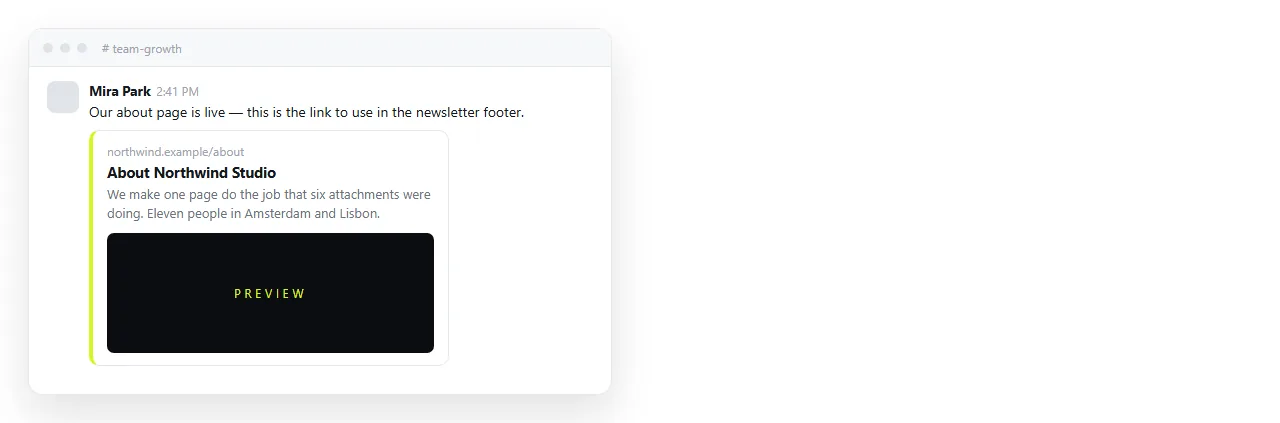
An about page is often the first result someone sees, and the first card they see in a chat.
<title>. Organisation name plus what it does, under about 60 characters.- Meta description. One sentence, under 155 characters, describing the organisation rather than the page.
- Viewport meta tag. Without it the page is unreadable on a phone.
- Open Graph tags. Title, description, and image for the preview card.
- JSON-LD. An
OrganizationorPersonobject with name, url, and contact point.
The JSON-LD is the one most people skip. It is a script block of plain data and it is how search engines connect the page to the entity.
Photos and logos
One image does more than five. A team photo or a single clear product shot, embedded rather than linked.
Reference images by full https address or embed them as base64 data URIs. A relative folder path will not survive the page moving, which is the usual reason an about page arrives with broken images.
Give every image real alt text. For a logo, the alt value is the organisation name, not "logo".
Contact detail that works
One method, and one you actually monitor. An about page listing four channels that all go unanswered is worse than one that lists a single address.
Make it a real link. mailto: for email, tel: for a phone number, so it is one tap on a phone.
If you publish the page openly, expect the address to be scraped. Use a role address rather than a personal one.
Numbers, and only the ones you can stand behind
A single verifiable number does more than a page of claims. Years in operation, clients served, staff count, or a result you can name.
Put them in a short table with the period they cover. A number with no date is not a number, it is an impression.
Do not round upward to a friendlier figure, and do not carry a number forward once it stops being true. Someone will check, and the correction costs more than the claim gained.
If you have no numbers you are comfortable publishing, leave the section out. An about page with three honest paragraphs beats one padded with figures nobody can verify.
Publish the HTML about page without building a site
An about page does not need a repository, a deploy step, or a domain to exist and be linkable.
- Open the file in the HTML file opener to confirm the styling and images survive outside your folder.
- Paste the HTML into a NOS document. It renders as a page of its own.
- Share, then Share link, then Create link.
- Tick Public on the web so search engines can index it. An about page is one of the few where you do want that.
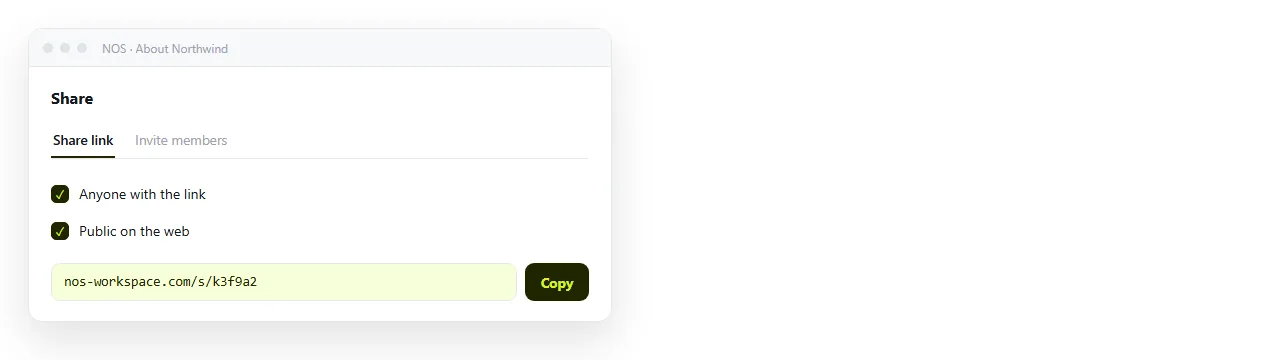
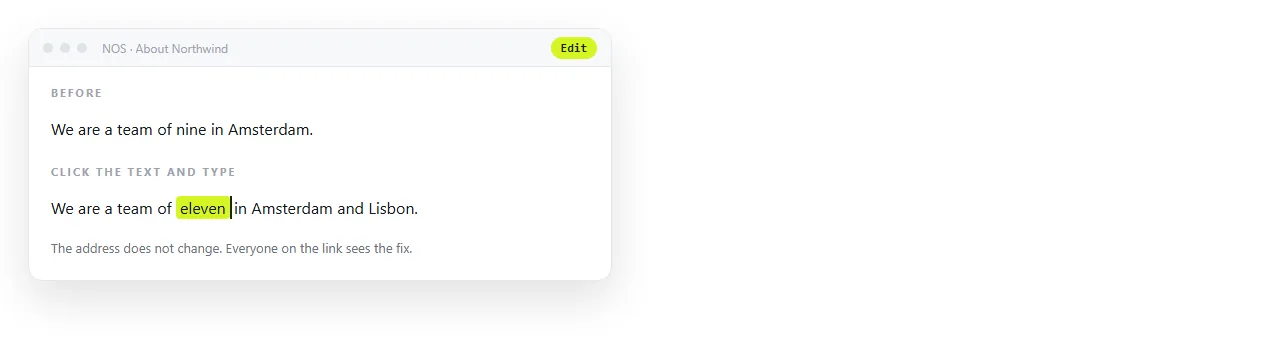
The address stays the same when you edit, so the link on your invoices and email signature keeps working after a rewrite.
If you later want a front door above it, the HTML home page guide covers that, and a simple HTML index page covers linking several pages together.
Before you publish it
- Does the first sentence say what you do, without adjectives?
- Is there exactly one
<h1>? - Are the title, meta description, and viewport tags present?
- Do the images load in a window that has never seen your folder?
- Is the contact method one you check, and is it a real link?
- Is Public on the web ticked, given this page is meant to be found?