Both formats work. The question is which failure you would rather have, and four questions settle it without any discussion of appearance.
One: will it change after sending
A proposal in negotiation. A price list. A report with figures that get revised. A schedule.
If the answer is yes, a file is the wrong shape. Once sent it is frozen, and the correction reaches only the people you can still reach, which is fewer than you think once it has been forwarded.
A page is edited in place and everyone holding the link gets the current version.
Two: will they read it on a phone
Increasingly, yes, and often first.
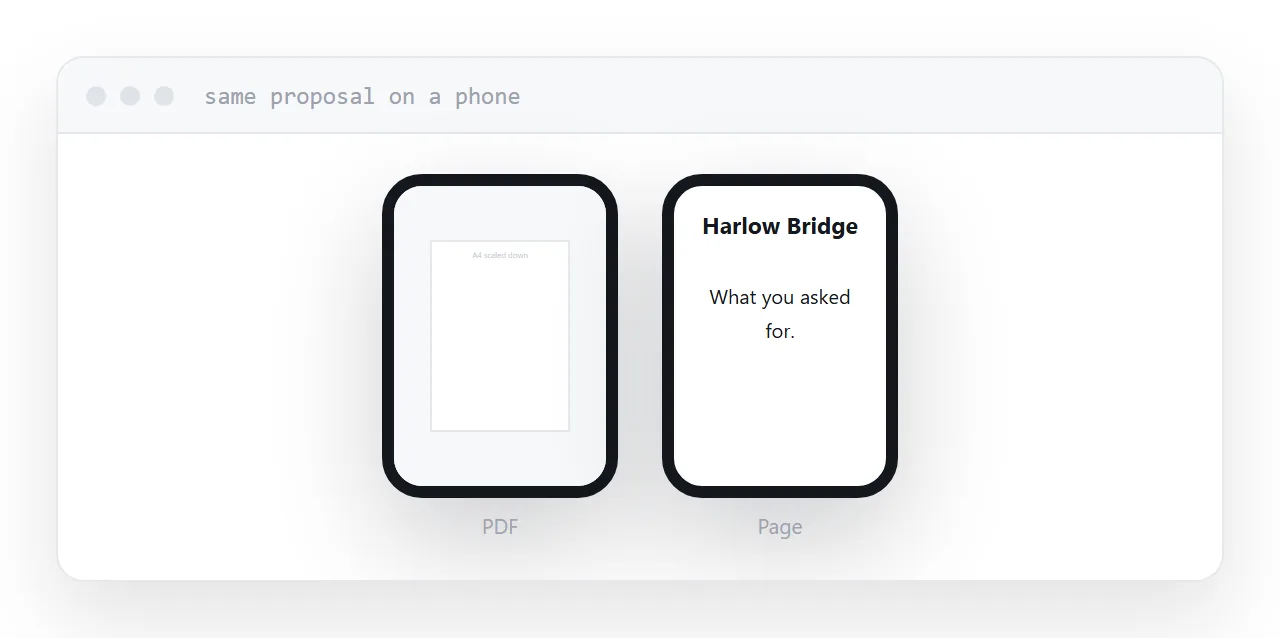
A document on a phone downloads, then renders a page-sized layout on a hand-sized screen. The client zooms and pans.
A page reflows. Text stays readable, links stay tappable.
For anything a client might open between meetings, this decides it.
Three: do you need to know it was opened
A proposal with a deadline. A quote that expires. A document you are waiting on.
A file tells you nothing after it leaves. A page tells you whether it was opened and when, which is the difference between a follow-up that is informed and one that is a guess.
Four: is the layout part of the record
Contracts. Anything signed. Anything regulated where the presentation is specified. Anything that will be printed and filed.
For those, the fixed layout is the point and a file is correct.
| Question | Yes means |
|---|---|
| Will it change after sending | Page |
| Read on a phone | Page |
| Need to know it was opened | Page |
| Layout is part of the record | File |
| A system requires an upload | File |
The professional-appearance argument
The belief that a PDF looks more serious was true when clients read on desktops and pages were often poor.
It has aged. A client opening a proposal on a phone, waiting for a download, and then zooming into a page laid out for A4 does not experience seriousness. They experience friction, and increasingly they read it as dated.
A well-made page reads as current. A badly made anything reads as badly made.
Usually the answer is both
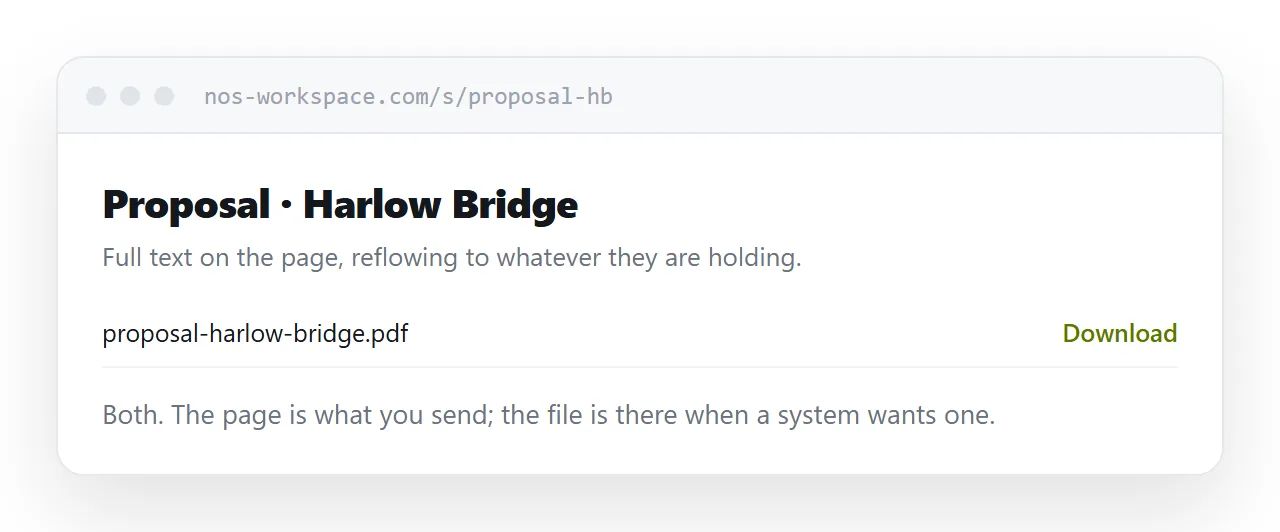
For most client documents, publish the page and keep the file underneath.
The page is what you send: it opens in a tap, reflows, can be corrected, and reports that it was read.
The file is there for the client who prints, files, or forwards it into a system that wants a file. Link it from the page, clearly labelled.
That costs one extra step and removes the whole argument.
If this is near what you are doing, HTML vs PDF and How to turn a PDF into a website cover the cases on either side.
Put it at an address
Ask the four questions. Changing, phone, tracking and record. Three of them point to a page and one to a file, and publishing both settles it.
Then the client reads it on whatever they are holding and you still have the file when it is needed.