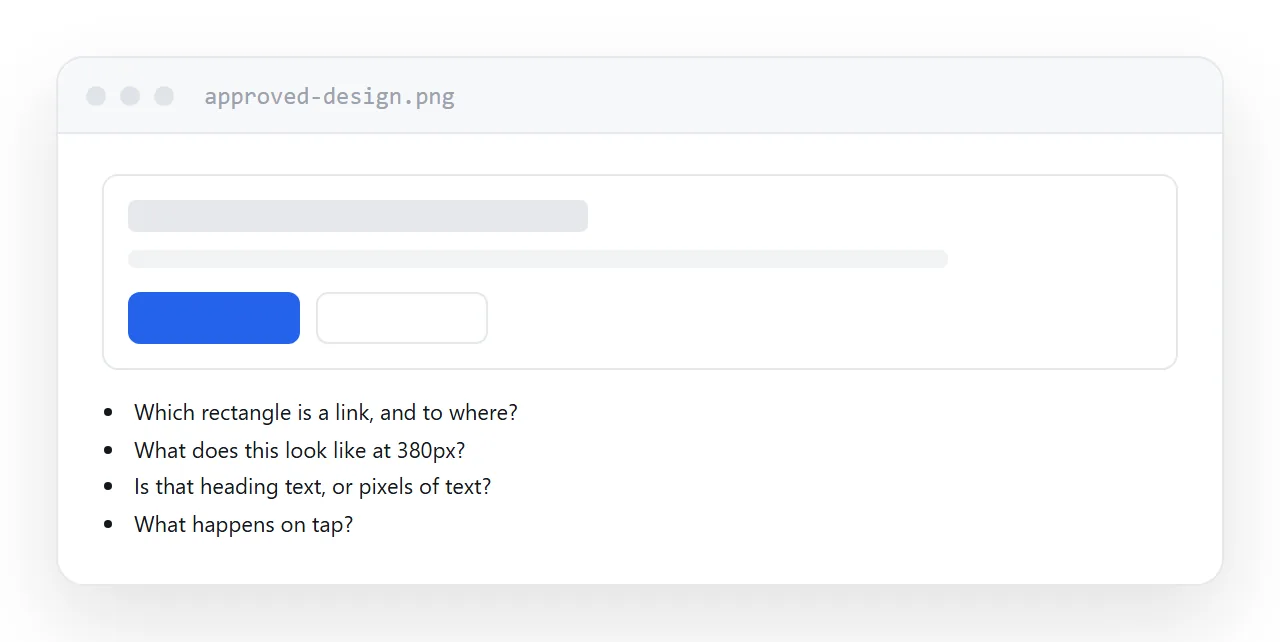
A design image records how a page looked at one width, on one day, with nothing happening. A page needs everything else.
What the image does not contain
Behaviour at other widths. The design is one rectangle. What the sidebar does at 380 pixels is a decision nobody made, and the tool has to guess.
What is interactive. A button in an image is a coloured rectangle. Which rectangles are links, what they lead to, and what happens on hover or tap is not visible.
Real text. Text in an image is pixels. Automatic reading gets most of it and mangles the rest, and nothing that is not real text can be searched, selected or read aloud.
Separate images. Photographs are flattened into the mockup at mockup resolution, which is usually wrong for the actual page.
| In the design | Needed to build it |
|---|---|
| One width | Behaviour at every width |
| Coloured rectangles | Which are links, and to where |
| Pixels of text | The text itself |
| Flattened photos | Exported assets |
| Static | Hover, tap, focus states |
What the automated tools do
They detect boxes and text runs and emit markup positioned to match.
At the width of the original it looks right. Narrow the window and it does not, because the tool inferred no relationship between the boxes, only their coordinates.
The result is roughly the same category of output as converting a fixed document: visually close, structurally absent.
For a genuinely static layout it can save an hour. For anything that needs to work on a phone, correcting the generated markup usually costs more than building it from the design directly.
What a usable handoff looks like
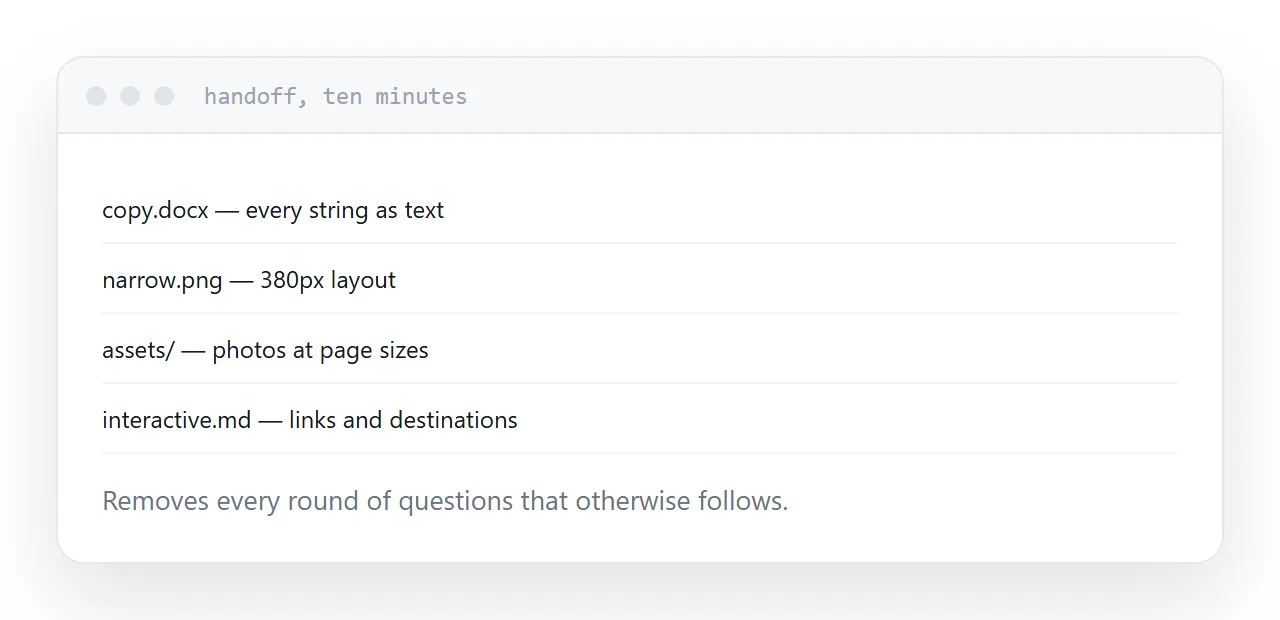
- The text in a document, as text
- A narrow-screen layout, even sketched
- Images exported at the sizes the page needs
- A note of which elements are interactive and where they lead
- Font names, or the font files
That list takes a designer ten minutes and removes every round of questions that otherwise follows.
Then publish it
Once the page exists as a file, it needs an address before anyone can look at it.
That step is where approvals stall: the page is finished on somebody's machine and the client sees a screenshot of it, which is where the whole cycle started.
Two neighbouring cases are worth a look: HTML to image or PDF and How to turn a design file into a page.
Put it at an address
Ask for the text as text, ask for a narrow layout, mark what is interactive, export images separately, and treat any generated markup as a first draft rather than a page.