Visual animation tools let somebody build interactive content without writing code, and export something that runs anywhere. The judgement is what to build.
What the export is
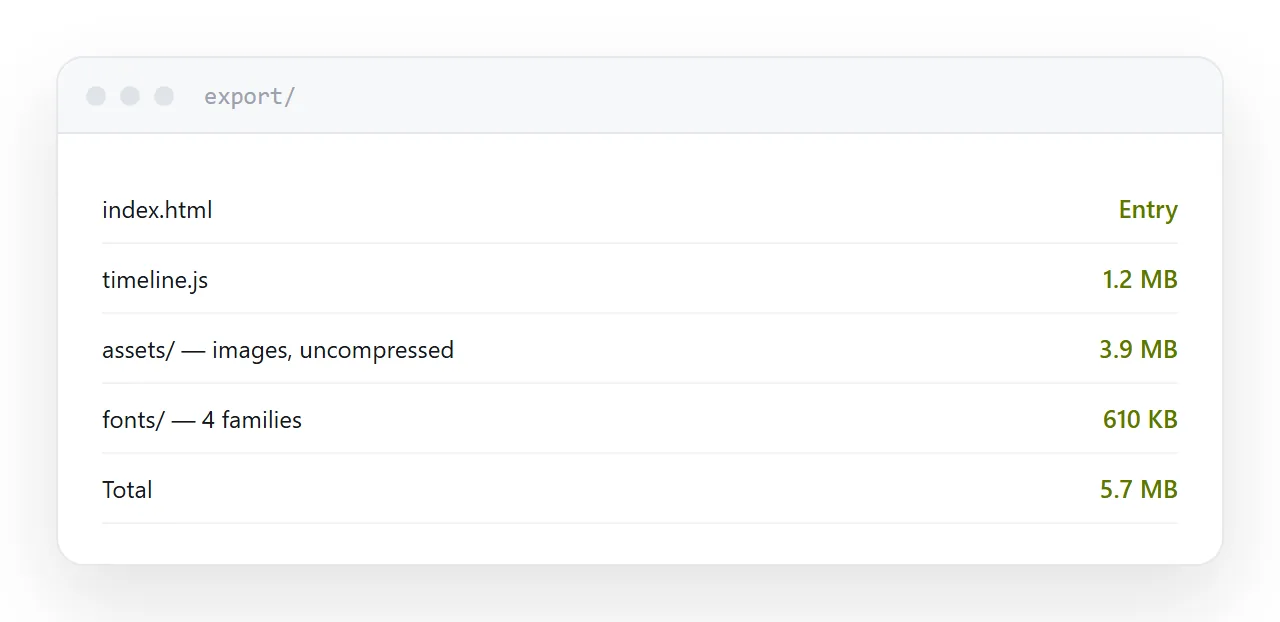
A folder: an entry page, a script carrying the timeline and behaviour, and the images, fonts and audio.
It runs in any browser with nothing installed, which means it can be hosted on anything that serves files and embedded into any page.
That portability is the strength of the category. Nothing proprietary sits between the work and the reader.
| Check | Why |
|---|---|
| Total weight | Often several megabytes |
| Touch behaviour | Hover does not exist |
| Narrow screens | Scales, or gets cropped |
| Text as text | Or baked into images |
| Autoplaying audio | Blocked, and unwelcome |
Hover does not exist
The most common fault in interactive content built on a desktop.
Something reveals itself on hover. On a phone there is no hover: a tap may trigger it, may scroll, may do nothing, and nothing indicates that the content exists.
Build every interaction around tapping. Test it on a phone before deciding it works, and treat hover as an enhancement for people with a pointer.
Weight
These exports get heavy quickly: several typefaces, uncompressed images, an audio track, a script carrying every frame of a timeline.
On a phone on mobile data, a five megabyte piece is a wait, and a share of visitors leave during it. Check the total, compress the images, and remove assets left over from versions you abandoned.
Does the interaction earn its place
The question worth asking before building anything.
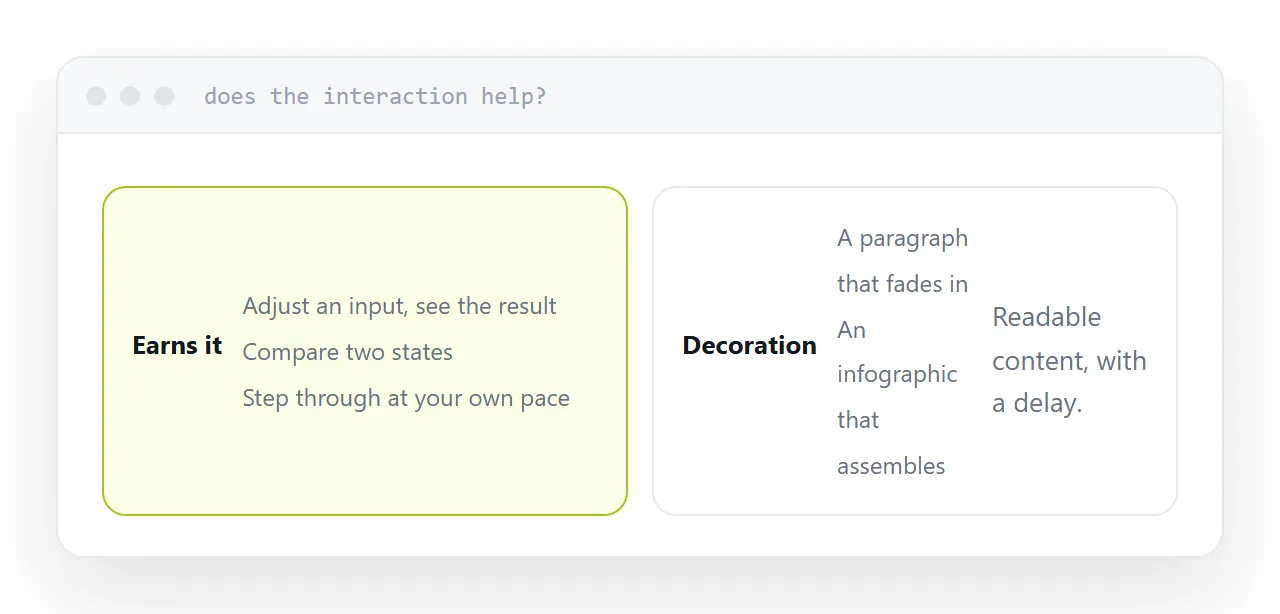
It earns it when somebody can try something: change an input and see the result, compare two states, step through a process at their own pace, explore something spatial.
It does not when it animates content that could have been read. A paragraph that fades in is a paragraph with a delay, and an infographic that assembles itself is an image that took longer to arrive.
The test is whether a reader ends up knowing something they would not have known from the static version.
Publishing it
Upload the whole folder with its structure intact. Missing files from a nested folder is the usual cause of a piece that loads and then does nothing.
Put it on a page of yours with a heading, a line explaining what it is, and whatever comes next. A bare interactive piece at an address with no context gets closed rather than used.
For the surrounding ground, see How to host a game online and Getting a prototype in front of people.
Put it at an address
Ask what the interaction lets somebody do, check the total weight, test on touch rather than a mouse, upload the whole folder, and surround it with the context that makes it worth opening.