The profile export is a printed version of your profile. It is complete, it is accurate, and it is ordered to suit a platform rather than a reader.
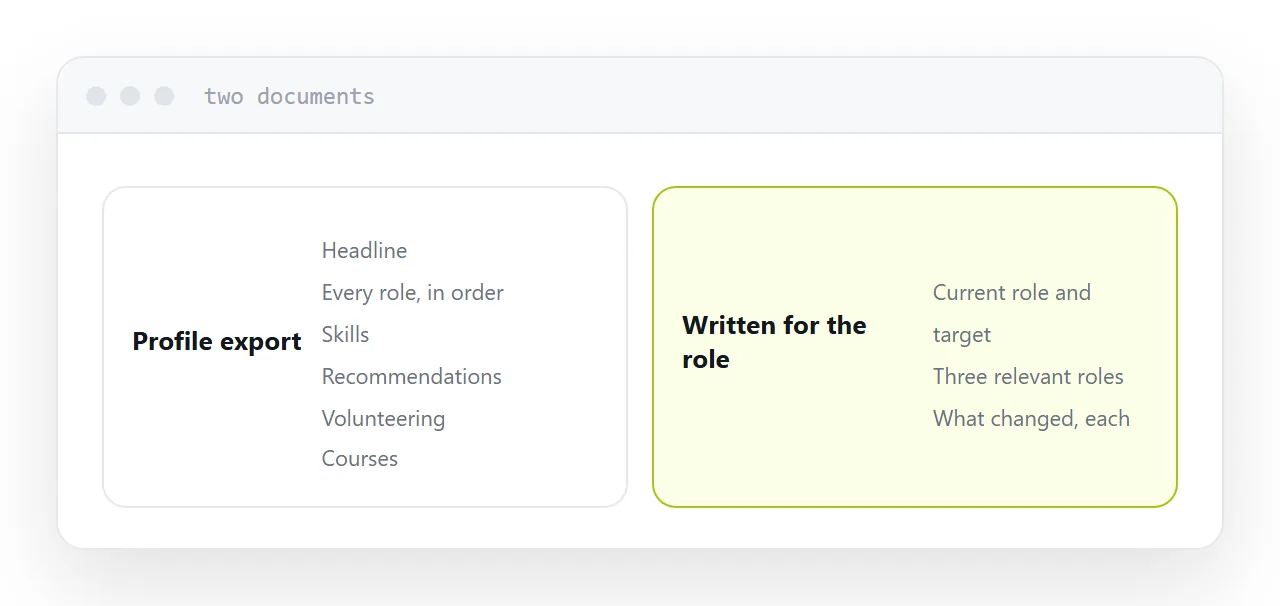
This guide covers what it contains, where it is useful, and what to send when it matters.
What the export is
Every populated field, in profile order.
Headline, summary, every role in reverse chronology with whatever text you wrote, education, skills, recommendations, certifications, volunteering, courses, publications, interests.
All of it, whether relevant or not, in the order the platform stores it, with the platform's formatting.
That is a complete record. It is not a document written to persuade anyone of anything.
Why it reads as generic
Every one of these exports looks identical. Same layout, same section order, same typography.
A recruiter seeing one recognises it immediately, and what they learn is that the candidate sent a profile rather than writing a resume.
For an informal request, that is fine and nobody minds. For an application to a role you want, the ordering is the value you were supposed to add, and sending the export is declining to add it.
| Profile export | Resume for the role | |
|---|---|---|
| Complete | Yes | No, deliberately |
| Ordered for the reader | No | Yes |
| Shows judgement | No | Yes |
| Takes time | None | Half an hour |
| Appropriate for | Informal requests | Applications |
What it is genuinely good for
A dated record. A snapshot of your background as it stood, useful for your own files.
A starting point. Everything you have done, in one document, when writing a proper resume. Much easier than starting from an empty page.
An informal answer. Somebody asks what you have been doing. Sending the export is a reasonable response and nobody is judging the layout.
Those are real uses. The mistake is only the fourth one, where it substitutes for a resume in a process that matters.
Check what it includes
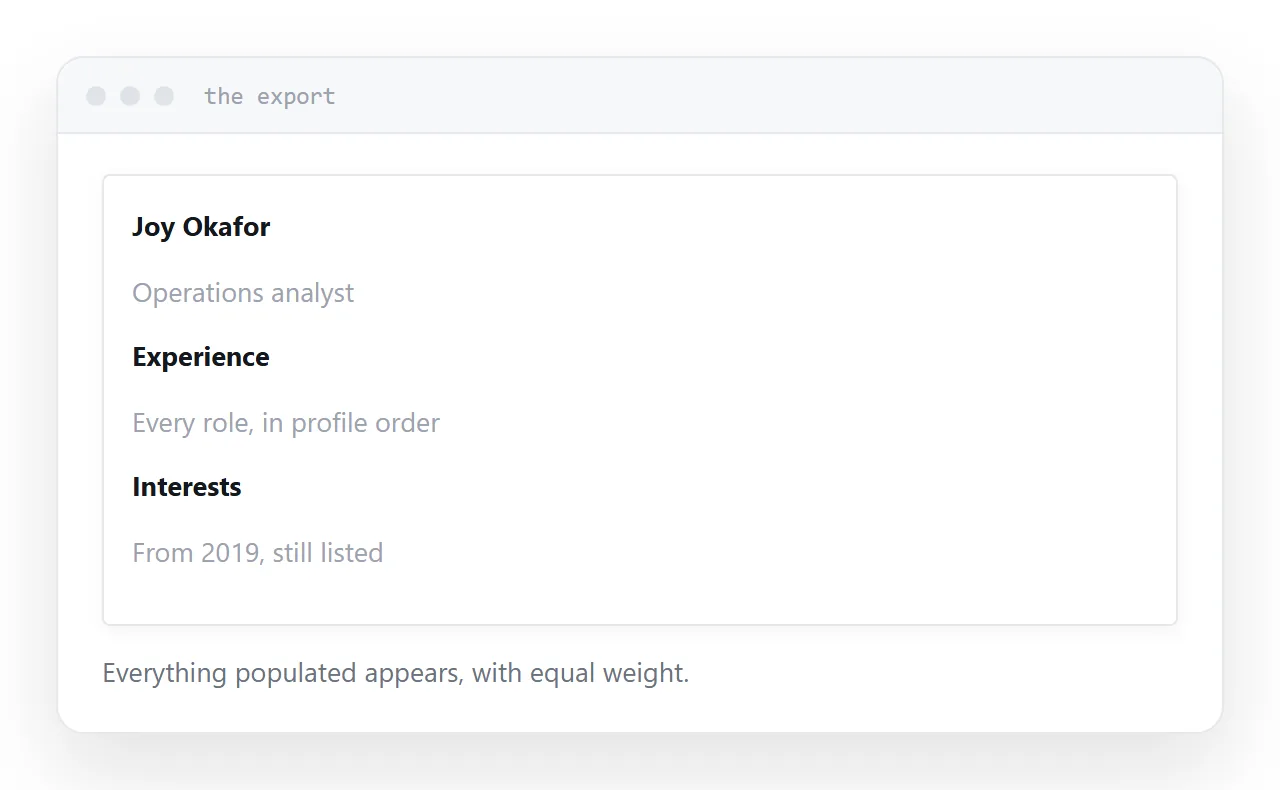
The export carries everything populated, including things you may have forgotten are there.
An old interests section. A certification from a decade ago. Recommendations phrased in a way you would not choose now. A volunteering entry that no longer reflects what you do.
None of these are problems in a profile, where a reader browses selectively. In a printed document they all appear with equal weight.
Look at the export before sending it anywhere.
What to send instead
Two things, and they do different jobs.
A resume written for the role. Ordered so the relevant experience is first, with the irrelevant left out. This is the document the process asked for.
An address carrying the detail. Projects, writing, a portfolio, whatever supports the claims. The resume stays short and the detail is one tap away for anyone who wants it.
The profile remains what it is good at: a place people find you and check that you exist.
Two neighbouring cases are worth a look: How to share your resume as a link and How to send your CV as a link.
Put it at an address
Treat the export as a record rather than an application, write a resume ordered for the role, keep an address carrying the detail, and check what the export includes before sending it anywhere.
Then the document you send was written for the person reading it.