Collaboration tools are built around identity. Every comment, permission and revision attaches to an account, which is exactly what makes them good and exactly what fails with someone outside.
This guide covers why guest access is usually not worth it, and what to do instead.
Why guest access disappoints
Most tools do support guests. The process is the problem.
An invitation that has to be accepted. Sometimes an administrator. Sometimes a licence. Sometimes an account creation the person did not want and will abandon halfway through.
Each of those is a place where a client stops, and the stopping is invisible to you. You see no response and assume they are considering it; they saw a sign-up screen and moved on.
For a continuous working relationship that setup is worth doing once. For a single review round it is more process than the review.
| Guest access | An address | |
|---|---|---|
| They need an account | Usually | No |
| Administrator involved | Sometimes | No |
| Works on a phone | Variably | Yes |
| Comment history in the tool | Yes | No |
| Setup time | Real | None |
Publish what they need to see
Take the thing being reviewed and put it at an address.
The design, the document, the report, the draft. They tap it and see it, immediately, on whatever they are holding. No account, no permission screen, no application to learn.
That removes the entire failure mode, and the cost is that the tool no longer holds the conversation.
Collect responses where they already are
Ask for the response in the channel they already use. Email, a message, a phone call.
People reply in channels they are already in. Asking a client to leave a comment in a tool is asking them to do something unfamiliar in order to help you, and a meaningful share simply reply by email anyway.
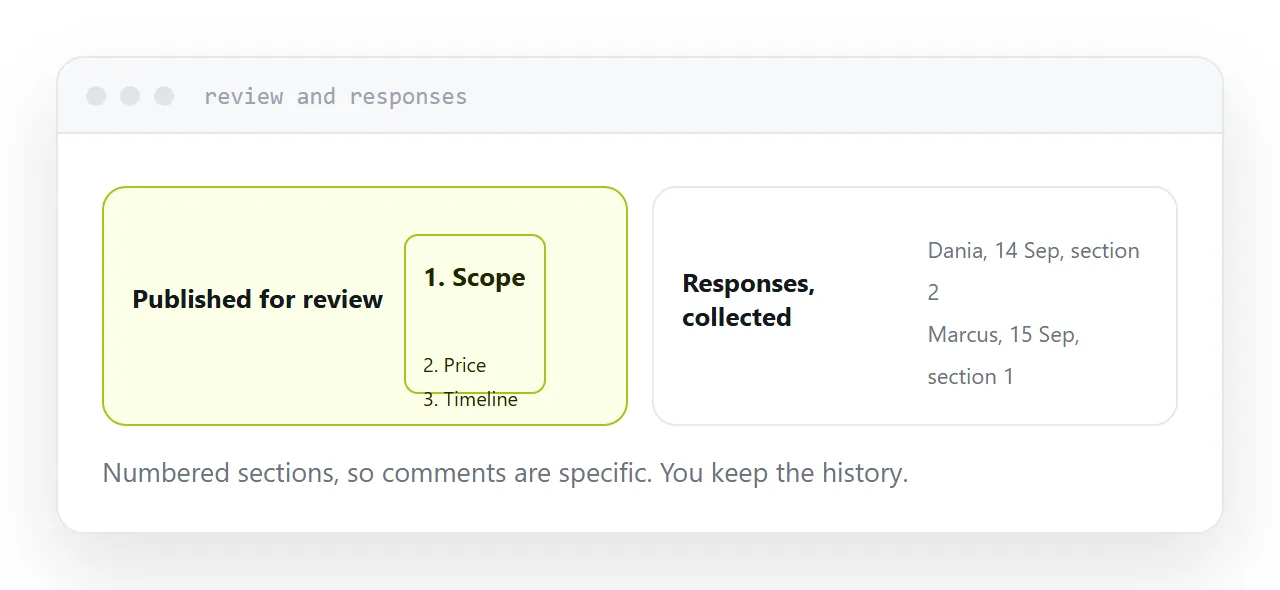
Make it easy to be specific. Numbered sections on the page, or a note asking them to quote the heading. That gets you comments you can act on rather than "looks good but the middle bit is off".
You are the history now
The thing you lose is the tool's record of who said what.
So keep it yourself. One document, or one page, collecting every response with a date and a name. It takes five minutes per round and it is the thing you will want in three months when someone asks why a decision was made.
This is manual, and it works for every participant regardless of what software they have.
When to insist on the tool
When the collaboration is ongoing rather than a review.
A supplier working with you every week, an agency embedded in a project, a contractor on a long engagement. Those justify the setup, and after the first week nobody notices it.
The distinction is continuous work versus a review round. Setting up accounts for a review round is a cost with no return, because the process ends before the setup pays for itself.
Two neighbouring cases are worth a look: How to share a file without making anyone log in and How to share feedback as a link.
Put it at an address
Decide whether it is a review or a relationship, publish at an address for reviews, collect responses where the person already is, keep the history yourself, and set up guest access only for continuous work.
Then a client can review something without creating another login.