A password on a presentation stops somebody opening it by accident. It is routinely relied on for something much larger, and understanding the gap decides whether it is the right tool.
This guide covers what it does, the mistake everyone makes, and the alternative.
What it does
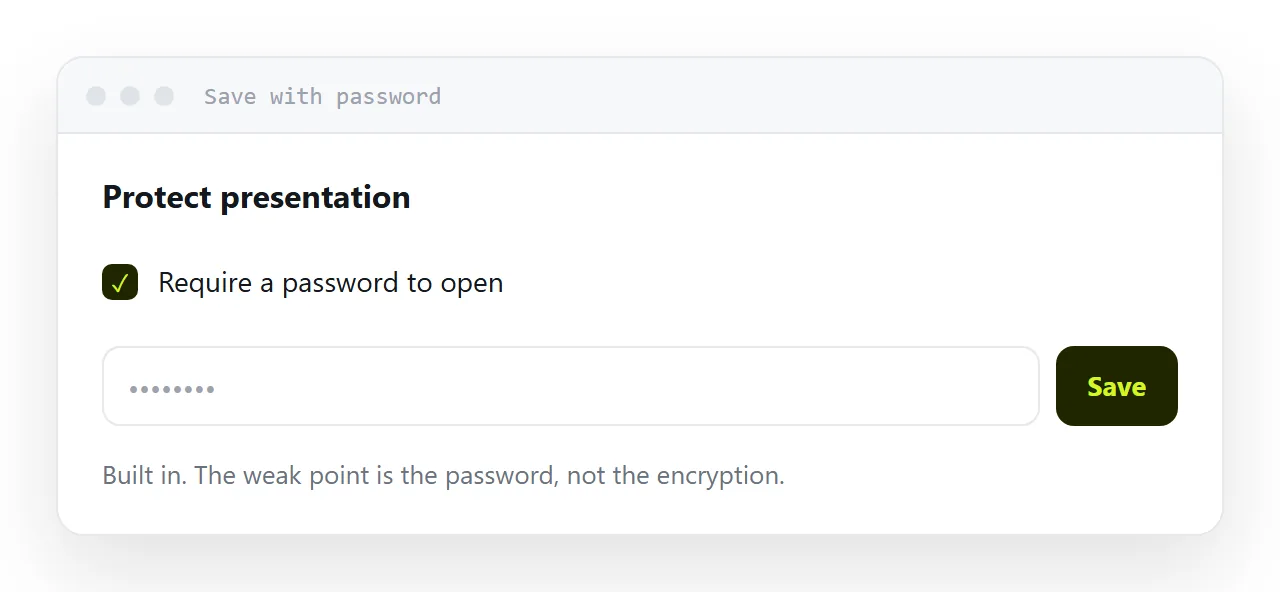
Prevents opening without the password. That is the whole effect.
Current file formats use genuine encryption, so the file itself is not trivially readable. The weakness is the password: short, guessable or reused passwords are broken quickly, and older formats have removal tools that work in seconds.
So it is a real lock with a frequently weak key.
What it does not do
Stop forwarding. The file and the password both travel. A recipient with both can give both to anyone.
Stop copying. Anything readable can be screenshotted, retyped or rebuilt.
Let you withdraw it. Once sent, the file exists. There is no mechanism to revoke it, ever.
Tell you anything. You never learn whether it was opened, by whom, or how many times.
Those four are usually the things people actually want when they reach for a password.
| Password on the file | Private address | |
|---|---|---|
| Stops accidental opening | Yes | Yes |
| Someone must be told a secret | Yes | No |
| Works on every device | No | Yes |
| Withdraw access later | No | Yes |
| You can see it was opened | No | Yes |
| Stops redistribution | No | No |
The mistake
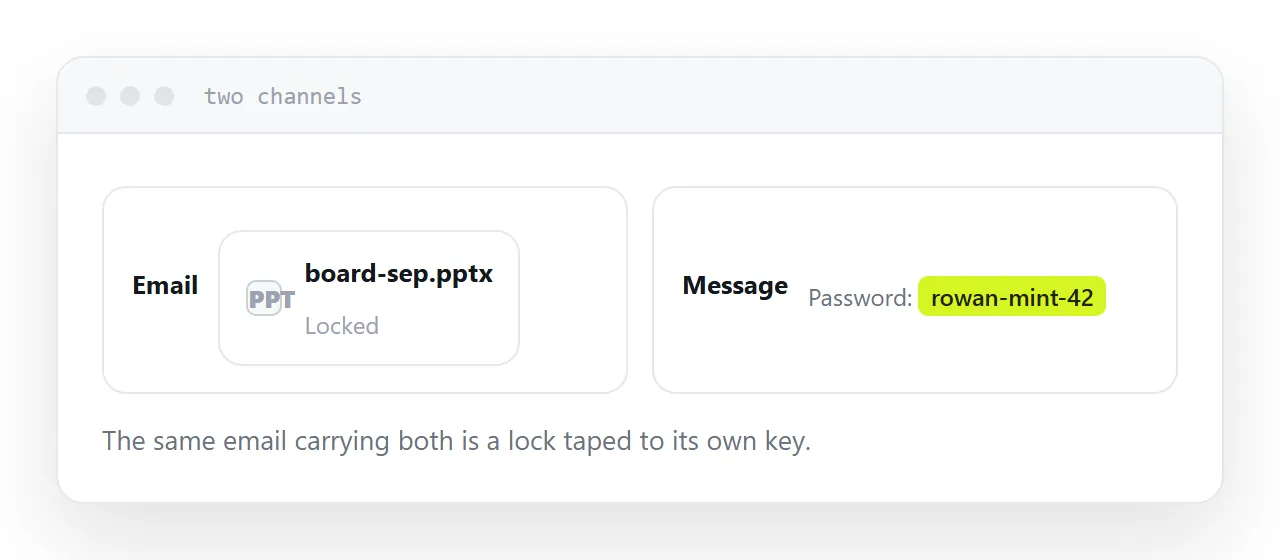
The password in the same email as the file.
It is extremely common, including in organisations that consider themselves careful, and it reduces the protection to nothing. Anyone who has the message has both halves.
If you use a password, send it another way: a message, a call, or a convention agreed in advance. And if that feels like too much friction, that is useful information about whether the password was needed.
The cost you do not see
Some recipients cannot open an encrypted file.
Phone presentation apps handle encryption inconsistently. Some refuse outright, some fail with an unhelpful error, and the recipient concludes the file is corrupt rather than protected.
Most of them do not tell you. They quietly wait until they are at a desktop, or they do not read it at all.
The alternative
For most business situations, a private address does the job better.
An unguessable address is not findable and not reachable by anyone who was not given it. Nobody has to be told a password. It opens on every device. And you can take it down when the reason for sharing has passed, which is the one control a file can never offer.
Add a password on top for genuinely sensitive material, and accept that the real protection in both cases is choosing carefully who gets it.
Closely related: How to password protect a PDF without Adobe, and How to share a PowerPoint presentation for the adjacent problem.
Put it at an address
Decide what you are actually protecting against, set the password at export time if you use one, send it through a different channel, expect some recipients to fail to open it, and prefer a private address you can withdraw.
Then the protection matches what you were worried about.