A deck is built on one machine with one set of fonts and one screen size. Sharing it means every one of those assumptions meets a recipient who does not share them.
This guide covers the three failures and which route fixes each.
Fonts
A presentation references fonts by name rather than carrying them.
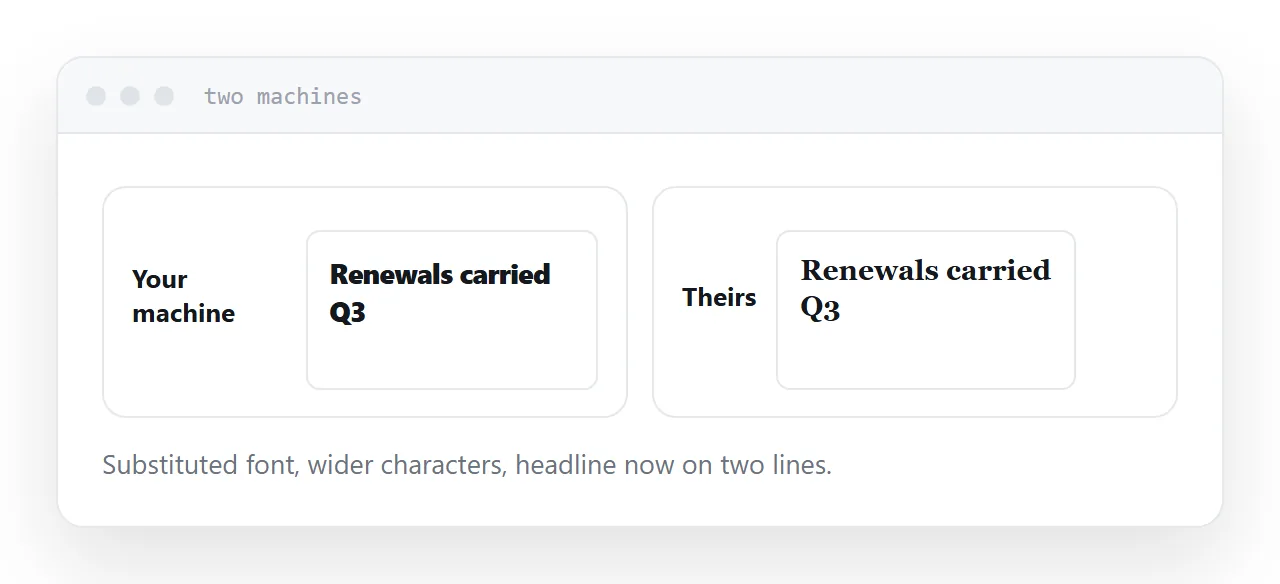
On a machine without the typeface, something is substituted. The substitute has different character widths, so a headline that fitted on one line now takes two, a text box overflows, and a carefully aligned layout shifts.
This is the single most common reason a deck looks wrong to a recipient, and it is invisible to the sender, who has the fonts.
Embedding fonts at save time fixes it for the editable file, at the cost of a larger file and subject to the font licence.
Size
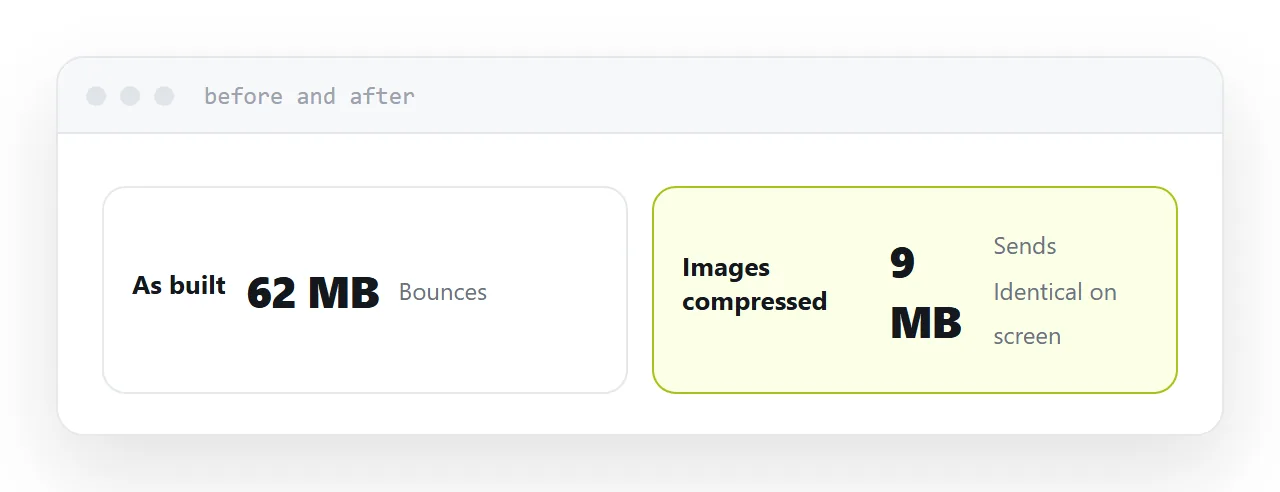
Decks carry images at whatever resolution they were pasted in at, and encoding an attachment adds 33%.
So a 20MB deck leaves as about 27MB and is rejected by a server advertising 25MB. Corporate limits are frequently lower, and many reject silently.
Every presentation tool has a compress-images function. It usually more than halves the file with no visible difference on a screen, and it should be the first step regardless of how you send it.
| Editable file | Address | ||
|---|---|---|---|
| Editable | Yes | No | No |
| Fonts correct | Only if embedded | Yes | Yes |
| Size limit | About 10MB | About 10MB | None |
| Opens on a phone | Downloads | Downloads | Opens |
| Animations | Yes | No | Depends |
| Correct after sending | No | No | Yes |
Phones
A meaningful share of decks are first opened on a phone.
The file downloads, opens in whichever application is installed, and renders slides designed for a projector at hand size. Builds and transitions usually do not survive, and fonts are substituted again.
The recipient is looking at your deck through several layers of degradation, and their impression of the content is formed through it.
Pick the route by what they are doing
Editing. Send the editable file. Compress the images and embed the fonts. This is the only case where the working file is the right artefact, and it is a minority.
A system requires a file. Send a PDF. Fonts embedded, layout fixed, smaller, opens almost everywhere.
Reading. Send an address. No size limit, no download, opens on a phone, reflows, and correctable after sending.
Most recipients are reading. Most decks are sent as editable files. That mismatch is the whole problem.
Correcting it afterwards
The wrong figure on slide nine, spotted an hour after sending.
With a file, that is an apology and a version two that half the recipients never open, while the other half keep quoting the original.
With an address, it is an edit. Everyone who opens the link, including people it was forwarded to, sees the corrected version.
For anything with numbers in it going to people who matter, that alone decides the route.
Two neighbouring cases are worth a look: How to share a presentation and How to share a digital presentation.
Put it at an address
Work out whether they are editing or reading, compress the images either way, embed fonts on the editable file, send a PDF when a file is demanded, and send an address to everyone who is only reading.
Then the deck arrives looking the way you built it.