A fixed-page document and a web page describe the page in opposite ways, and that is the whole of why conversion disappoints.
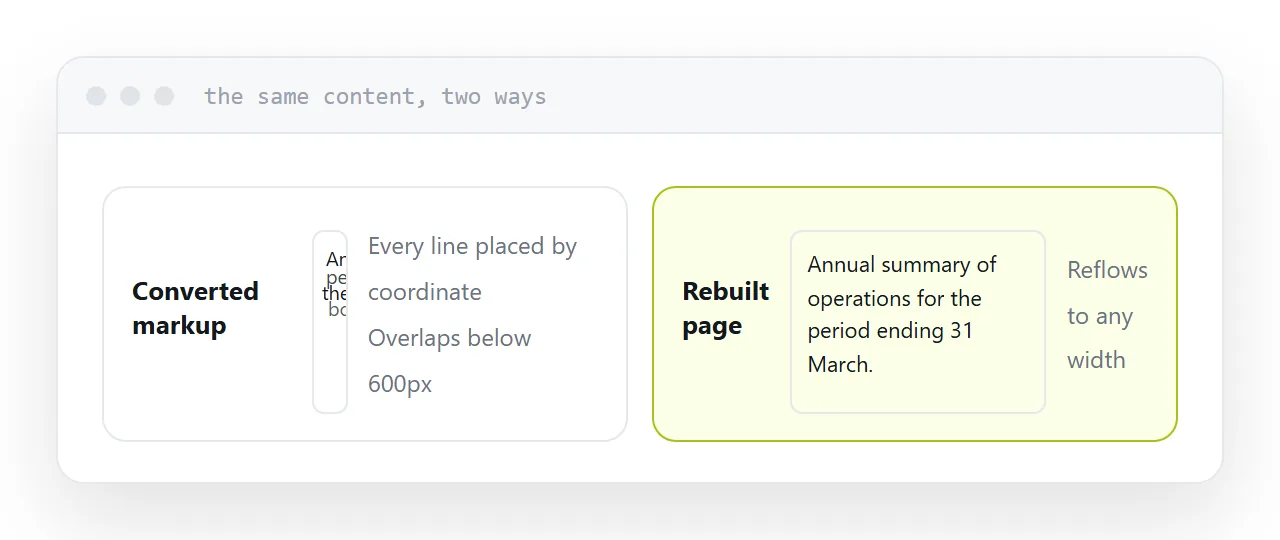
Why the output does not reflow
A fixed document says: this word at this coordinate, in this font, at this size. The page is a fixed rectangle and everything is placed inside it.
A web page says: here is a heading, a paragraph, a list. Where they land is decided by the screen reading it.
Converters cannot infer the second from the first, so they preserve appearance by positioning every line absolutely. That looks correct at full width and collapses into overlapping lines on a phone.
The output is technically markup and behaves like a photograph of a page.
| What you need | What to do |
|---|---|
| The text, to reuse | Convert and copy the text |
| A searchable version | Convert, then clean up |
| A readable page | Rebuild from the text |
| The document as it is | Publish it at an address |
| A scan | Recognition first |
Where conversion genuinely helps
Getting the text out.
A report locked in a fixed document cannot be searched properly, quoted, or fed into anything else. Conversion frees the text, and for that purpose it works well and is worth the minute.
Treat the result as raw material rather than a finished page.
Tables and scans
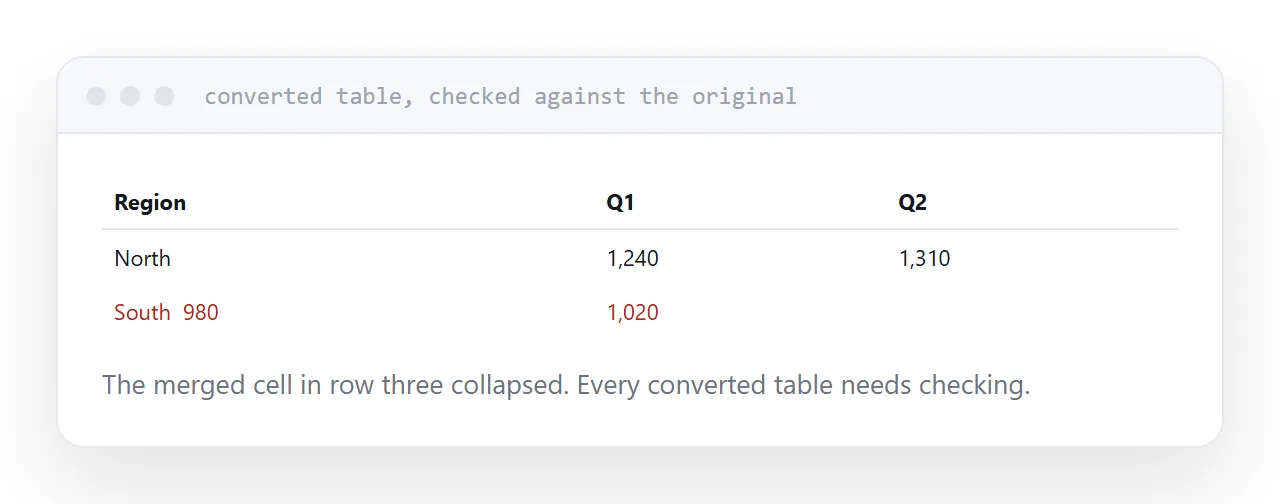
Tables are the weakest part. In a fixed document a table is lines and text at coordinates, with no record that it was ever a table. The converter reconstructs it by proximity, and merged cells defeat it regularly. Check every converted table against the original.
Scans hold no text at all. Run text recognition first, then convert, and expect errors in anything handwritten, low contrast or set in an unusual face.
The option people skip
Often nothing needs converting.
If the goal is that somebody can read the document on a phone without downloading anything, publishing the original at an address achieves that directly. It opens in the browser, it stays exactly as designed, and no structure was guessed.
Conversion is for when you need the contents in another form. Publishing is for when you need it read. Those are separate problems and the second one is the common one.
For the surrounding ground, see AI-generated HTML to a PDF that looks right and How to save a webpage as a PDF.
Put it at an address
Decide whether you need the text or a readable page, run recognition on scans first, check every table, rebuild rather than shipping converted markup, and publish the original when reading is the actual goal.