A code on a printed sheet is scanned by somebody standing somewhere, usually in a hurry. Everything about the destination should assume that.
Pointing it at a document in a drive fails that test twice.
This guide covers the two failures, what to point at instead, and testing.
Failure one: the permission screen
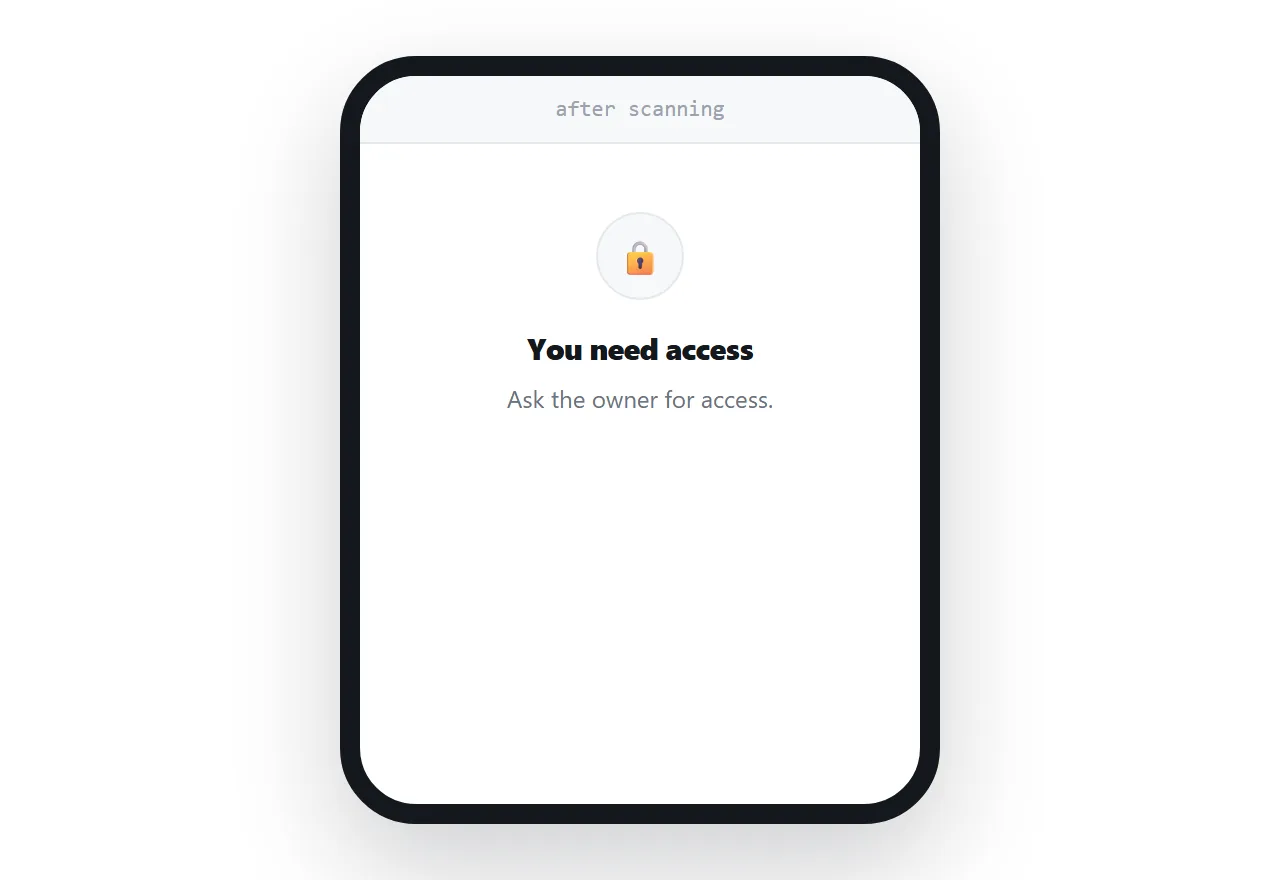
Drive sharing defaults to restricted. A code pointing at a restricted document produces a request-access screen for everyone who scans it.
They then either request access, which arrives in your inbox at an unpredictable time, or they assume the code is broken.
Changing the sharing setting fixes this and it has to be remembered every time, per document, which is exactly the kind of step that gets missed when printing is involved.
Failure two: the download
Even with sharing open, a document opened from a code on a phone usually downloads or opens in a separate application.
The person is standing at a poster, in a corridor, at a counter. They now have a file in a downloads folder and an application to find. A meaningful share simply stop.
The code was supposed to remove steps and it added two.
| Code to a drive document | Code to a page | |
|---|---|---|
| Permission screen | Often | No |
| Downloads on a phone | Usually | No |
| Renders at phone size | No | Yes |
| Content can change after printing | Only same doc | Yes |
| Needs an account | Sometimes | No |
Point it at a page
Publish the content at an address you control, and put that address in the code.
The scanner sees the content immediately, at a size their phone can read, with no account and no download. It works identically for everyone regardless of what they have installed.
And because the address is permanent, the content behind it can be replaced whenever it changes. The printed code never needs regenerating.
That last point is what makes printing worthwhile at all. A code that is fixed to a specific document is a code that has to be reprinted whenever the document is revised.
Test it properly
Scan your own code on a phone that is not signed in to your account.
Your own session has access to everything, which hides every permission problem that a stranger will hit. A private browsing window on a desktop does the same job for a link.
This takes thirty seconds and it is the only test that reflects what the person scanning will experience.
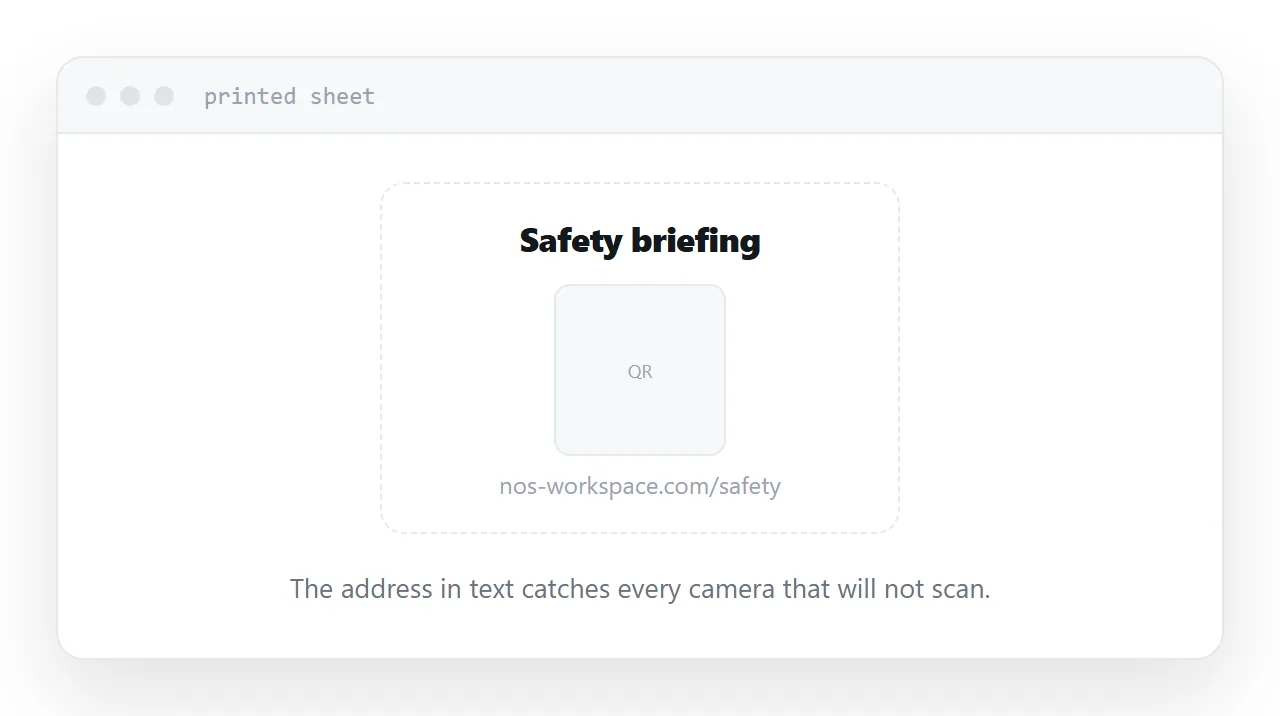
Print the address too
One line of text under the code.
Some cameras do not scan. Some people are holding a laptop. Some codes fail in poor light or on a dirty screen.
Keep it short enough to type, which is another argument for naming the address after the content rather than after a date or a version.
Closely related: How to make a QR code you can change later, and How to turn a PDF into a QR code for the adjacent problem.
Put it at an address
Stop pointing printed codes at drive documents, publish the content at a permanent address, test the scan while signed out, print the address as text underneath, and change what is behind the address rather than the code.
Then the person standing at the poster reads it in one tap.