A prototype is shown to a client to answer a question. Everything between the client and the prototype reduces the chance of getting an answer.
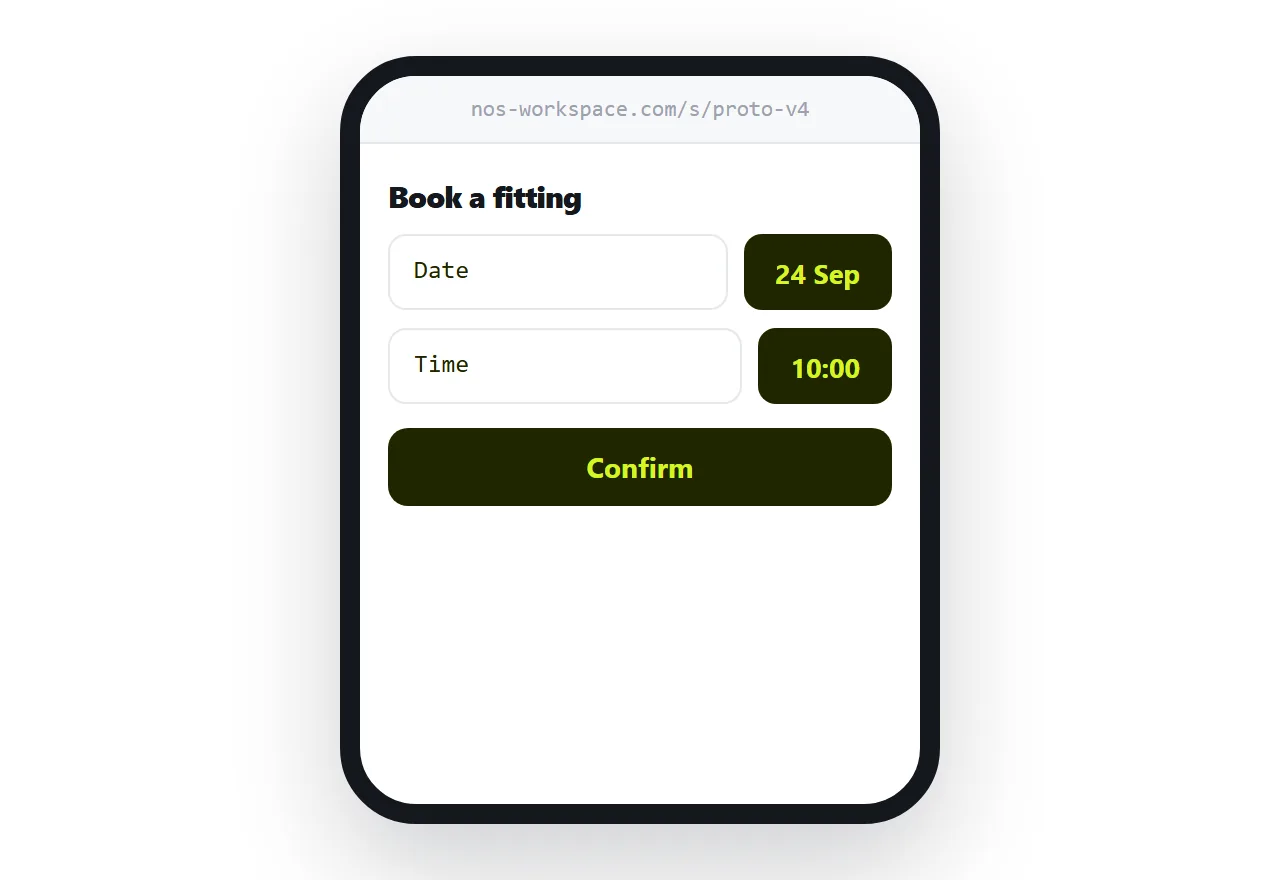
This guide covers the account problem, framing, and revisions.
The editor link is the wrong artefact
Design tools produce links into their editing environment. That is correct for a colleague who will change something.
For a client it fails in a specific way: the permission setting is subtly wrong, or they are not signed in, or they have no account. They tap the link and are asked to create one.
At that moment they are deciding whether to bother rather than looking at your work, and a share of them do not continue.
Send an address that opens the prototype directly. Nothing to sign into, nothing to learn.
| Editor link | Plain address | |
|---|---|---|
| Account needed | Often | No |
| Permission screen | Common | No |
| Opens on a phone | Heavy editor | Immediately |
| Client can change things by accident | Possible | No |
| Revisions | Live, unannounced | Replaced deliberately |
Two questions, not an invitation
A prototype sent with "let me know what you think" produces comments about colour.
That is not the client being unhelpful. It is the only kind of response an open question invites, and colour is the thing anyone can have an opinion about.
Ask two specific questions instead.
Does the booking flow make sense without explanation. Is anything missing from the confirmation screen.
Those produce answers about whether the thing works, which is what the prototype was for.
Say what is not finished
Clients report placeholder text, unstyled sections and missing pages as faults, because they have no way to know they are deliberate.
One line listing what is intentionally incomplete saves a round of feedback about known gaps, and it reads as control rather than as excuse-making.
Be specific: the copy is placeholder, the payment step is not built, the images are temporary.
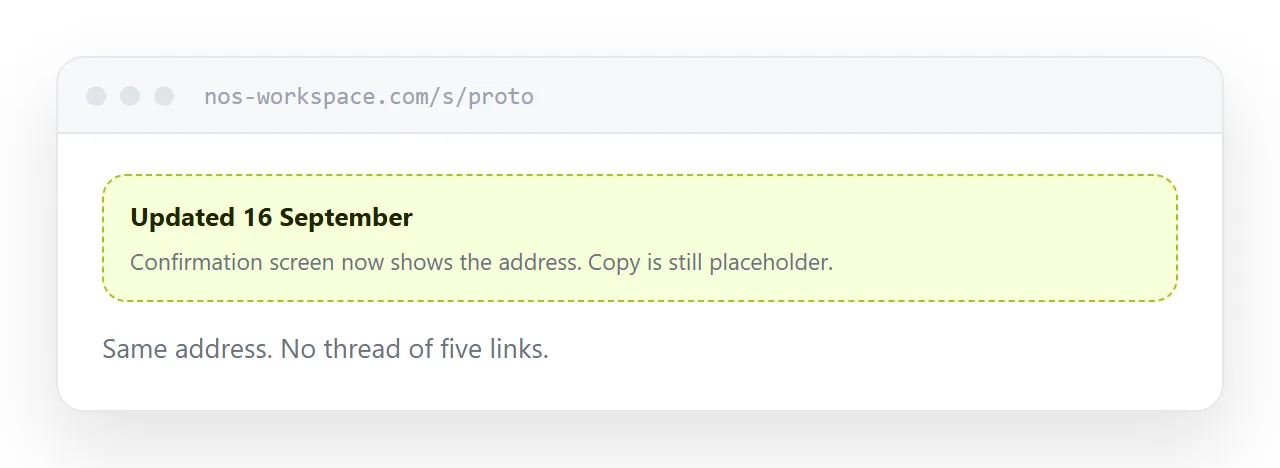
Revisions replace, never accumulate
Send version one. Feedback. Send version two.
As separate links, that produces a thread with five addresses, and a client who at some point comments on the wrong one. It happens regularly and it wastes a round every time.
Replace what sits behind the one address. Tell them it is updated and what changed. They reopen the link they already have.
Check it on a phone first
Prototypes are built at desktop size and opened on phones.
Before sending, open your own link on a phone. Look for horizontal scrolling, tap targets too small for a thumb, and anything that depended on hovering.
Those three are the usual failures and all of them produce feedback about the prototype being broken rather than about the design.
For the surrounding ground, see How to share a Canva design as a link and HTML prototype.
Put it at an address
Send a plain address, check it on a phone, ask two specific questions, say what is deliberately unfinished, and replace at the same address for each revision.
Then the feedback you get is about the thing you wanted answered.