Video is the one file type where email is not a marginal call. A minute of phone footage is larger than every mail limit combined with every workaround.
This guide covers the arithmetic, compressing, and the watch-versus-download question.
The arithmetic
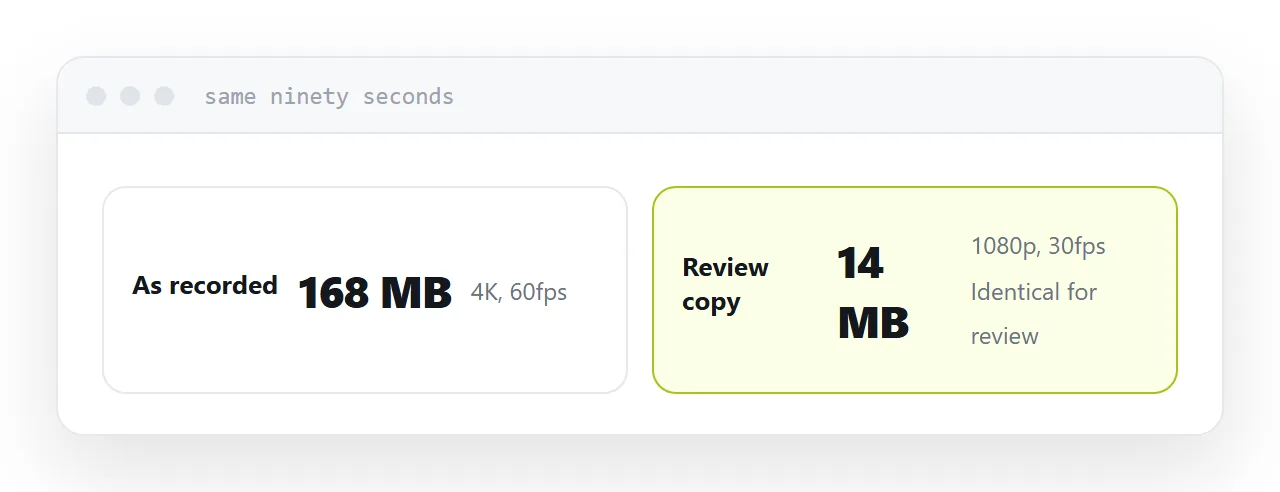
A modern phone records at a resolution and bitrate that produces well over 100MB per minute.
The practical email ceiling is around 10MB. So sixty seconds of footage is ten times the limit, and a three-minute clip is thirty times it.
No amount of archiving helps, because video is already compressed. Putting it in an archive saves almost nothing and adds an extraction step for the recipient.
This is not a policy anyone can be argued out of. It is the size of the thing.
Compress before deciding anything else
Resolution is where the saving lives.
Footage recorded at the highest resolution a phone offers is far more than is needed for a review copy, a record of a meeting, or a demonstration of something on screen. Reducing it produces a file a fraction of the size that looks identical on the device it will be watched on.
Frame rate matters for anything recorded at high speed. Halving it halves the size and is usually invisible for talking-head or screen footage.
Do this first. Sometimes it changes the answer entirely.
| Content | Recording size per minute | Reasonable review size |
|---|---|---|
| Phone video at max settings | Over 100MB | 10-20MB |
| Screen recording | 30-60MB | 5-10MB |
| Talking head | 50-100MB | 10MB |
Watching or keeping
Watching. They are going to look at it and comment. This is most cases.
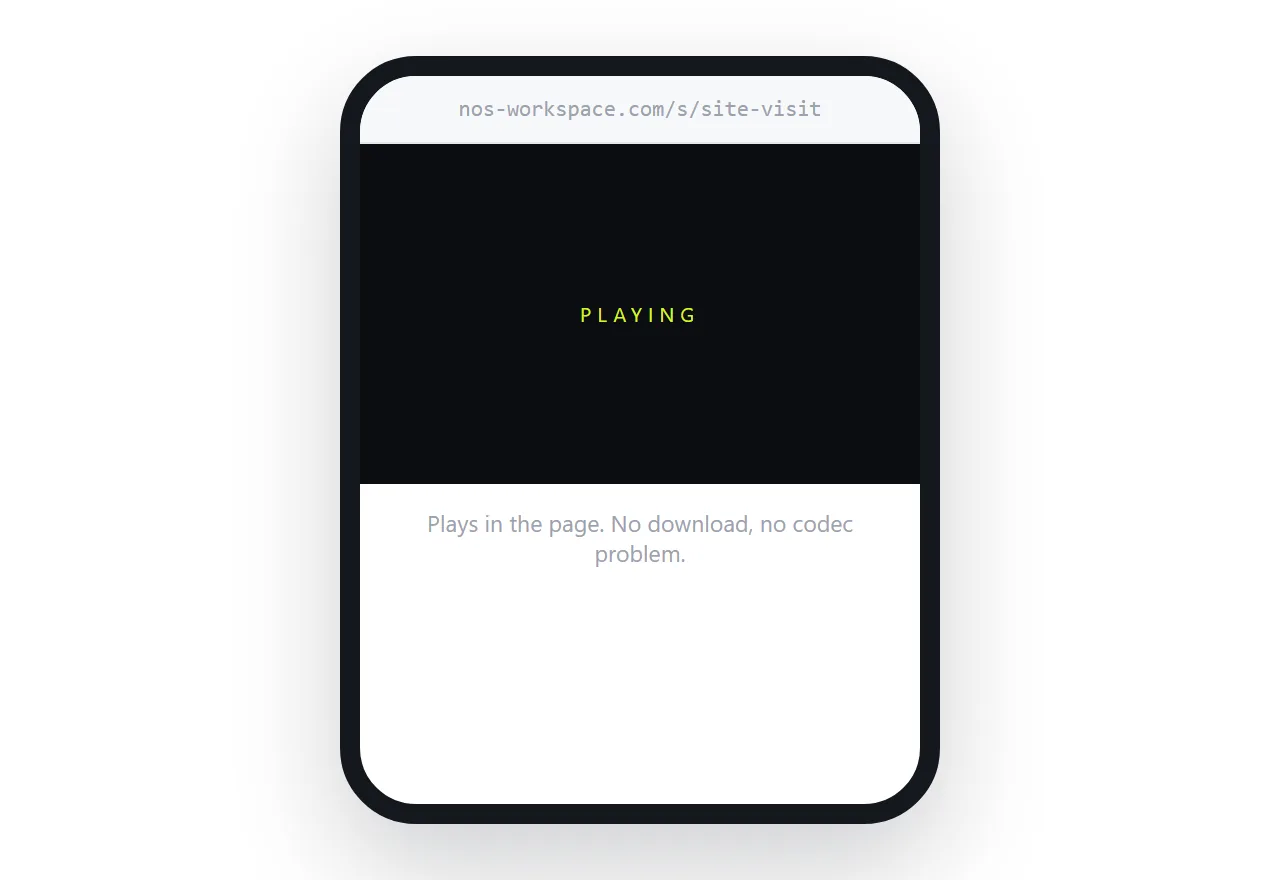
Use a link that plays the video in the page. No download, no waiting, no format problem, works on a phone. The recipient taps and it starts.
Keeping. They need the actual file, to edit it, archive it, or put it somewhere else.
Use a transfer service. That is precisely the job those services do and they do it well.
The mistake is using a transfer service for the first case, which makes the recipient download several hundred megabytes in order to watch something for ninety seconds.
Why a downloaded video often does not play
Video formats are a combination of a container and a codec, and not every device supports every combination.
A file that plays perfectly on your machine can fail on the recipient's with an unhelpful error, and neither of you has any way to diagnose it.
A video that plays in a browser sidesteps this, because the browser handles the decoding and the page can be served in a format it definitely supports.
Privacy
Video is frequently more personal than documents. People's faces, a home, a workplace, an unreleased product.
Use an unguessable address rather than a public one, and take it down when the reason for sharing has passed.
Assume that anyone who can watch it can record it. Withdrawal ends ongoing access, which is worth doing, and it is not the same as control.
For the surrounding ground, see How to send large files over email and What to do when an attachment is too large. How to share a PDF on Facebook is also close.
Put it at an address
Reduce the resolution first, decide whether they are watching or keeping, use a playing link for watching and a transfer service for keeping, and withdraw access when the reason ends.
Then a ninety-second clip does not require a download at all.