Social platforms are built around images, video and text. Documents sit outside that, and the handling differs by surface in ways that are not documented anywhere convenient.
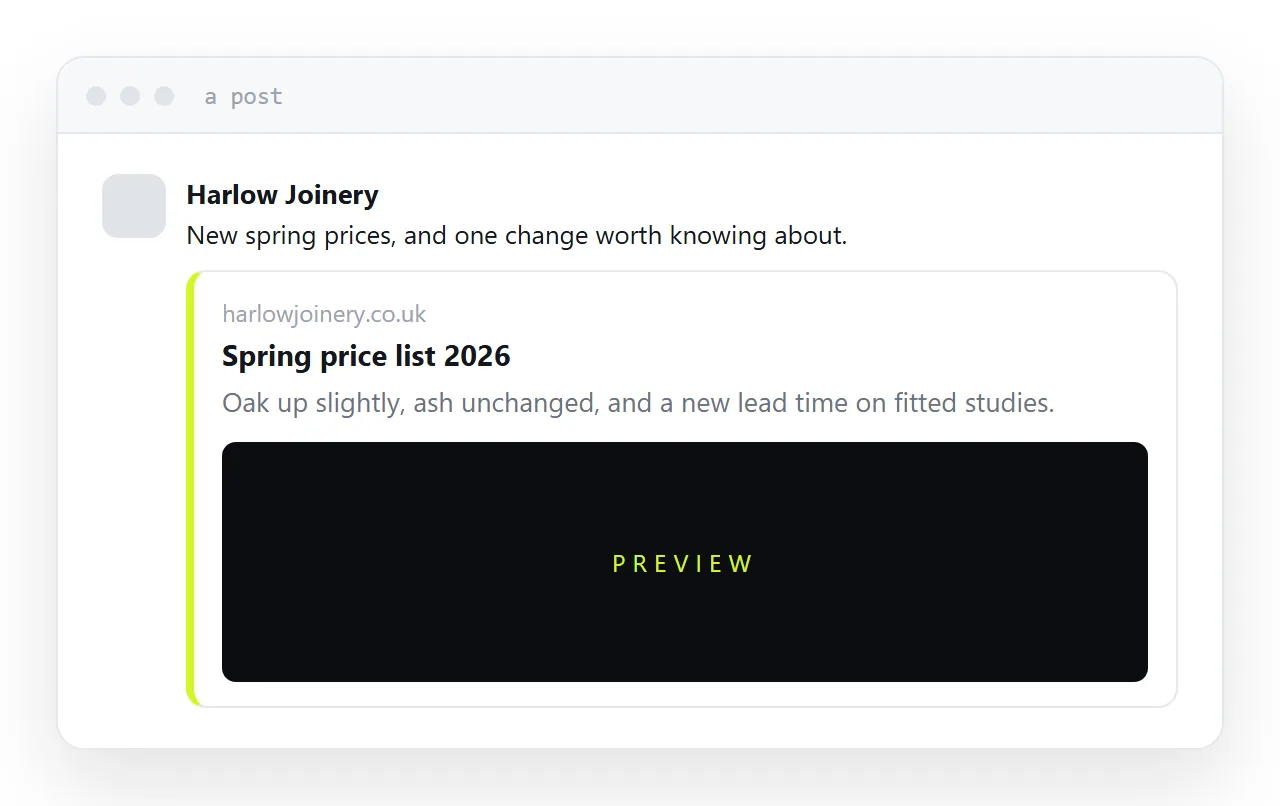
This guide covers what each surface accepts, why a link performs better anyway, and what to put in the post.
What accepts a document
An ordinary post. Generally not. The composer takes photographs and video.
A group. Usually yes, through the files area. Members can download it, and it is invisible to anyone outside.
A message. Yes. Direct messages accept files.
A page. Usually not, and it is the surface most businesses are asking about.
These rules change. Treating them as fixed is how people spend an afternoon on it.
Post a link instead
Put the document at an address and post the address.
The platform generates a preview card with a title, a description and an image. That card is doing the job an attachment would have done, it works on every surface, and it opens on a phone without downloading anything.
It also gives you something an upload never does: a record of how many people opened it.
| Uploaded to a group | Link to an address | |
|---|---|---|
| Works in a post | No | Yes |
| Works on a page | No | Yes |
| Opens on a phone | Downloads | Opens |
| Visible outside the group | No | Yes |
| You can see the opens | No | Yes |
| You can correct it | Re-upload | Edit the page |
Blank previews
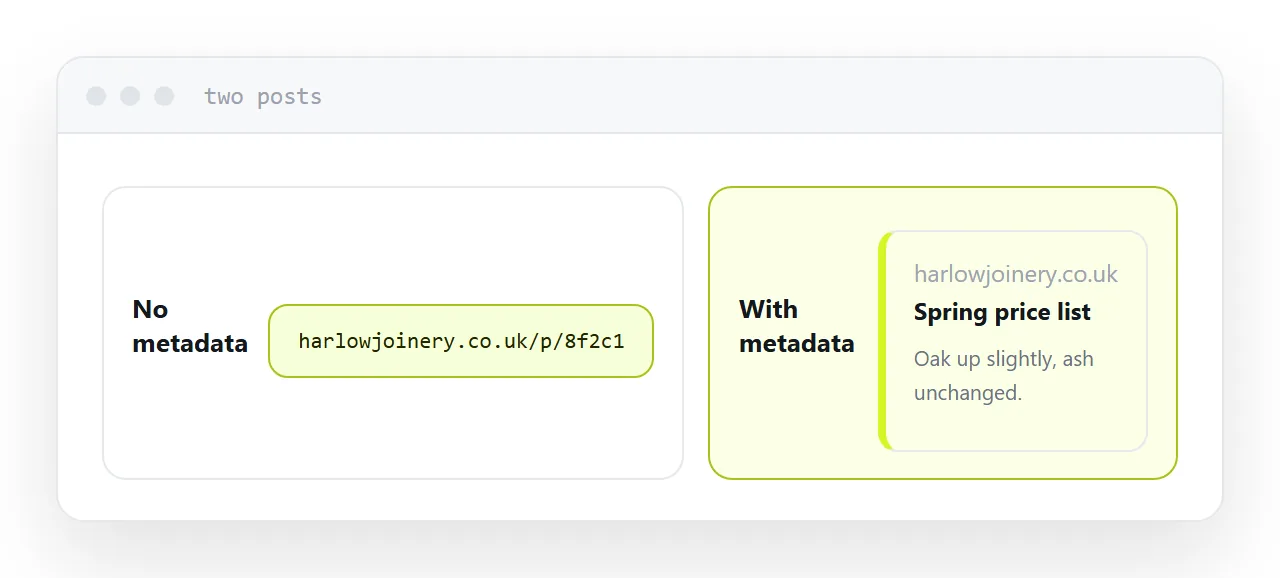
A link with no preview is a bare address and performs much worse.
The preview comes from metadata in the page: a title, a one-line description, and an image of roughly the right shape. Without them the platform has nothing to show.
A document on its own provides none of this, which is a practical reason to put the content on a page and link the document from it rather than linking straight to the file.
Write the description for a person deciding whether to tap. One sentence saying what it is.
Put the point in the post
Most people never leave the platform, and posts that send people away tend to reach fewer of them.
So put the actual point in the post text. The three figures, the date, the change, whatever the document is about. The link is for the minority who want the detail.
That reads as useful rather than as a trailer for something else, and it performs better on both counts.
One address per platform
If you are posting the same thing in several places, give each one its own address.
Then the open counts tell you which platform actually sent readers, with no analytics setup at all. It is the cheapest measurement available and most people never do it.
Closely related: How to share a PDF as a link, and How to turn a PDF into a website for the adjacent problem.
Put it at an address
Stop trying to attach the document, publish it at an address, give the page a title and description and image, put the key point in the post text, and use a separate address per platform.
Then the post works on every surface and you know whether it did anything.