A presentation file needs software that understands the format. When none is installed, three routes exist and the choice is mostly about confidentiality rather than quality.
This guide covers the routes, what changes, and what to ask for instead.
The three routes
A browser office suite. Renders most decks well, keeps the file in an account you already have. Usually the best choice if you have one.
A free desktop office suite. Reads the format properly, runs locally so nothing is uploaded, takes time to install.
An online viewer. Instant, requires nothing, and uploads the deck to a service you know nothing about.
Rendering quality is broadly similar. The meaningful difference is the third point.
What changes
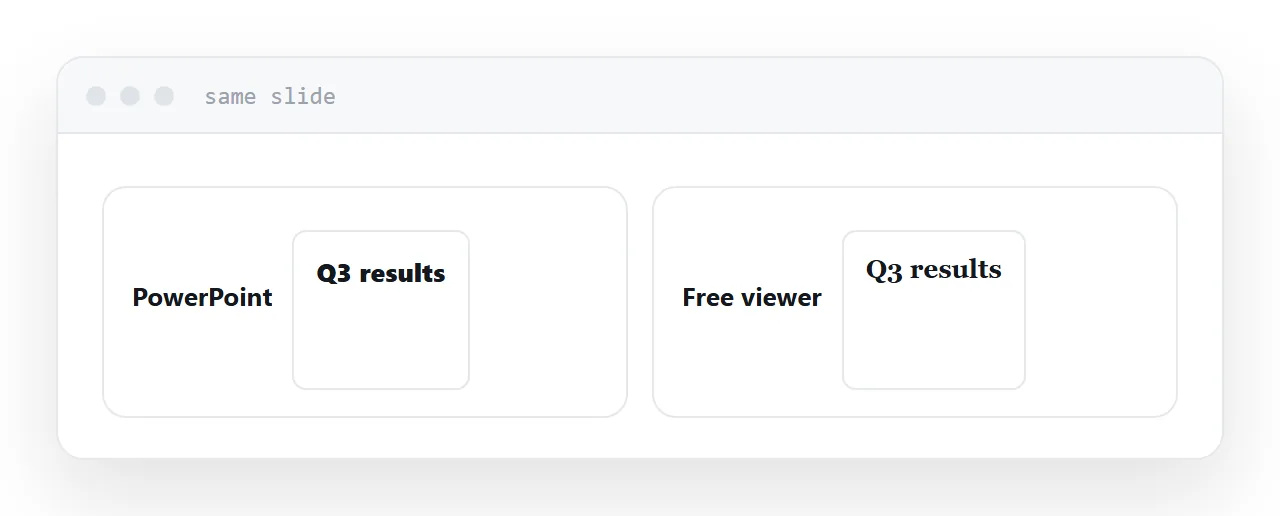
Fonts. Substituted when absent, which changes text widths. Headings rewrap, fitted text boxes overflow, and alignment shifts. This is the visible difference and there is nothing the viewer can do about it.
Animations. Simple builds usually survive. Anything sequenced, timed or path-based frequently does not.
Embedded video. Often fails entirely, showing a blank rectangle.
Speaker notes. Shown by some viewers, absent in many.
| Browser suite | Desktop suite | Online viewer | |
|---|---|---|---|
| Install needed | No | Yes | No |
| Deck leaves your machine | To your account | No | To a stranger |
| Fonts | Substituted | Substituted | Substituted |
| Animations | Partial | Mostly | Poor |
| Speaker notes | Usually | Yes | Often not |
The upload question
An online viewer receives a complete copy of the file.
For a public talk or published material, that costs nothing.
For a board deck, a client proposal, unreleased figures, or anything about named people, it is confidential material handed to a company you have not evaluated, usually to accomplish something a free local application could have done.
Check what is in the deck before choosing the convenient route.
If you have to present from it
Open it well before you are standing up.
Substituted fonts push text out of boxes, and that is discovered at the moment you advance to the slide in front of an audience. Ten minutes of checking beforehand turns a live problem into a small edit.
Check the slides with the most text first. Those are where overflow happens.
Ask for something else
If you are only reading it, the editable file is the wrong artefact.
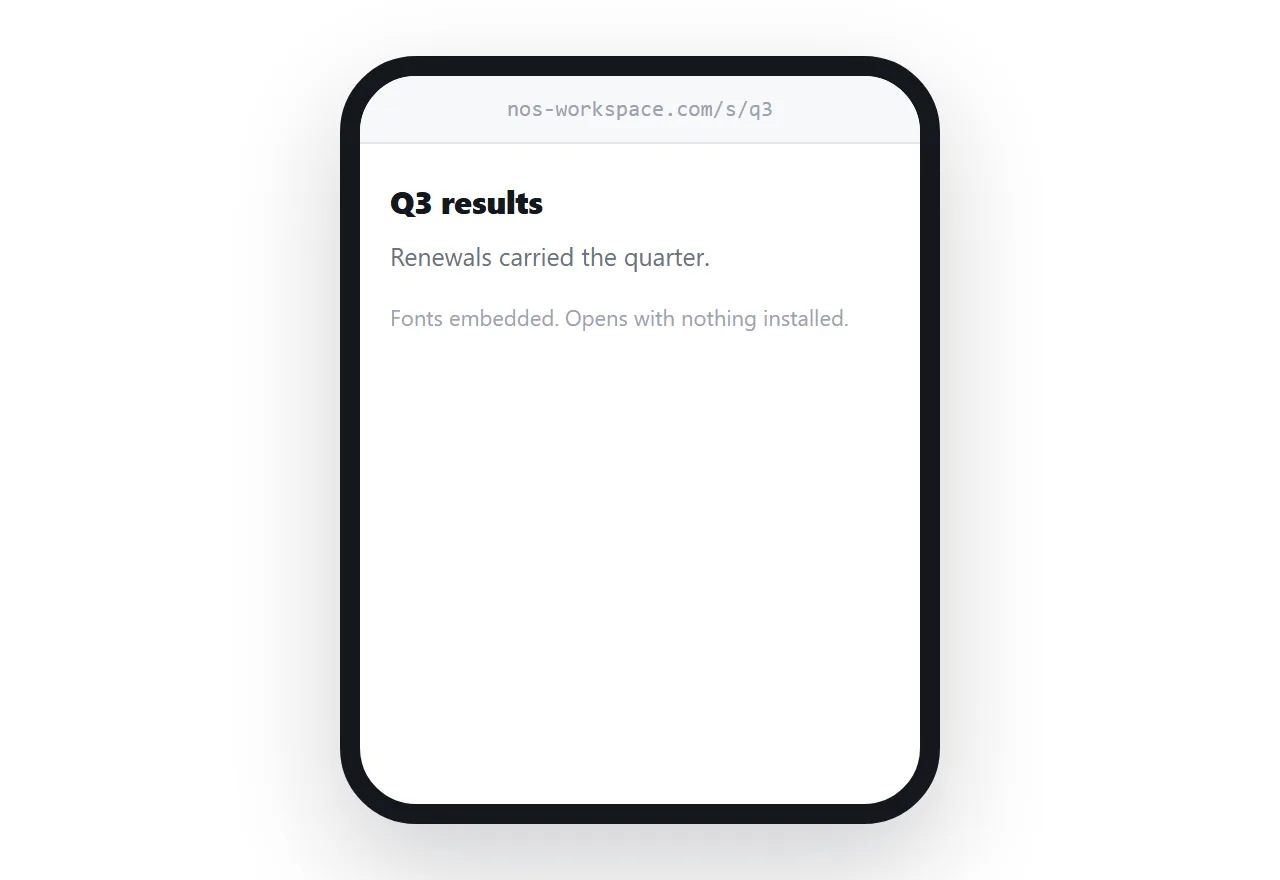
A PDF keeps the fonts and the layout and opens almost everywhere. An address opens in a tap and reflows to a phone.
Senders attach the editable file out of habit rather than because they want you editing it. Asking once usually fixes it permanently, for you and for everyone else they send it to.
If this is near what you are doing, How to view a presentation without PowerPoint and How to share a PowerPoint presentation cover the cases on either side.
Put it at an address
Check what the deck contains before uploading it anywhere, prefer an account you already have, expect substituted fonts, open it early if you are presenting, and ask senders for a PDF or a link when you are only reading.
Then opening a deck stops depending on what you happen to have installed.