A document posted in a team channel becomes one copy per person within an hour, and the channel forgets it within a week.
What happens to a posted file
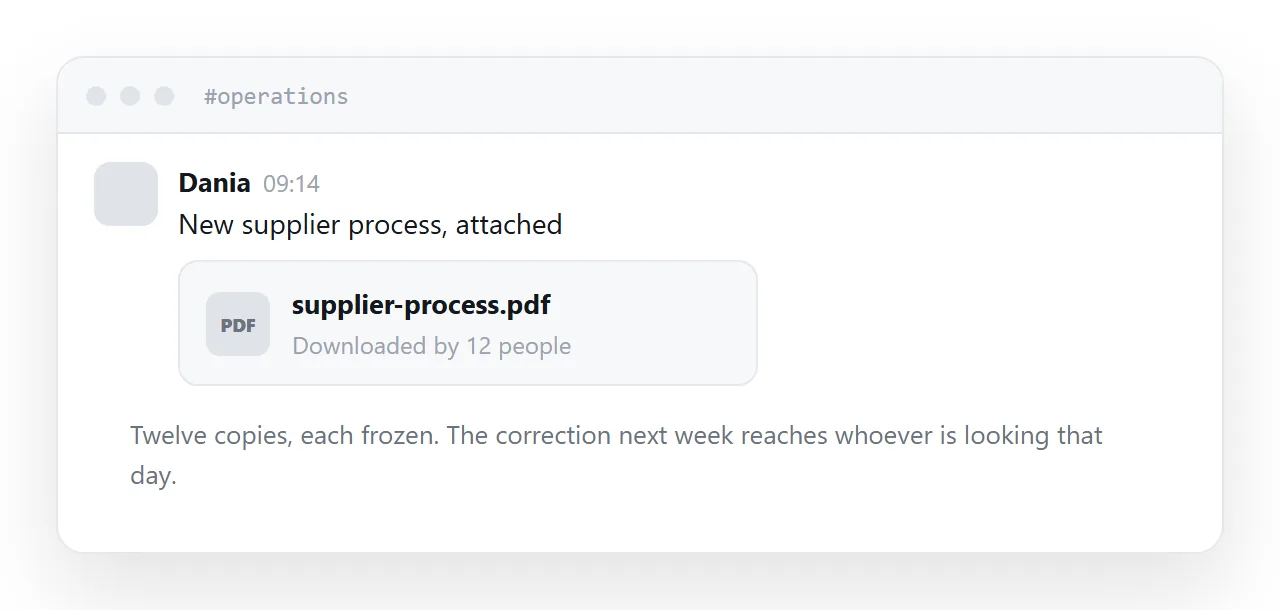
Twelve people download it. Each copy is frozen at that moment.
Three days later you find an error and post a corrected version. Some people see it. Several are on holiday. Two had already saved the original to their desktop and work from that for the next month.
The channel scrolls, and somebody joining in March cannot find the document at all without asking.
None of that is anybody being careless. It is what posting a file does.
| Posted in a channel | At an address | |
|---|---|---|
| Copies | One per person | One |
| Correction reaches everyone | No | Yes |
| Findable in three months | Rarely | Yes |
| New joiner finds it | Asks somebody | Yes |
| Readable on a phone | Downloads | Opens |
Publish, then announce
The order matters.
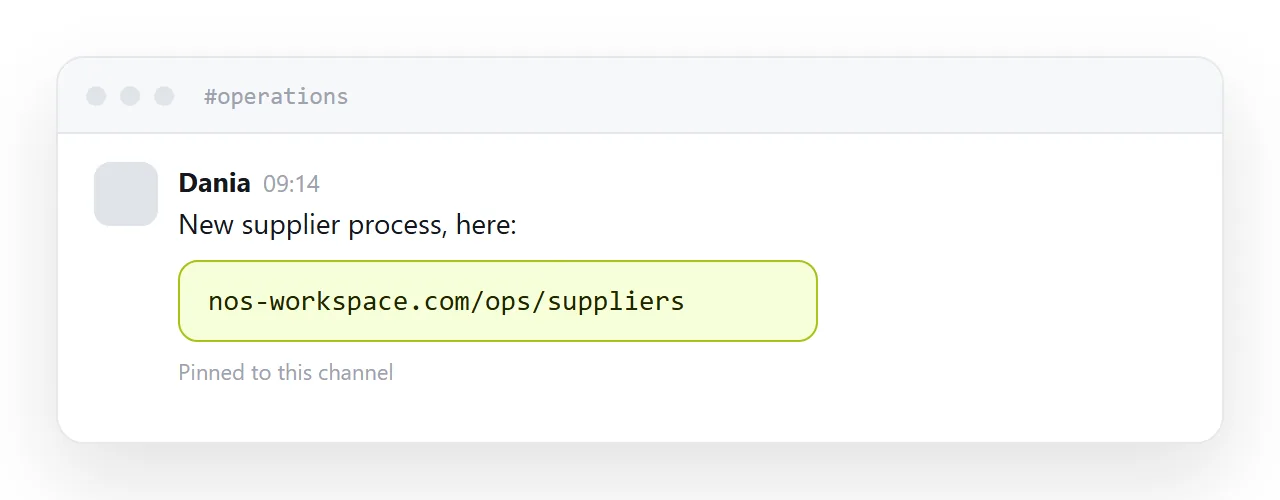
Put the document at an address. Post a message saying what it is and linking to it.
The message is the announcement. The address is the document. When something changes, you edit the page and post one line saying it is updated.
That inverts the usual pattern, where the channel holds the document and the address holds nothing.
Make it findable later
Channels are for announcing and are a poor index.
Name the address after the content rather than after a date or a version. Pin the address in the channel. Put it in whatever team documentation exists.
Then the person joining in March finds it the way they find everything else, rather than scrolling or asking.
Corrections
Edit the page and post one line: updated, and what changed.
Everybody who opens the link from then on sees the corrected version, including people who saved the link weeks ago and people who were on holiday when it changed.
This is the whole argument, and it applies just as much inside a team as with clients.
The file, for people who want it
Some people print documents, file them, or forward them into a system that wants a file.
Link it from the page, clearly labelled. Do not post it in the channel, because that reintroduces the copies you just removed.
Shared folders
For colleagues who all have accounts, a shared folder is reasonable and still downloads on phones.
The moment somebody slightly outside the team needs it, a contractor, a partner, a new starter whose access has not propagated, the permission screen appears. An address does not have that failure.
If this is near what you are doing, How to share a PDF as a link and How to host meeting notes cover the cases on either side.
Put it at an address
Publish first and announce second, name it after the content, pin the address rather than the file, correct in place and say so, and link the file for anyone printing.
Then everybody is reading the same document, including whoever joins next month.