A client needs three facts about a project and project tools offer them three hundred. The gap between those is where status meetings come from.
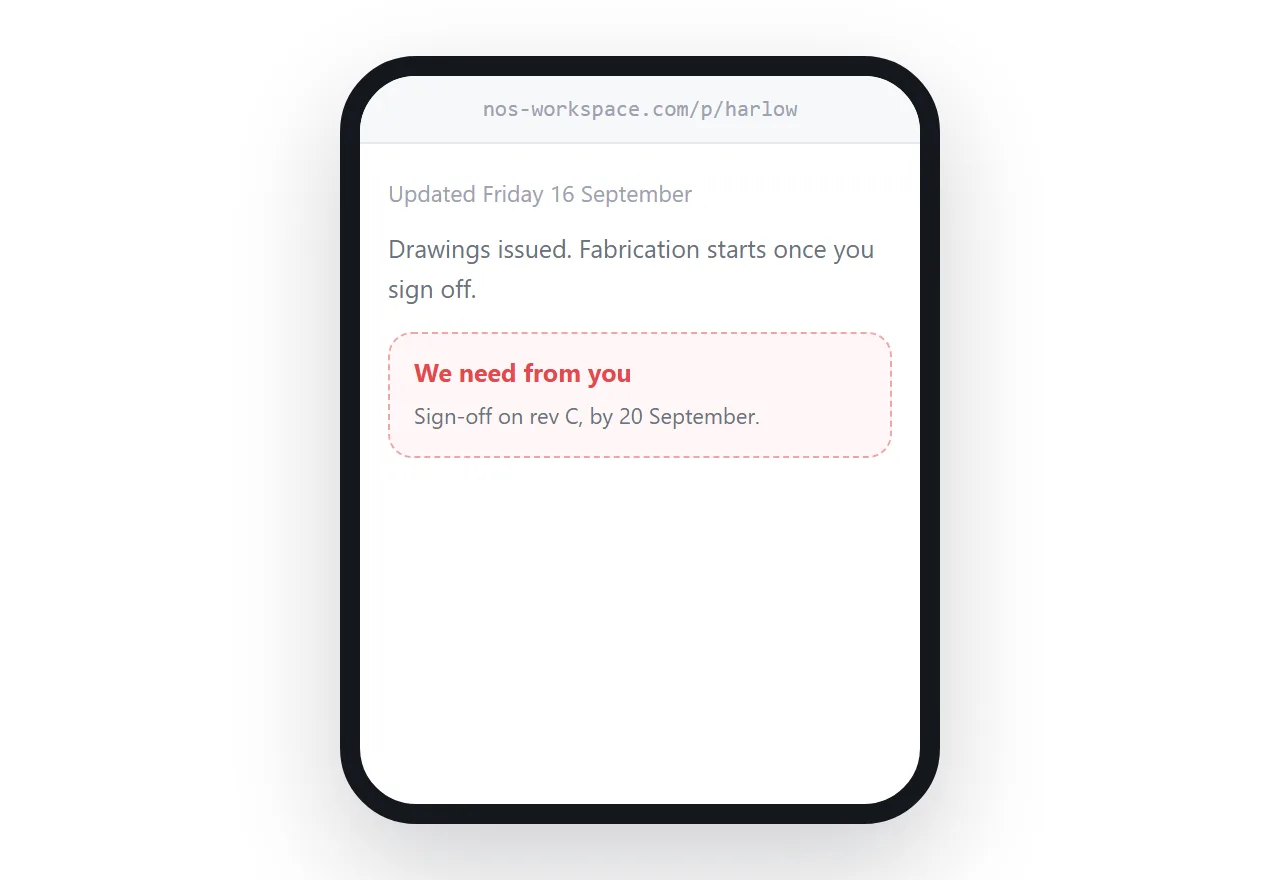
This guide covers what to publish, why not to add them to the tool, and the update rhythm.
Why not add them to the tool
It seems generous and it usually goes badly.
They see task names written for colleagues, estimates that were guesses, tasks marked overdue that nobody is worried about, and comments in the shorthand a team uses internally.
What they take from that is not a clearer picture. It is anxiety about individual items, questions about tasks that do not matter, and occasionally a conversation about why something took four days.
The internal texture of work is not a deliverable. It is how the work gets done.
Three facts
Where things stand. One or two sentences and a date. Which stage, what has been finished.
What is next. The next visible thing and roughly when.
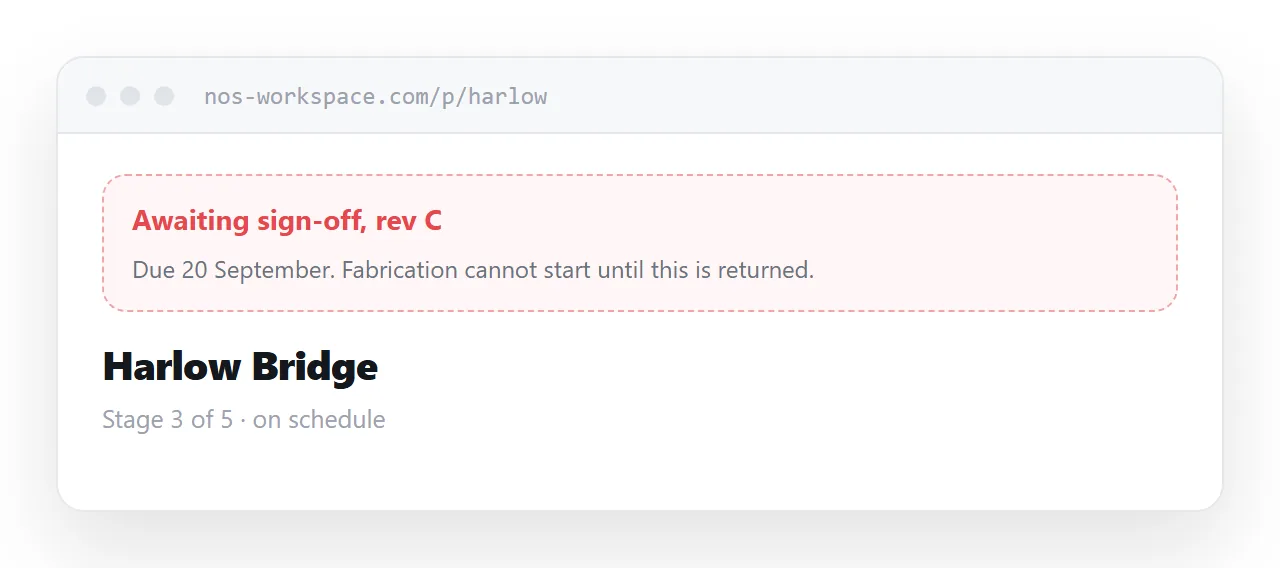
What you are waiting on. From them, named, with a date. This is the most valuable line on the page, because most delays are a client who does not realise they are the bottleneck.
Everything else is optional. Deliverables listed below, newest first, so nothing has to be resent.
| Client in the project tool | Status page | |
|---|---|---|
| Account needed | Yes | No |
| Sees internal detail | Yes | No |
| Knows where things stand | Buried | Immediately |
| Knows what you need | Rarely | Stated |
| Produces anxiety | Often | No |
Update on a fixed day
Friday afternoon, every week, whether or not much happened.
Predictability is what stops the status questions. A client who knows the page updates on Friday does not email on Wednesday, because they know the answer arrives.
An irregular update produces more questions than no update at all, because the client cannot tell whether silence means progress or a problem.
Weeks where little happened still get an entry. Saying so is information.
State problems first
Something has gone wrong. A dependency slipped, an estimate was optimistic, a decision is blocked.
Put it on the page with what you are doing about it.
Clients find out eventually. The difference between reading it from you and hearing it from somewhere else is the difference between competence and a problem being hidden, and that difference outlives the problem itself.
It shortens meetings
A status meeting where everybody arrives already knowing the status is a different meeting.
It skips the twenty minutes of catching up and goes to the decisions, which is what the meeting was supposed to be for. Several clients eventually decide the meeting itself is not needed every week.
That is the return on maintaining the page, and it arrives within about a month.
For the surrounding ground, see How to set up a client portal and Collaborating with people outside your tools.
Put it at an address
Keep the client out of the project tool, publish a status page per project with the three facts, update on a fixed day, state problems with your response, and list deliverables below.
Then the client knows where things stand without asking or logging in.