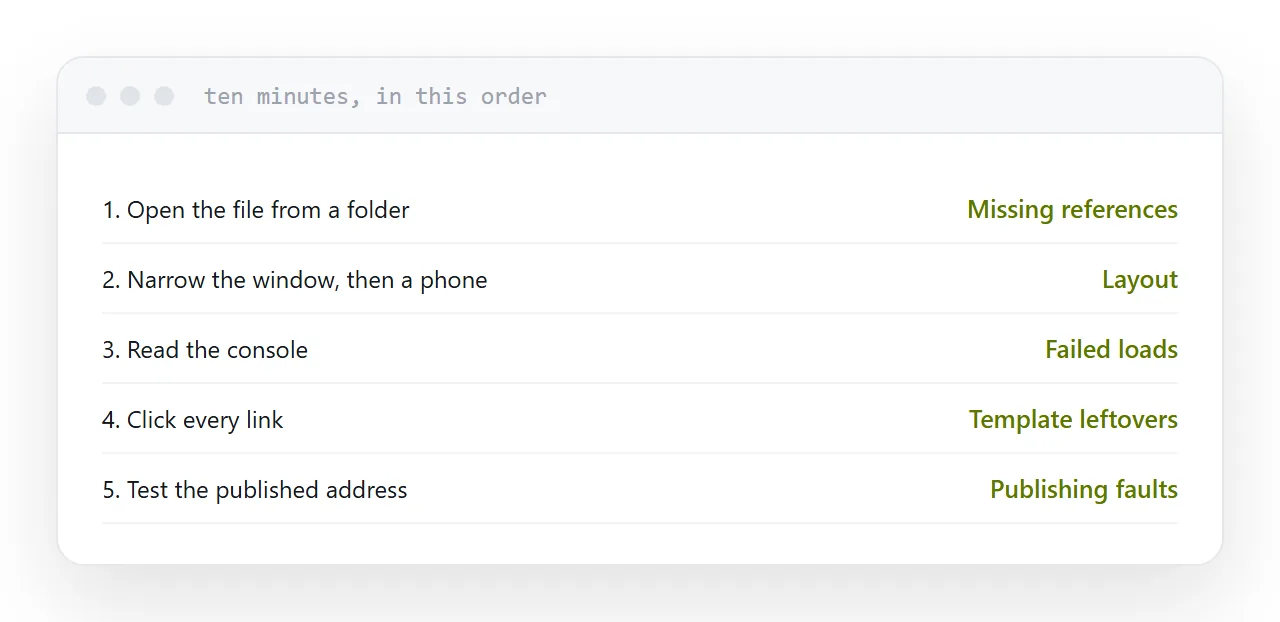
Five checks, ten minutes, done in this order. They catch nearly everything anyone would report back to you.
One: open the file from a folder
Not through a development server, not through the tool that generated it.
A development server resolves paths helpfully, supplies things a plain file does not, and hides the exact faults that appear on publishing. Opening the file directly is closer to what a visitor gets.
Missing stylesheets, broken image paths and absolute references all appear here.
Two: narrow the window
Drag the browser window narrow until it is about phone-shaped.
Text that overflows, tables that scroll off the edge, navigation that covers the content and images that do not shrink all show up immediately. This catches most layout problems in under a minute.
Then open it on an actual phone, which catches the remainder: tap targets too small or too close together, and anything that behaves differently under touch.
| Check | Time | Catches |
|---|---|---|
| Open the file directly | 1 min | Missing references |
| Narrow the window | 1 min | Layout problems |
| Read the console | 1 min | Failed loads and scripts |
| Click every link | 3 min | Broken and wrong links |
| Test the live address | 3 min | Publishing faults |
Three: read the console
Open the developer tools and look at the console.
Failed file loads and script errors appear there. A page can look entirely correct while quietly failing to load something, and that failure will matter on a slower connection or a different browser.
Errors are not decoration. Each one is something that did not happen.
Four: click every link
Every one, including the footer, and including the ones you did not write.
Templates arrive with links to the template author's site. Copied pages carry links to whatever they were copied from. Both get published regularly.
Check that links to other sites open sensibly and that internal links point where the address suggests.
Five: test the published address
The most important and the most skipped.
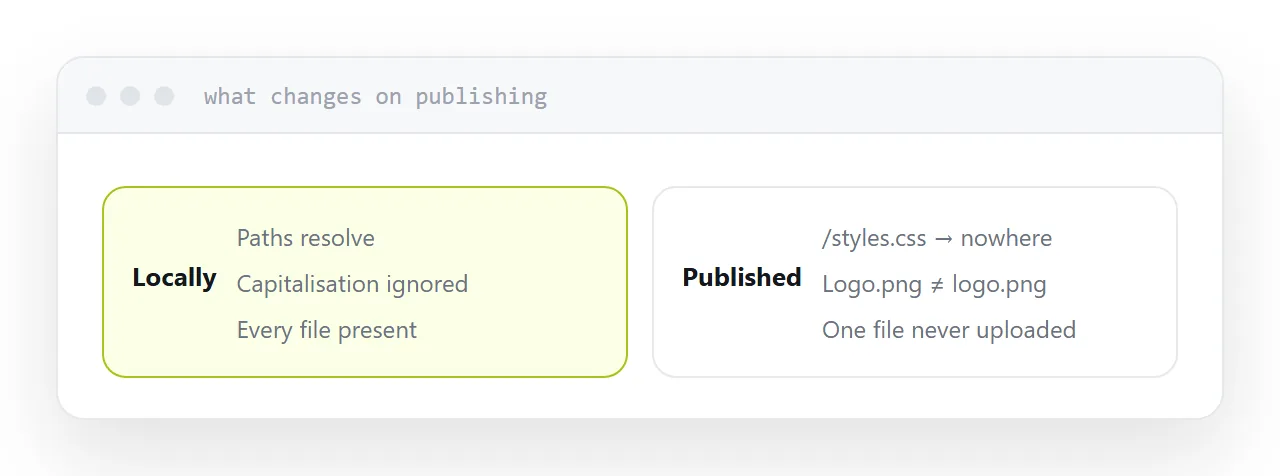
Publish, then open the live address in a fresh browser window, and on a phone. The live version differs from the local one in three predictable ways: absolute paths now resolve elsewhere, capitalisation now matters, and any file you forgot to upload is now missing.
All three are invisible locally and obvious live.
Closely related: HTML viewer, and Publishing a site from an archive for the adjacent problem.
Put it at an address
Open the file from a folder, narrow the window and then use a phone, read the console, click every link, and test the published address before sending it to anyone.