Any of the drag-and-drop hosts will take a folder and hand back a working address inside a minute. That part is genuinely solved and is not a reason to choose between them.
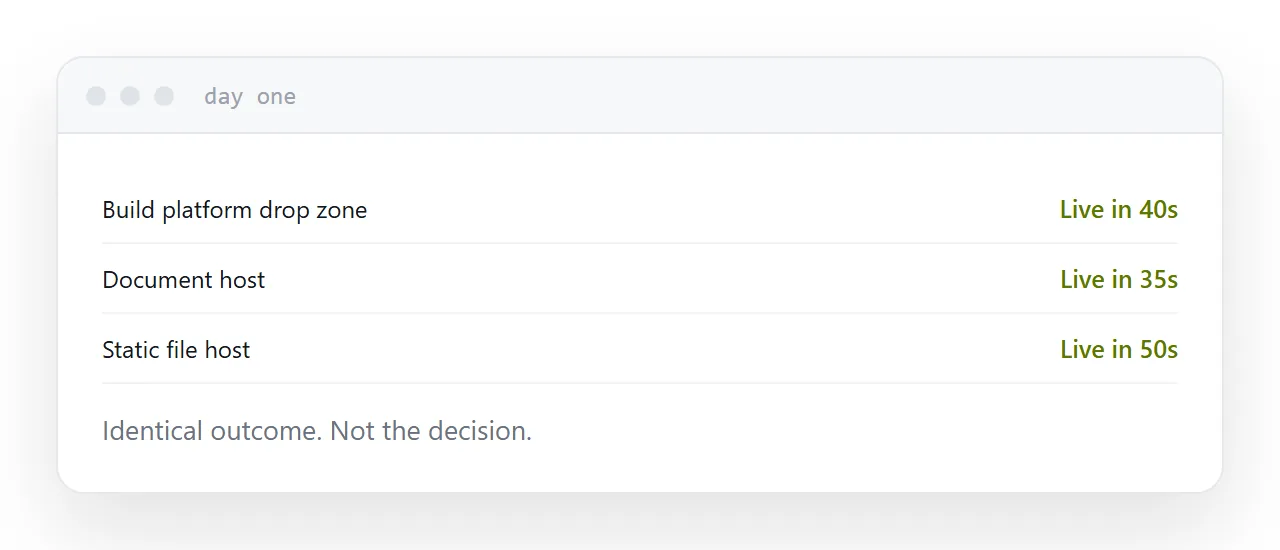
Day one looks the same everywhere
Drag the folder. Wait for the progress bar. Copy the address.
If you compare on that, everything ties. Which is why comparison articles tend to list pricing tables and leave you no better informed.
The question worth asking is what the page needs on day thirty.
| Build platform drop zones | Document-oriented hosts | |
|---|---|---|
| Expects | A project, often a build | A finished page |
| Address permanence | Permanent | Varies by tier |
| Editing later | Re-upload | Sometimes in place |
| Custom domain | Usually free tier | Usually paid |
| Grows into | Full deployment pipeline | Stays simple |
The build assumption
Platforms built for developers assume a repository and a build command somewhere in your future.
If you have a finished page, none of that applies and it is harmless, though the interface will keep offering it to you. If you are a developer, it is the reason to pick one: the same account carries the project when it stops being one page.
Document-oriented hosts assume the opposite. The page is finished, it needs an address, and there is no pipeline. For a brochure, a quote or a one-page site, that assumption is correct and the interface stays out of the way.
What actually bites
The expiring address. Several free tiers keep the page for a week or a month. Fine for a demonstration, wrong for anything printed on a card or sent to a client, and the expiry is not obvious at the moment you publish.
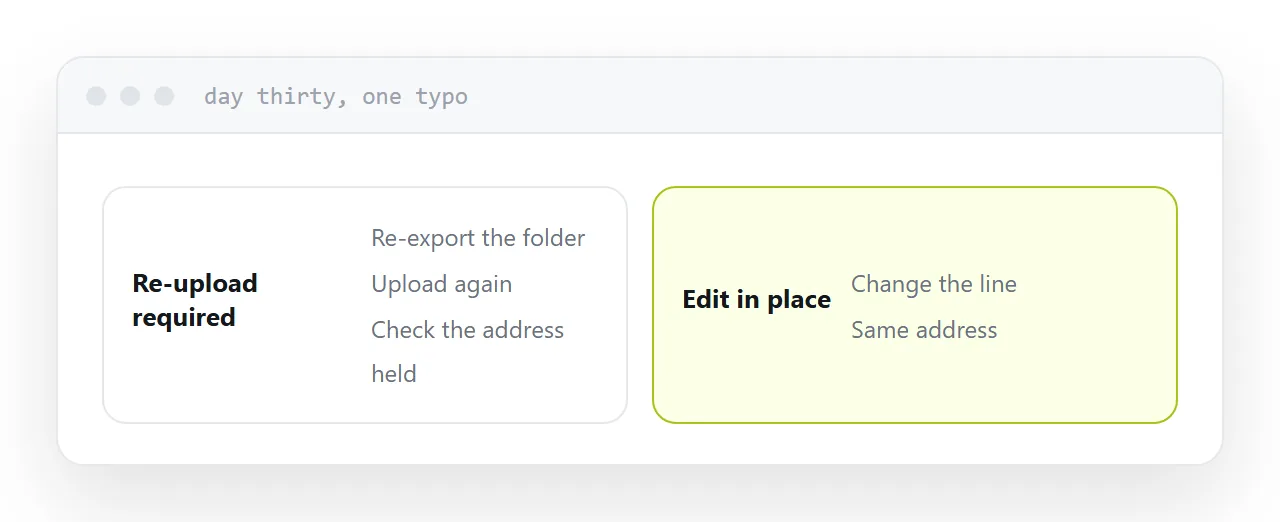
No editing in place. A typo means re-exporting, re-uploading, and confirming the address did not change. For a page that never changes this costs nothing. For a price list it is the whole cost.
The custom domain line. Almost every one of them puts a custom domain on the paid tier. Worth knowing before rather than after the address is circulating.
How to choose in one question
Will you need to change this page?
If no, take whichever is fastest and check only that the address is permanent.
If yes, and it usually is, take the one that lets you correct the page behind the same address. That single property is worth more than every feature list, because it is the difference between a correction being one edit and being a small project.
If this is near what you are doing, Choosing a Tiiny Host alternative and Choosing a Netlify alternative cover the cases on either side.
Put it at an address
Confirm permanence, check whether editing means re-uploading, note whether a build step is assumed, check the domain tier, and decide on what day thirty needs.
Day one is identical everywhere and is not the decision.