Both take a folder of finished files and return a working address. The difference is entirely about who is publishing.
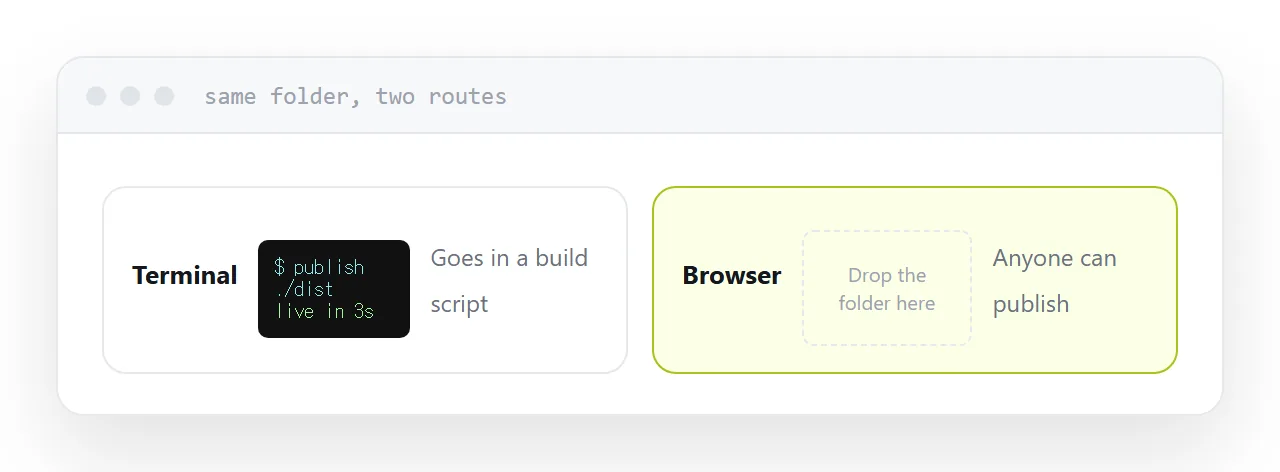
Command line publishing
One command in the folder, and the page is live in a few seconds.
Its real advantage is not speed, it is that a command can go into a script. Build and publish become one step, and the publish stops being something a person remembers to do.
For a developer already in a terminal this is the lowest-friction route that exists, and nothing with a browser interface beats it.
Browser publishing
Open a page, drop a folder, copy the address.
Nothing installed, nothing to remember, and no terminal. That matters because the person who maintains a page is often not the person who built it, and requiring a terminal means every update goes through somebody who has one.
Pages maintained by a queue go stale. That is the real cost and it does not appear in any comparison table.
| Command line | Browser | |
|---|---|---|
| Install needed | Yes | No |
| Scriptable | Yes | No |
| Who can publish | Developers | Anyone |
| Part of a build | Naturally | No |
| Correcting a typo | Re-run | Re-upload or edit |
Reliability is not the difference
Both are putting static files on a server, and static files are the most reliable thing on the internet.
Whatever uptime difference exists comes from the hosting arrangement behind each service, not from whether the upload came through a terminal or a browser. It is not a useful axis for choosing.
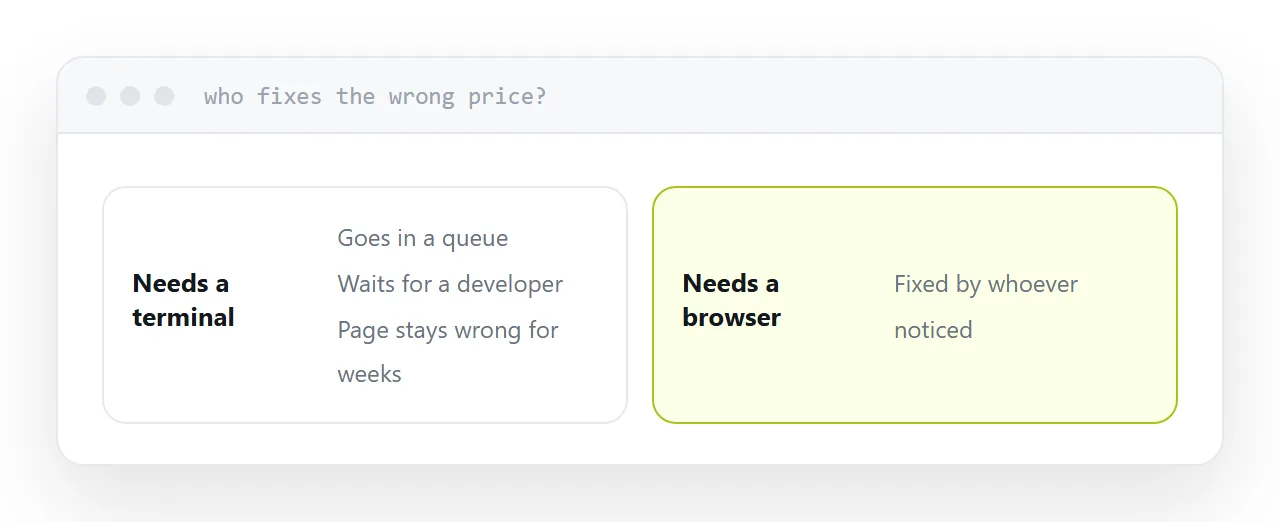
The correction question
A price is wrong. One line.
Both routes default to re-publishing the whole folder, which means having the folder, remembering which version is current, and repeating the upload. For a developer, trivial. For anyone else, an obstacle, and obstacles are why pages sit wrong for months.
If the page changes often, prefer whichever option lets you edit the published page directly. That is the axis that matters more than either interface.
Using both
There is no conflict.
Project pages that rebuild from source go through the command line, in the build script, automatically. One-off documents, a brochure, a report, a price list, go through the browser, published by whoever wrote them.
Choosing one tool for both is how you end up with either a developer uploading brochures or a marketer being asked to install a terminal.
Two neighbouring cases are worth a look: Comparing the quick ways to publish a page and Choosing between a document host and a build platform.
Put it at an address
Match the route to whoever publishes, script it when it repeats, confirm the address is permanent, check how a typo gets fixed, and never make the page's maintainer learn a terminal to correct a line.