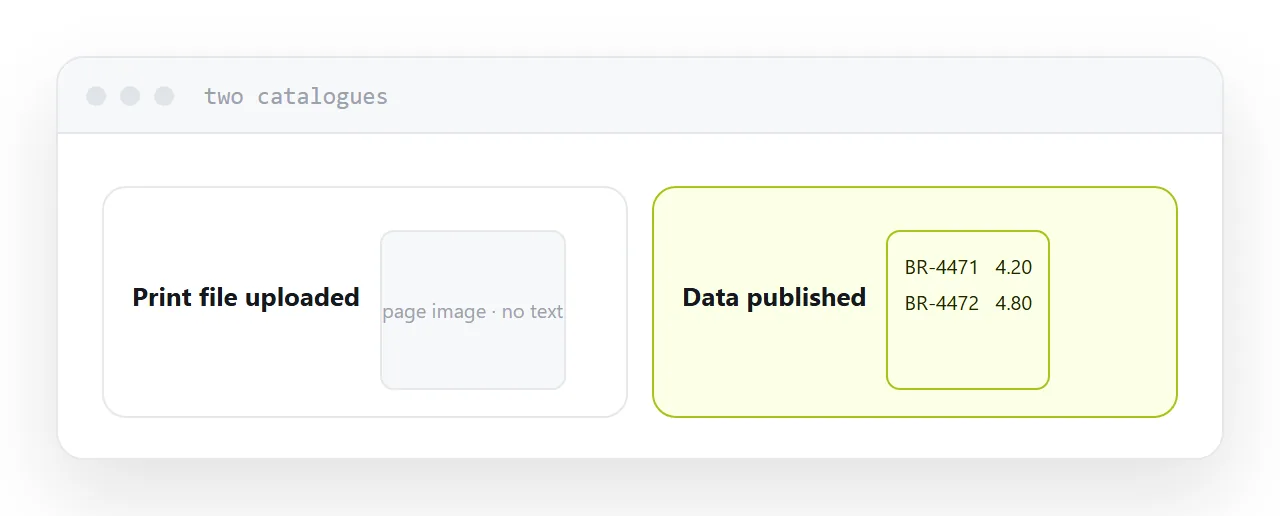
Uploading a catalogue is usually taking the file that went to the printer and putting it on a server. That produces a catalogue that cannot do the one thing buyers need.
This guide covers the order of work, which makes the job much smaller than it looks.
Start with the data, not the document
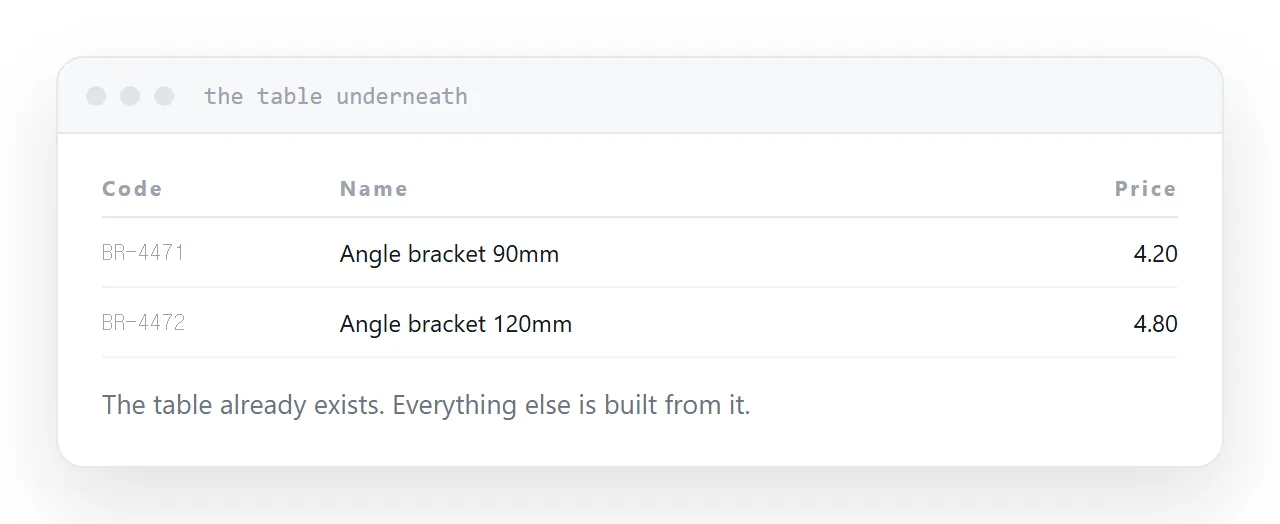
The print file is a layout. Underneath it there is a table: code, name, specification, price, image.
That table almost always exists already, in a spreadsheet, in an inventory system, or in whatever fed the design.
Get it out first. Everything else is built from it, and having it turns catalogue publishing from a design project into a data job.
Publish what sells first
The instinct is to do the whole catalogue or none of it. That turns it into a project that never starts.
Publish the lines that actually sell. In most catalogues a small share of products account for most of the orders, and those are also the ones people search for.
A partial catalogue that is searchable serves buyers better than a complete one that is not. Add the long tail over the following months.
| Print file uploaded | Data published as pages | |
|---|---|---|
| Searchable | No | Yes |
| Found by search engines | Almost nothing | Per product |
| Opens on a phone | Downloads | Opens |
| Price change | Republish | Edit |
| Time to first version | Minutes | A few days |
Photography at screen sizes
Print photography is the reason uploaded catalogues are slow.
Export at the size things are displayed, with a larger version on tap for the product page. Load images below the fold only as the buyer scrolls to them.
This typically takes a catalogue from several seconds to under one, and speed is a conversion factor for buyers who are comparing suppliers.
Keep the print file available
As a download, clearly labelled, on the catalogue index.
Some buyers file it. Some print it for a workshop. Some send it internally to somebody who wants the whole thing.
It is a genuinely useful artefact and a poor main version. Both, with the pages first.
The address is permanent
Whatever you publish, the catalogue address should not change.
It goes onto printed material, into buyer bookmarks, into purchasing systems and into supplier lists. A new address per edition breaks all of it and starts the search position from nothing each year.
One address, content updated. The edition becomes a date on the page rather than a separate thing.
Two neighbouring cases are worth a look: How to make a digital catalog and How to publish an online catalog.
Put it at an address
Extract the product data first, publish the lines that sell, export photography at screen sizes, keep the print file as a download, and add the rest over time.
Then buyers can search the catalogue, which is what they came to do.