Video is the exception to hosting things yourself. Serving it properly is a genuinely hard problem that somebody else has already solved.
Why a file does not work
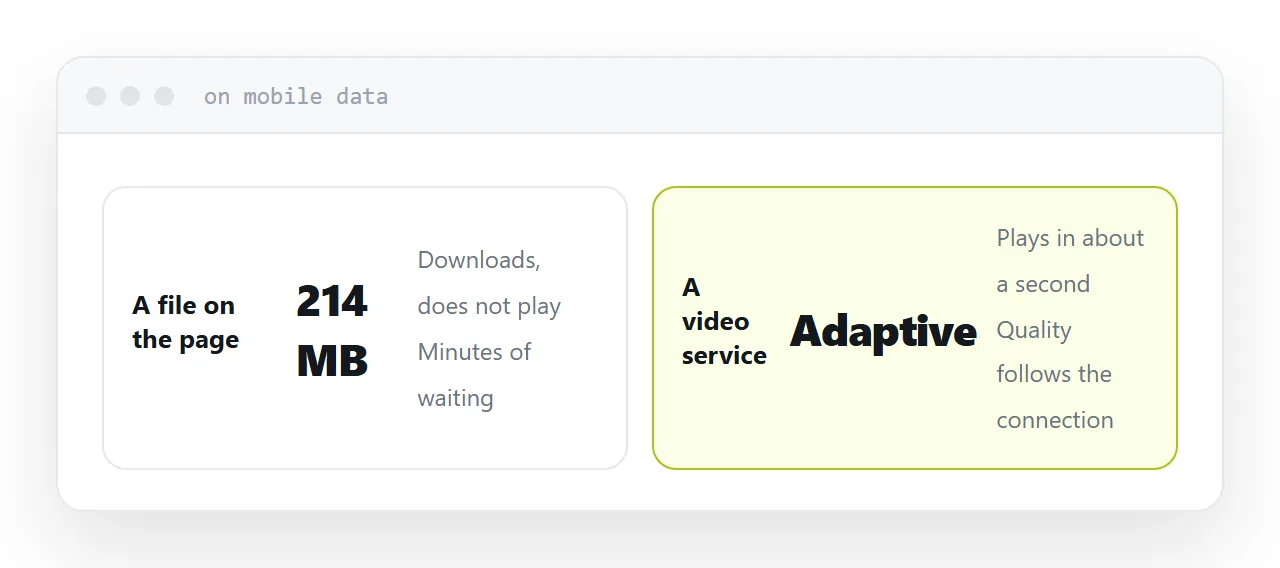
A video file on a page is downloaded, not streamed.
The viewer waits, on whatever connection they have, for the full file at full quality. On a phone on mobile data, a two hundred megabyte file is several minutes of waiting and a substantial part of their allowance.
A video service does something different: it produces several versions at different qualities, and the player picks whichever the connection can sustain, switching as conditions change. Playback starts in about a second.
That is the service you are buying, and it is not something to reproduce.
| Video | Approach |
|---|---|
| Under 30 seconds, small | File on the page |
| Anything longer | Video service |
| Client work | Private video service |
| Public reach | Public platform |
| Internal training | Private service or intranet |
Public platform or private service
Public platforms give you reach, search presence and no cost. They also put advertising and recommendations for other people's videos around your content, which is wrong for a client deliverable.
Private video services charge a monthly fee and give you a clean player, no advertising, no suggestions, and control over who can view. For client work, internal training or anything commercial, this is the correct choice and the cost is modest.
Embed it in your own page
Do not send the platform address.
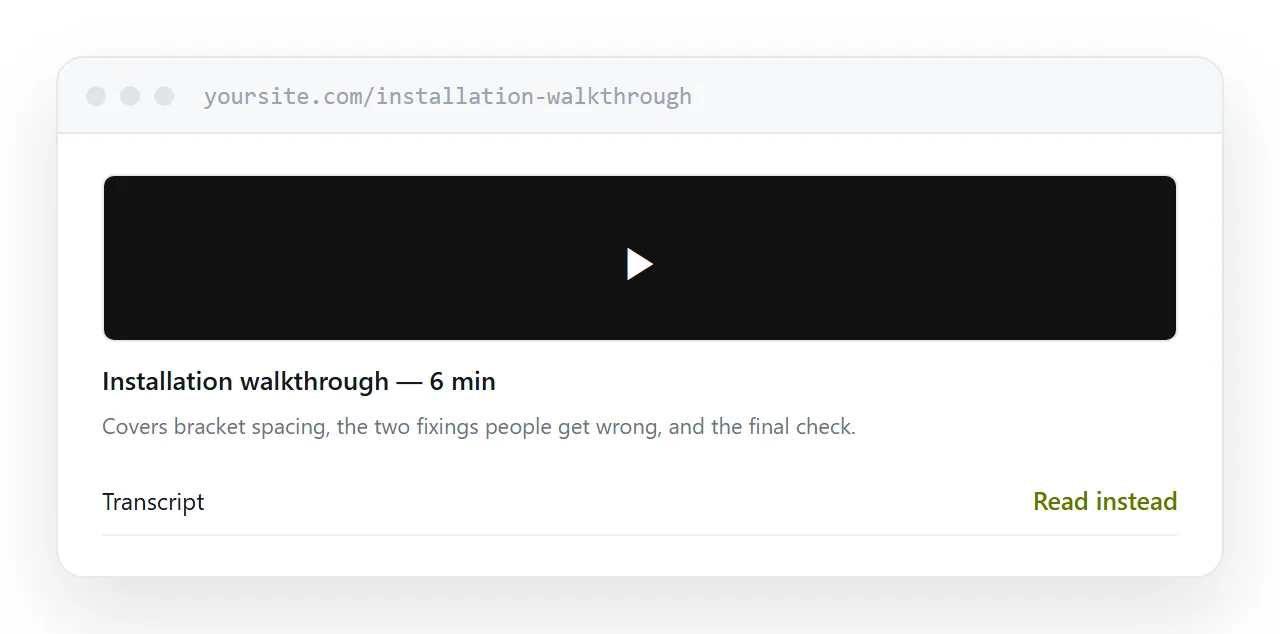
Put the video in a page of your own with the title, a short summary, the transcript and whatever comes next. Then the address is on your domain, and what surrounds the video is under your control.
If you later change video service, you change the embed and the address people hold keeps working. Sending the platform link directly means every link breaks the day you move.
Add a transcript
Underneath the player, as text.
It makes the content searchable, which a video is not. It lets somebody skim in thirty seconds rather than watching for six minutes. It works for anyone who cannot or would rather not play audio.
Automatic transcription is accurate enough to be worth correcting rather than typing, and the correction takes a few minutes for a short video.
Two neighbouring cases are worth a look: How to send video files and How to send large video files.
Put it at an address
Do not serve large files yourself, use a video service for anything over a short clip, choose a private service for client work, embed it in a page on your own domain, and put the transcript underneath.