Archiving on Windows is a right-click. The interesting part is that for most of what people archive, it does nothing useful.
How to do it
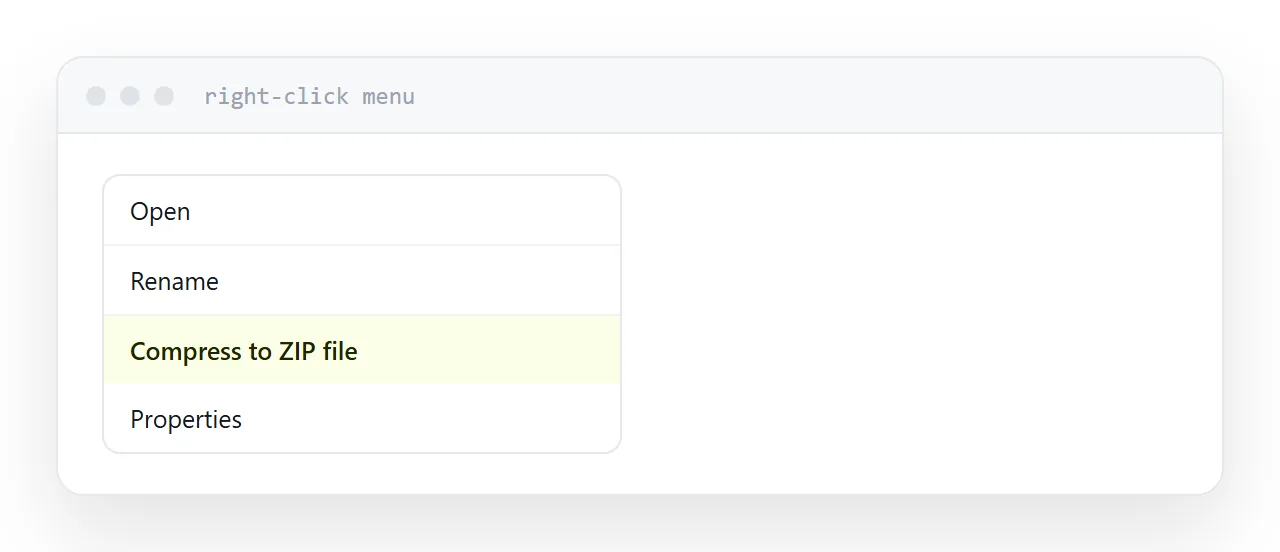
Select the files. Right-click. Choose the compress option, which in recent Windows versions is named directly and in older ones sits under send to.
An archive appears beside the originals. Rename it to something meaningful, because the default is the name of the first file selected and that confuses the recipient.
Why it usually does not shrink anything
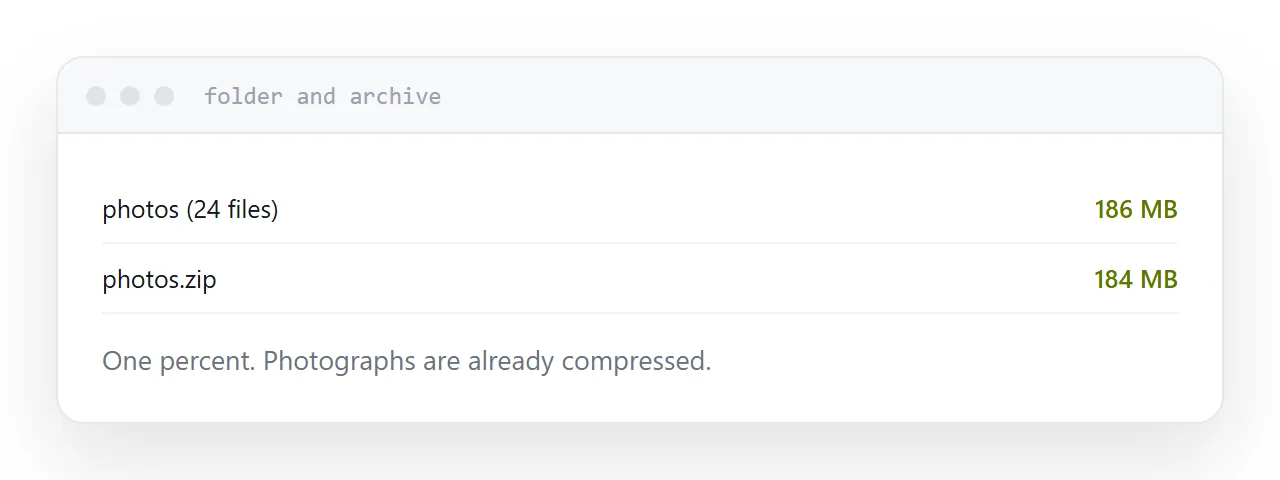
Compression finds repetition and encodes it more efficiently. Already-compressed data has had its repetition removed, which is what compression is.
Almost everything people archive is already compressed internally.
| Contents | Typical saving |
|---|---|
| Documents, PDFs | 1-3% |
| Photographs | 0-2% |
| Video, music | 0-1% |
| Office files | 2-5% |
| Plain text, logs | 70-90% |
| Comma-separated data | 80-95% |
So archiving a folder of photographs to get under an email limit saves nothing and adds an extraction step for the recipient, who may be on a phone that cannot extract it.
What actually reduces size
The images.
A scanned document at 600 dots per inch is a stack of photographs. Re-exported at 150 it is a fraction of the size and looks identical on a screen. A presentation carries images at full resolution and every tool has a compress-images function.
That is where the size is, and it is one step in the tool that made the file.
Archive passwords
The built-in Windows tool cannot set one, which is the first obstacle.
Third-party tools can, and the encryption used by most archive formats is old and broken quickly with freely available software.
More practically, mail scanners frequently block encrypted archives because they cannot inspect the contents. The message does not arrive and often nobody is told.
If something needs protection, protect the document itself and send the password through a different channel.
What archiving is genuinely for
Several files as one thing. A set of documents that belong together, arriving in a known order.
A folder structure. When the arrangement carries meaning.
A single upload. Some submission processes accept exactly one file.
All three are legitimate and none of them are about size.
The alternative for several files
Put them at an address and send the address.
The recipient sees what is there, opens the one they need, and downloads the rest only if they want them. It works on a phone, has no size limit, and there is nothing to extract.
For anyone regularly sending folders of files, that change removes an entire category of message asking how to open something.
If this is near what you are doing, How to zip a PDF file and How to unzip files online cover the cases on either side.
Put it at an address
Right-click and compress when you need one thing rather than several, check the size before assuming it helped, compress the images when size is the problem, avoid archive passwords, and send an address when there are several files.
Then nobody receives a container they cannot open.