To embed a PDF in HTML at full size, give the frame a height the browser can actually resolve. This version fills the window:
<!doctype html>
<html>
<head>
  <meta charset="utf-8">
  <meta name="viewport" content="width=device-width,initial-scale=1">
  <title>Q3 report</title>
  <style>
    html, body { margin: 0; height: 100%; }
    iframe { display: block; width: 100%; height: 100%; border: 0; }
  </style>
</head>
<body>
  <iframe src="report.pdf#view=FitH" title="Q3 report"></iframe>
</body>
</html>
Three rules are doing the work, and each one fixes a different symptom.
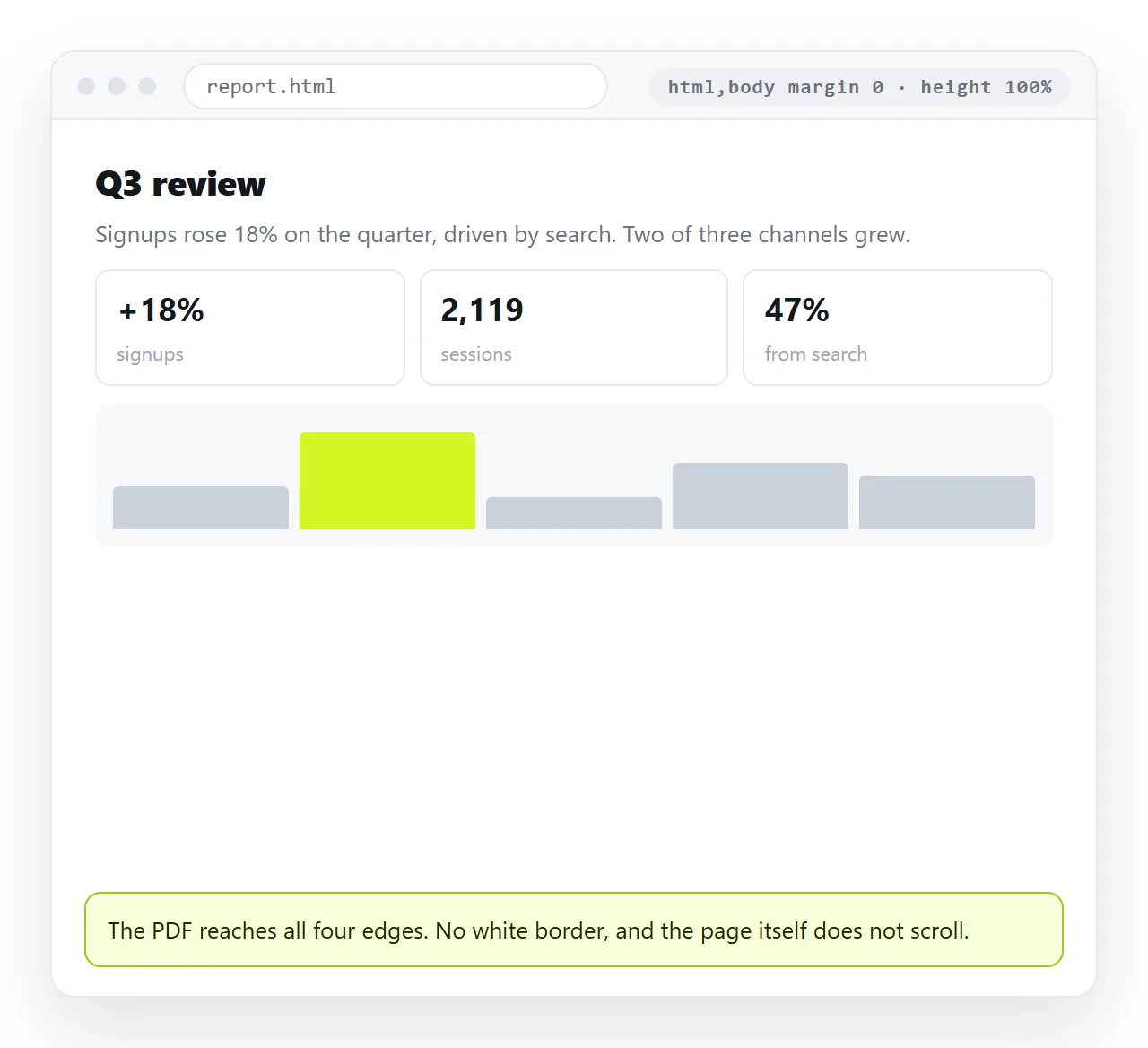
Why height 100 percent collapses
A percentage height is measured against the parent element. If the parent has no height of its own, the percentage has nothing to measure against and resolves to nothing.
The frame is inside body, which is inside html. Both default to the height of their content, so the chain has no fixed number in it anywhere.
Setting html, body { height: 100% } puts a real number at the top of the chain. Then the frame's percentage has something to work with.
Viewport units skip the problem entirely:
iframe { width: 100%; height: 100vh; border: 0; }
100vh means the height of the window, regardless of parents. It is the shorter route and the one to reach for by default.
One caveat on phones. Mobile browser toolbars shrink and grow as you scroll, which used to make 100vh slightly too tall. 100dvh measures the currently visible area instead and behaves better there.
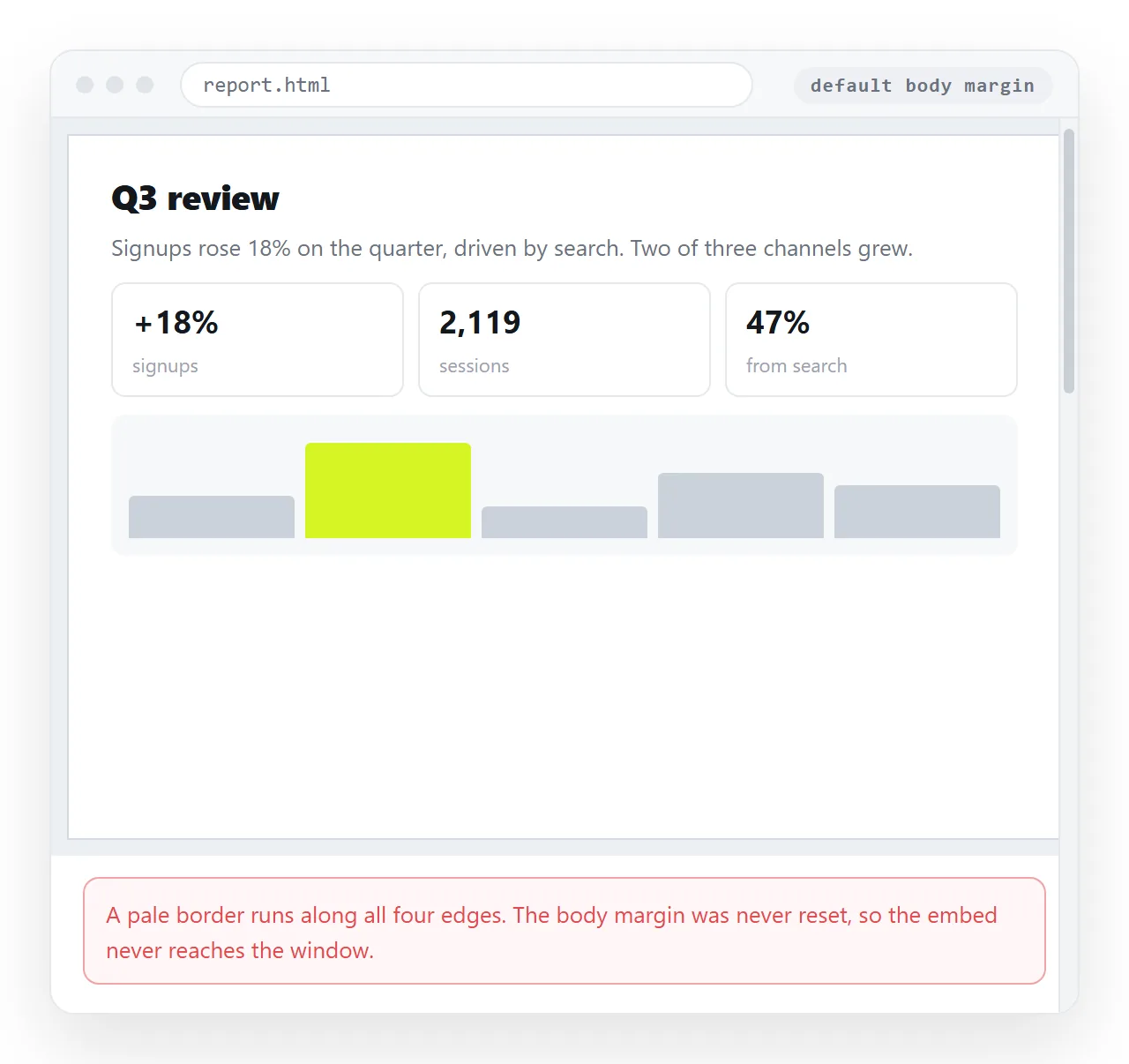
The white edge is the body margin
Every browser applies an 8 pixel margin to body. Unset, it shows as a pale border on all four sides of your full-size embed.
body { margin: 0; }
There is a second, smaller gap. An iframe is inline by default, so it sits on a text baseline and picks up a few pixels of space underneath.
iframe { display: block; }
Together these two lines remove the stray white that makes a full-size embed look almost right.
The viewer parameters
Appending a fragment to the address sets the initial view:
| Fragment | Effect |
|---|---|
#view=FitH |
Fits the page width to the frame |
#view=Fit |
Fits the whole page, so no scrolling within a page |
#zoom=100 |
Fixed zoom percentage |
#page=3 |
Opens on a given page |
#toolbar=0 |
Asks the viewer to hide its controls |
FitH is the right default for a full-size embed. Without it the viewer picks its own zoom, which on a wide monitor often leaves the page floating small in the middle.
These are requests. Desktop viewers generally honour them, and mobile or plugin viewers often do not. Do not build a layout that only makes sense if toolbar=0 is respected.
Full size inside a layout, not the whole window
If the PDF sits below a heading rather than alone, subtract the space the rest of the page uses:
.reader { width: 100%; height: calc(100vh - 120px); border: 0; display: block; }
calc keeps the frame as tall as the window allows without pushing a second scrollbar onto the page. Two scrollbars, one for the page and one for the PDF, is the usual complaint about embedded documents.
An alternative is to fix the frame to the viewport and let the heading float over it, though that costs you the ability to scroll past it. For most pages the calc version is enough.
Ways to embed a PDF in HTML at full size, compared
| Rule | Fills the window | Works inside a layout | Phone behaviour |
|---|---|---|---|
height: 100vh |
Yes | No, it will overflow | Slight overshoot with toolbars |
height: 100dvh |
Yes | No | Correct as toolbars move |
height: 100% plus html, body { height: 100% } |
Yes | No | Reliable |
height: calc(100vh - 120px) |
Nearly | Yes | Good |
aspect-ratio: 1 / 1.414 |
No | Yes | Best for a page-shaped block |
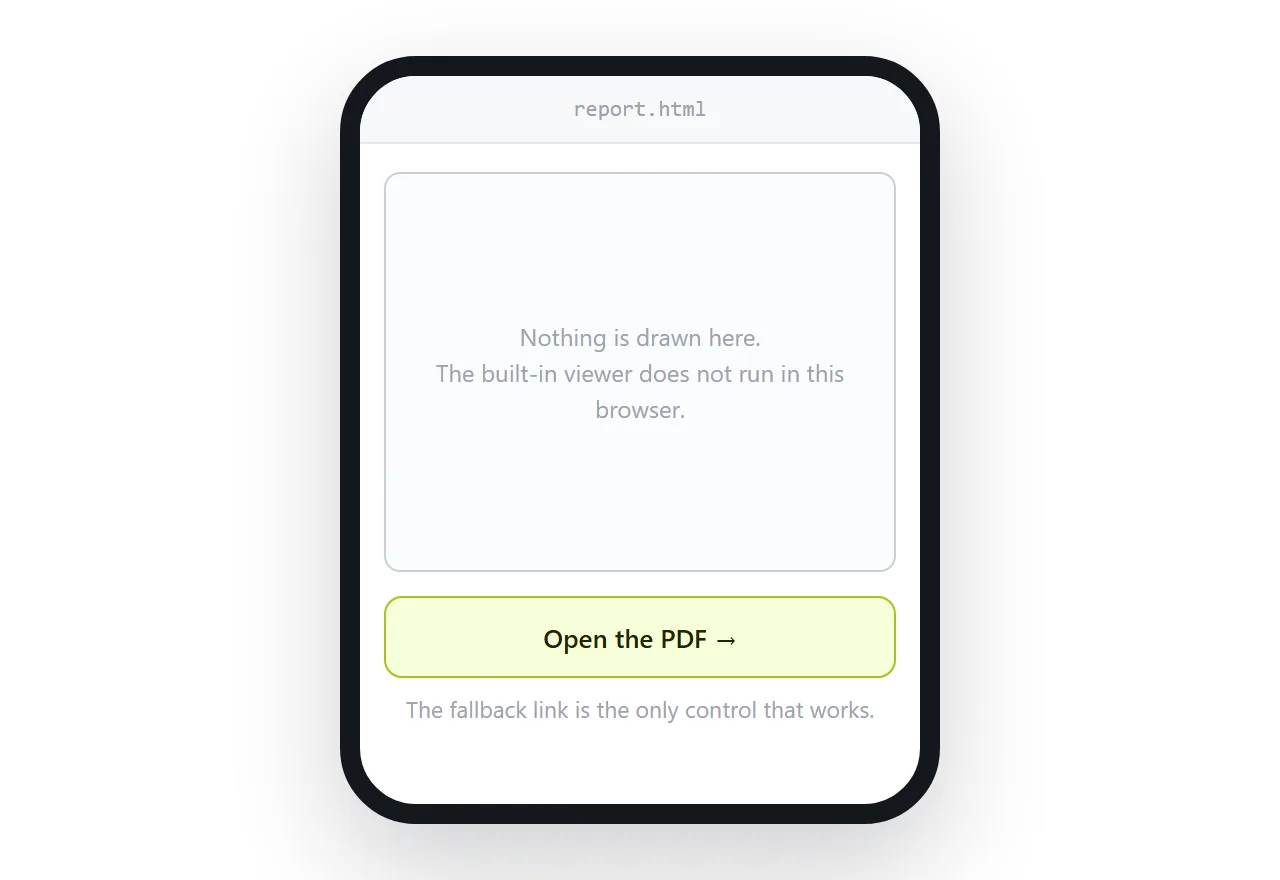
Phones still will not render it
Filling the window does not change whether the file renders. Mobile browsers commonly refuse to display a PDF inside a frame, and a full-size empty rectangle is worse than a small one.
Always leave a visible way out:
<p class="fallback"><a href="report.pdf">Open the PDF directly (2 pages)</a></p>
The general behaviour, and the choice between iframe, object and embed, is covered in embedding a PDF in HTML.
Whether the PDF should be a page instead
A full-window PDF embed is a page whose only job is to hold another document. That is a reasonable thing to build, and it is also worth asking whether the PDF earns its format.
On screen, an HTML page reflows, searches with the browser's own find, and can be corrected without regenerating a file. PDF versus an HTML page compares them directly.
Getting it to the reader
A file containing report.pdf as a relative path only works while both files sit together. Sent as an attachment, the page arrives without the PDF beside it and the frame is empty.
Paste the HTML into a NOS document and the page renders as written, with the frame pointing at whatever address you gave the PDF. The document has its own link to send.
The link survives edits, so replacing the PDF address or adjusting the height does not mean sending a second message.
Turning HTML into a link is that step on its own, and the HTML file opener shows quickly whether your local file survives outside its folder.
Give the page a title and a way out
A full-window embed has no visible page of its own, which makes two small things matter more than usual.
The <title> is the only label the reader gets. It shows in the browser tab, in bookmarks and in the preview card when the link is pasted into a chat. Write the document name, not "PDF viewer".
The second is an exit. A frame filling the window leaves nowhere to click back to. A small fixed bar solves it without costing much height:
.bar { position: fixed; top: 0; left: 0; right: 0; height: 40px; }
iframe { margin-top: 40px; height: calc(100vh - 40px); }
Put the document name and the download link in that bar. It answers both questions a reader arriving cold will have: what is this, and how do I keep it.