Formatting is solved and automatic. It is worth knowing precisely what it leaves untouched.
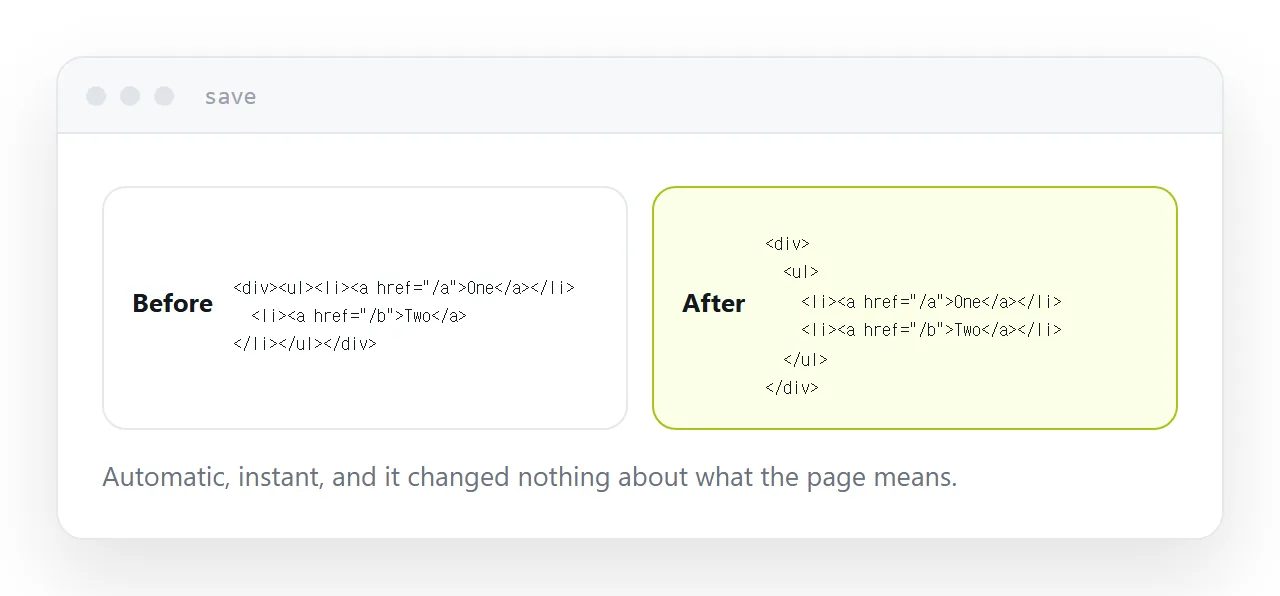
What formatting does
Consistent indentation, sensible line breaks, attributes spaced the same way throughout.
Every editor does this on save, and every language has a formatter that needs no configuration. There is no reason to indent markup by hand and no reason to argue about the style.
It changes nothing about what the page means or does. It makes the file readable.
What it leaves behind
| Problem | Fixed by formatting |
|---|---|
| Inconsistent indentation | Yes |
| Long unbroken lines | Yes |
| Four nested containers doing nothing | No |
| Generic elements everywhere | No |
| The same block repeated six times | No |
| Missing alt text | No |
Generated markup in particular arrives with deep nesting where one element would do, mechanical class names, and the same structure repeated rather than reused.
Formatted, it is neatly indented and just as hard to work with. That is worth knowing before spending an afternoon on the wrong thing.
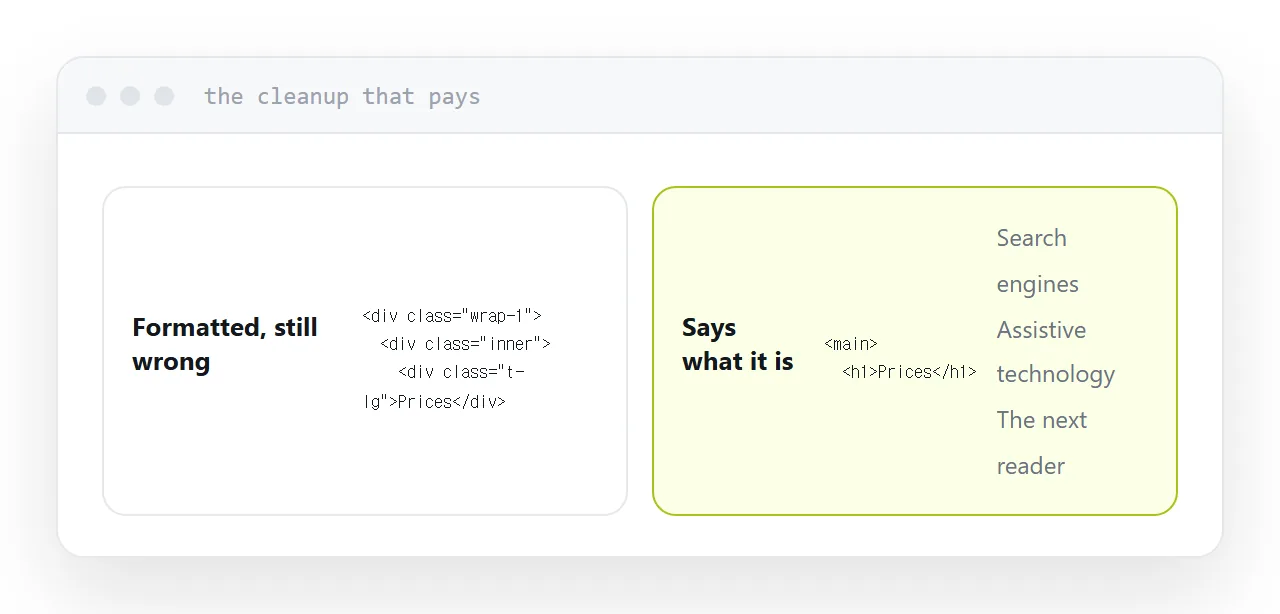
The cleanup that pays
Replacing generic containers with elements that say what they hold.
A navigation marked as navigation, a main area marked as main, a heading that is actually a heading rather than a large paragraph. It costs nothing at the time of writing and it changes three things.
Search engines understand the page. Assistive technology can navigate it, which is how many readers move through a page. And the next person to open the file, frequently you, can see the structure without reading every line.
When not to bother
If the page is published once and never opened again, tidy markup is not worth an afternoon. A leaflet page, a one-off announcement, a landing page for an event that has passed.
The test is whether anybody will open the file again. If the answer is no, format it and move on.
Minifying
Removing whitespace from markup and styles reduces the file, and the reduction is small next to a single unoptimised photograph.
If your build does it automatically, fine. Doing it by hand produces a file you can no longer read, in exchange for a saving that would be wiped out by one image exported at the wrong size.
Optimise the images first and the question stops being interesting.
If this is near what you are doing, HTML viewer and How to test a page before publishing cover the cases on either side. Tools for running consulting work is also close.
Put it at an address
Format automatically and never by hand, then look at structure, replace generic containers with elements that describe the content, delete nesting that does nothing, and leave minifying to the build.