An online HTML email preview renders your email markup in a browser and shows you the result. It is the fastest way to check content before a send, and it is not a substitute for opening the message in a real mail client.
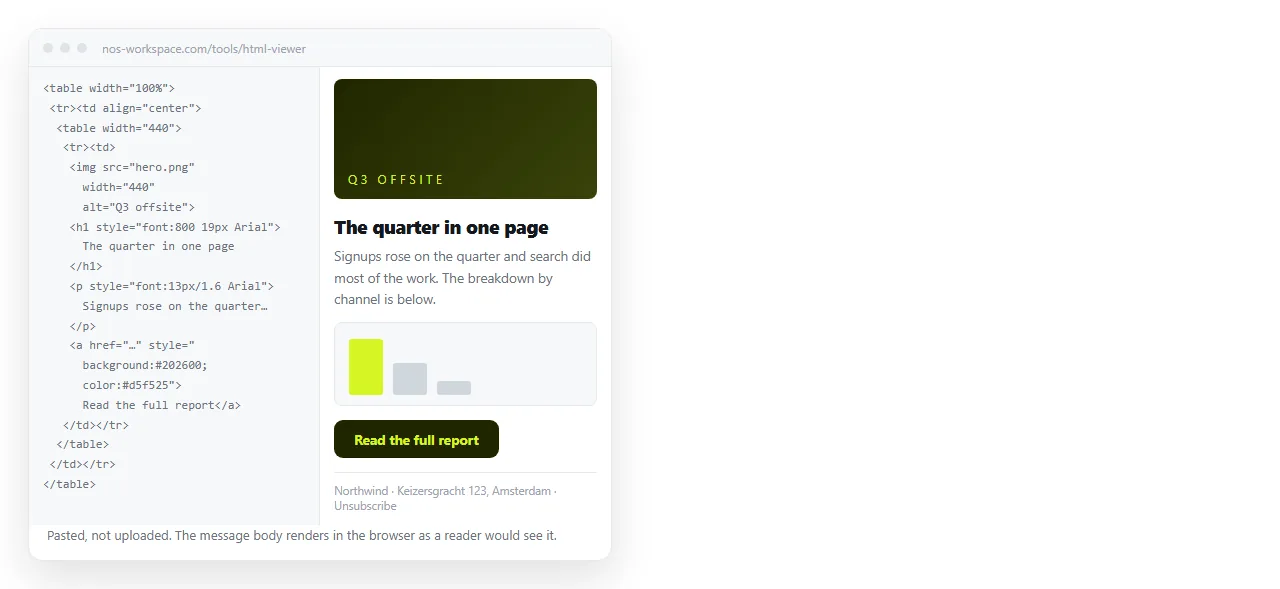
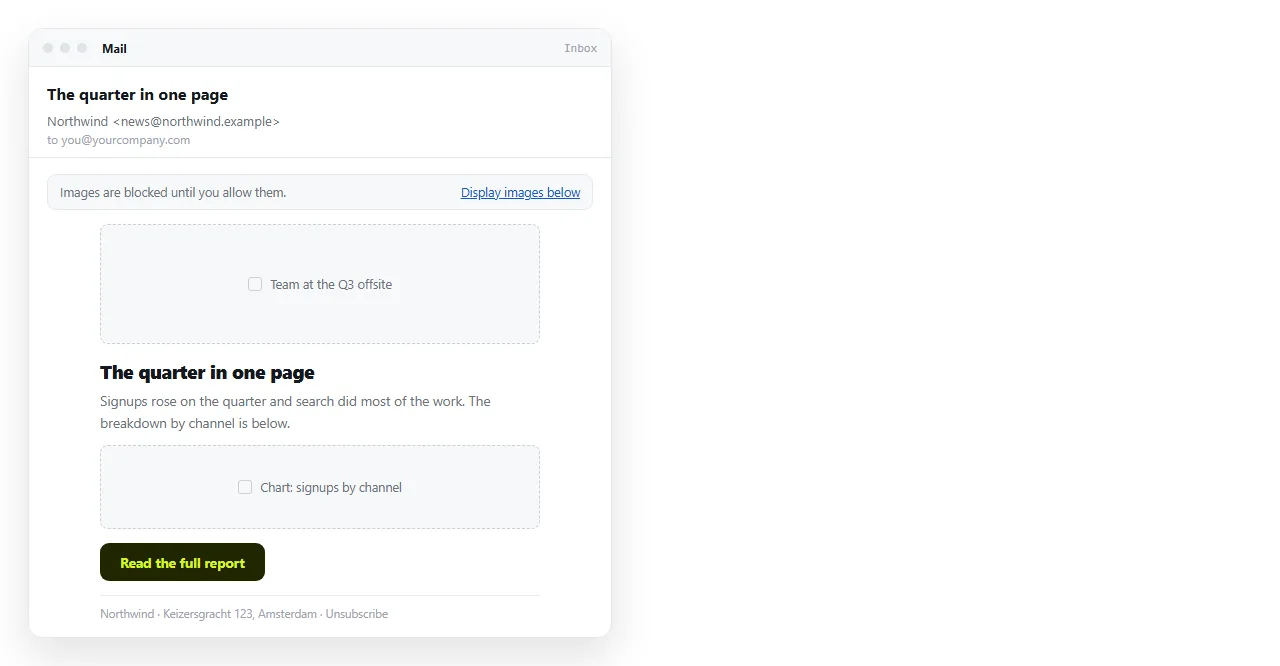
The distinction matters because the two tests answer different questions. A browser shows the markup as written. A mail client shows what is left after its own filter has been through it.
What an HTML email preview online is good for
Content errors are the most common reason an email has to be resent, and they are exactly what a browser preview catches.
- Wrong figures. The number in the headline against the number in the table.
- Broken links. Click every one. A tracking link that was not built correctly fails here too.
- Missing images. An empty box in the preview will be an empty box for the reader.
- Alt text. Many clients block images by default, so alt text is what a share of your list actually reads.
- Personalisation placeholders. A visible
{first_name}merge field in the preview is a visible placeholder in the inbox. - Length. Scroll it. Most readers will not get past the first screen.
This pass takes a minute and does not require a send. Any HTML viewer will do it, since email HTML is HTML.
It is also the pass to repeat after any late change. Most resent campaigns are resent because someone edited a figure after the approval and nobody looked at the result again.
Narrow the browser window while you are there. It will not tell you what a phone does with the markup, but it will show text that overflows a fixed width table.
What it cannot tell you
| Question | Browser preview | Real client test |
|---|---|---|
| Are the figures right | Yes | Yes |
| Are the links correct | Yes | Yes |
| Do the images load | Yes | Also shows blocked state |
| Does the layout hold in Outlook | No | Yes |
| Does the style block survive | No | Yes |
| How it looks on a phone | Approximate | Yes |
| Dark mode colour inversion | No | Yes |
The three "no" rows are all the same underlying fact. Gmail removes <style> blocks, desktop Outlook renders through a word processing engine, and several clients invert colours in dark mode. A browser does none of those things, so it cannot show you their effects.
Getting the HTML out to paste
Most sending tools have an export or a view source option on the campaign. Copy the complete document, including the opening <html> tag.
If what you have is a received message rather than a campaign, it is in a container format rather than plain HTML.
An .eml file is text. Open it in a text editor and the HTML part is visible below the headers.
A .msg file is a binary Outlook format. The practical route is to open the message, view its source from the client, and copy from there.
Content-Type: text/html; charset=utf-8

<html>
  <body>...</body>
</html>
Copy from the opening tag down. The headers above it are not part of the page.
Before you paste anything
The markup is leaving your machine. Two things to strip first.
Real customer data that got baked into a test export, such as a name and email address in a merge field that was already resolved.
Unique tracking links tied to a specific recipient. Those identify a person, and they also register as an open or a click when the preview loads them.
The tracking pixel has the same effect. Loading the markup in a viewer fires it, which puts a false open against whichever recipient the export was generated for.
Neither is a reason to skip the preview. It is a reason to preview a generic version of the campaign rather than a copy exported for one person.
Images that do not load
An image that is blank in the preview and fine in your sending tool is normally a path problem. The email refers to the image by a local file path, or a path relative to the tool's editor, rather than a full public address.
That will fail for recipients as well, so the preview has found a real fault. Images not showing in HTML covers the path rules, which are the same rules in an email.
Running both tests in order
- Paste into a viewer. Fix content, links, figures, placeholders, alt text.
- Send to seed accounts. One address on each provider your readers use.
- Open each account twice. Once with images blocked, once with them loaded.
- Check the list view. Subject line and preheader text decide whether it gets opened.
- Send the campaign.
Previewing HTML email in multiple clients covers step two in detail, including which clients are worth the time.
When the email should not carry the content
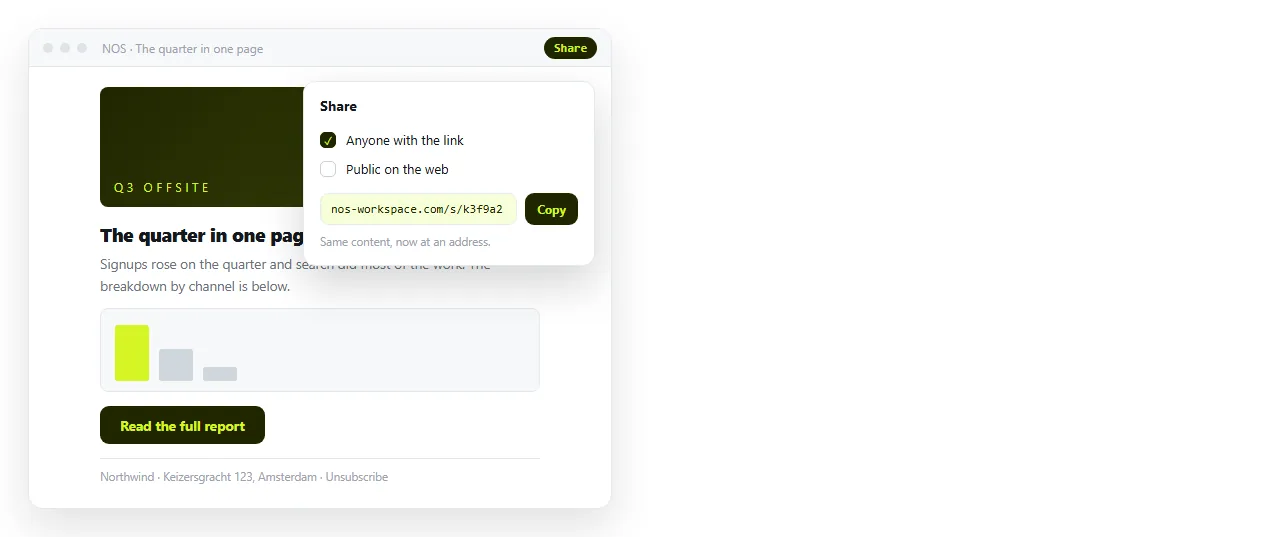
Every constraint in this article exists because the content is inside the message. A link avoids all of them.
Send a short message with the point and an address for the detail. The page renders in a browser as written, with no stripped styles and no client to work around.
Paste the HTML into a NOS document, then Share, Share link, Create link. Unlisted by default, so only people with the link open it.
It also survives the mistake you find after sending. A figure inside an email is frozen the moment it leaves.
A figure on a page can be corrected by clicking the text, and the link you already sent points at the corrected page.
Sharing an HTML file by email covers the attachment route, which fails for separate reasons and is worth knowing about before someone suggests it.