A page you built opens correctly on the machine that built it, and that proves almost nothing about what anyone else will see.
This guide covers why the file fails, what to check, and what to write.
The file does not travel
Three failures, and all of them are invisible to the sender.
Mail systems strip it. HTML attachments are treated as a risk and are quarantined, removed, or rewritten into something inert.
It opens as text. The recipient's machine associates the file with an editor, so double-clicking shows markup. To somebody not technical, that is indistinguishable from broken.
They are on a phone. A downloaded file lands in a folder with no obvious way to open it as a page.
Pasting the code into a message is worse. They see several hundred lines of angle brackets and have no route from there to anything.
| Send the file | Paste the code | Send an address | |
|---|---|---|---|
| Survives email | Often not | Yes | Yes |
| Opens as a page | Sometimes | No | Yes |
| Works on a phone | Rarely | No | Yes |
| Recipient needs knowledge | Yes | Yes | No |
Check what the page loads from elsewhere
Search the file for anything referencing somewhere else.
Images at local paths. A reference to a file on your desktop works for you and for nobody.
Stylesheets at absolute paths. A path starting with a slash points at the top of the domain rather than at your folder.
Fonts or libraries from a network source. These usually work, and they can be blocked by corporate networks or fail when the source changes.
The safest shape for a single page is self-contained: styles and script inlined, small images encoded in. Then nothing external exists to fail.
Check it on a phone
They will open it on a phone. Assume that.
Open your own published link on one before sending. Look for horizontal scrolling, text too small to read, and anything that needed hovering, which does not exist on touch.
Those three are the usual set and none of them are visible from the machine you built it on.
If the file has to open on a handset first, Opening an HTML file on a phone covers what changes.
Write one line
A link on its own gets opened, looked at for two seconds, and closed with no reply.
Name what it is and say what you want.
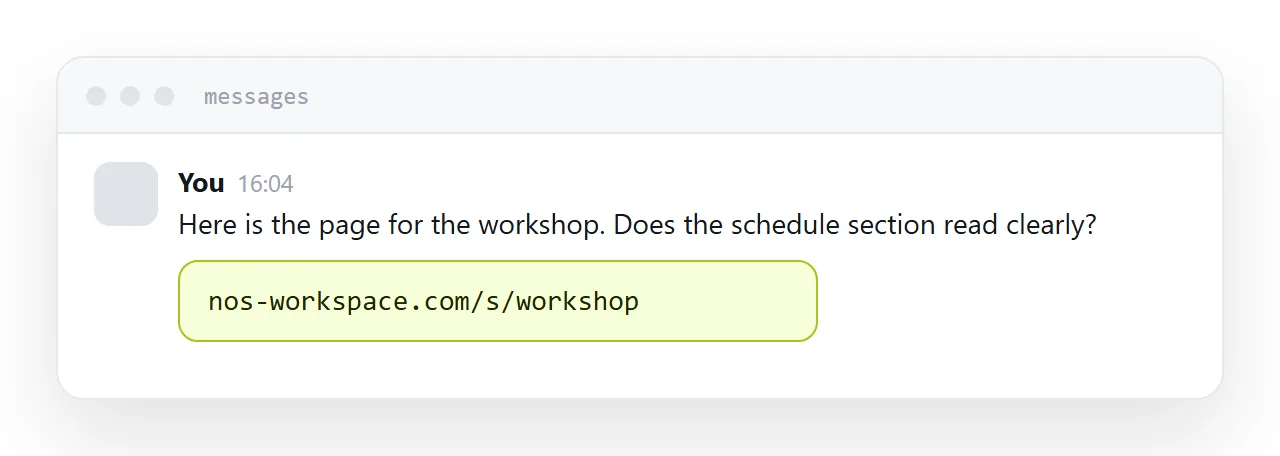
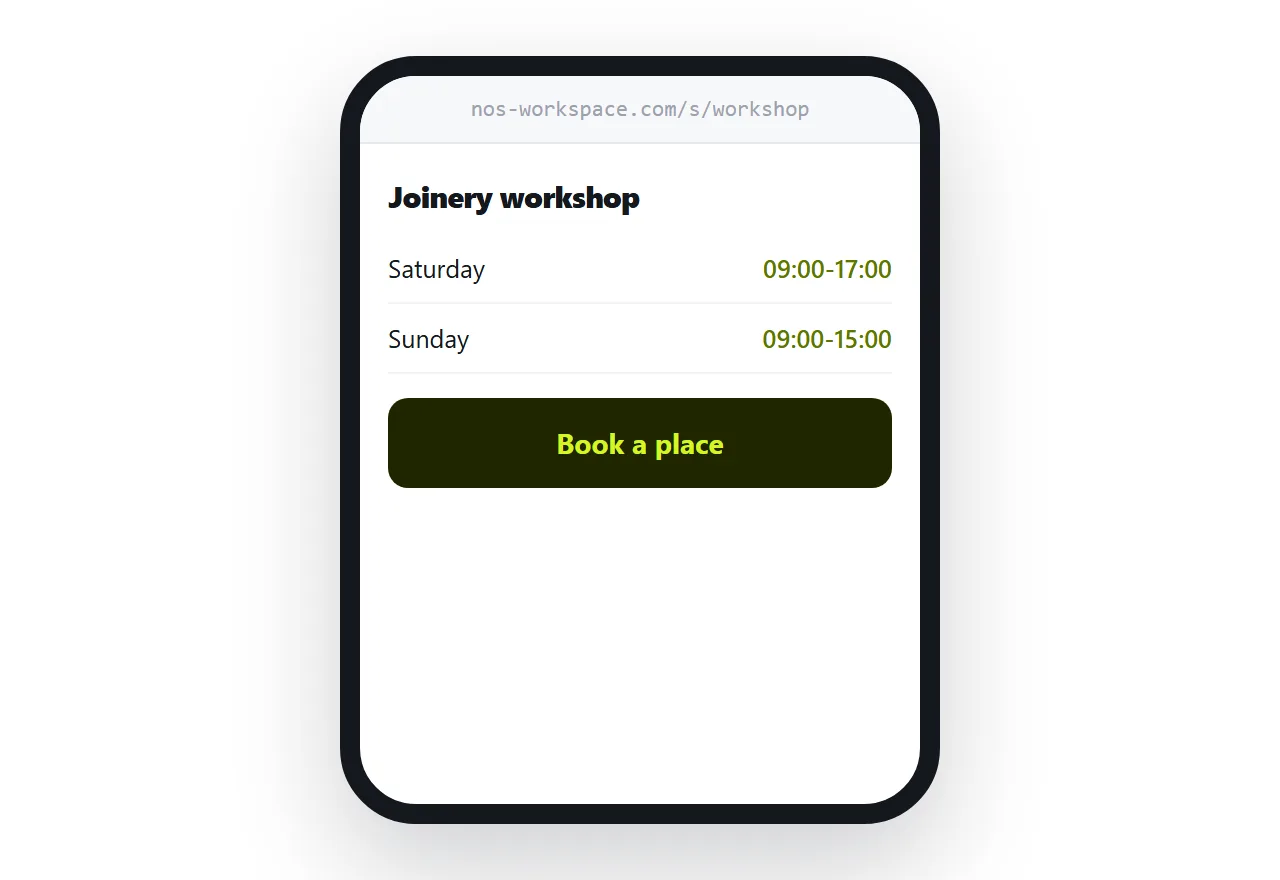
Here is the page for the workshop. Does the schedule section read clearly to you.
That names the thing and asks one question, which is what produces an answer rather than a polite acknowledgement.
Changes go to the same address
They will want something changed, which is usually why you sent it.
Update what sits behind the address and tell them. They reopen the link they already have.
No second file, no version two in the thread, no ambiguity about which one they are looking at.
Closely related: How to share an HTML file, and How to share AI generated HTML for the adjacent problem.
Put it at an address
Do not send the file, check for anything loaded from elsewhere, publish it and send the address, open it on a phone yourself, and write one line of context.
Then the person you wanted to show sees the page rather than a wall of code.