The thing you made runs in a browser. The person you are showing it to needs a browser to open it, and sending them a file mostly does not achieve that.
This guide covers why the file fails, what to write, and handling changes.
The file does not survive the journey
Three ways it goes wrong, and all of them are invisible to the sender.
Mail systems strip it. HTML attachments are treated as a risk. They are quarantined, removed, or rewritten into something inert.
It opens as text. The recipient's machine associates the file with an editor, and double-clicking shows markup. To someone who is not technical, that is indistinguishable from broken.
They are on a phone. A downloaded file on a phone lands in a folder, and the phone has no obvious way to open it as a page.
Pasting the code into a message is worse. Messaging apps show text. The recipient sees several hundred lines of angle brackets and has no route from there to a working page.
| Send the file | Paste the code | Send an address | |
|---|---|---|---|
| Survives email | Often not | Yes | Yes |
| Opens as a page | Sometimes | No | Yes |
| Works on a phone | Rarely | No | Yes |
| Recipient needs to know anything | Yes | Yes | No |
Write one line with it
A link with no context gets opened, looked at for two seconds, and closed without a reply.
Say what it is and what you want. Not a paragraph.
Here is the booking page for the workshop. Does the pricing section read correctly to you.
That names the thing and asks one question, which is what produces an answer rather than a "looks good".
Check it on a phone first
They will open it on a phone. Assume that.
Generated pages default to desktop layouts, so before sending, open your own link on a phone and look for the three usual failures: horizontal scrolling, anything that needed hover, and buttons too small for a thumb.
Fixing those takes one more prompt and it is the difference between a reply about your idea and a reply about the page being awkward.
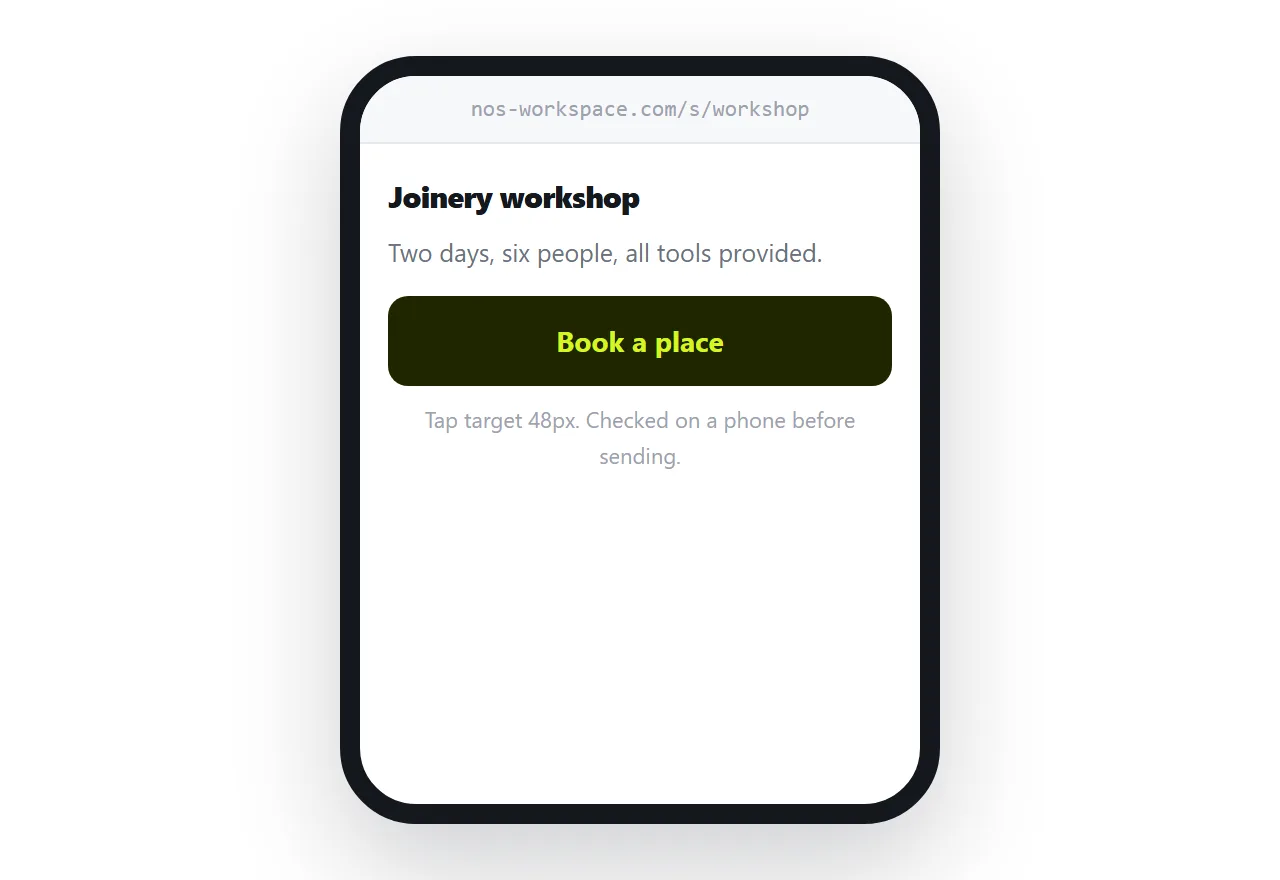
When the reader is on a phone, Opening an HTML file on a phone is the relevant case.
Whether to mention how it was made
Say it when it affects the decision. If someone is judging how much effort or budget something took, that is relevant and worth being straightforward about.
Otherwise it is not the interesting part. The interesting part is whether the thing works and whether it is right. Leading with the tooling invites a conversation about tooling instead of a conversation about the work.
Changes go to the same address
They will want something changed. That is the point of showing it to them.
Regenerate, replace what sits behind the address, and tell them it is updated. They reopen the link they already have.
No second file, no version two, no ambiguity about which one they are looking at. This is the part that an attachment can never do and it matters more with every round of feedback.
Two neighbouring cases are worth a look: How to host AI generated HTML and How to host HTML output from ChatGPT.
Put it at an address
Do not send the file, publish it and send the address, write one line of context, check it on a phone first, and replace in place when it changes.
Then the person you wanted to show sees the thing you made.