An artifact is a page rendered inside a conversation. Hosting it means taking that page out and putting it at an address that belongs to you.
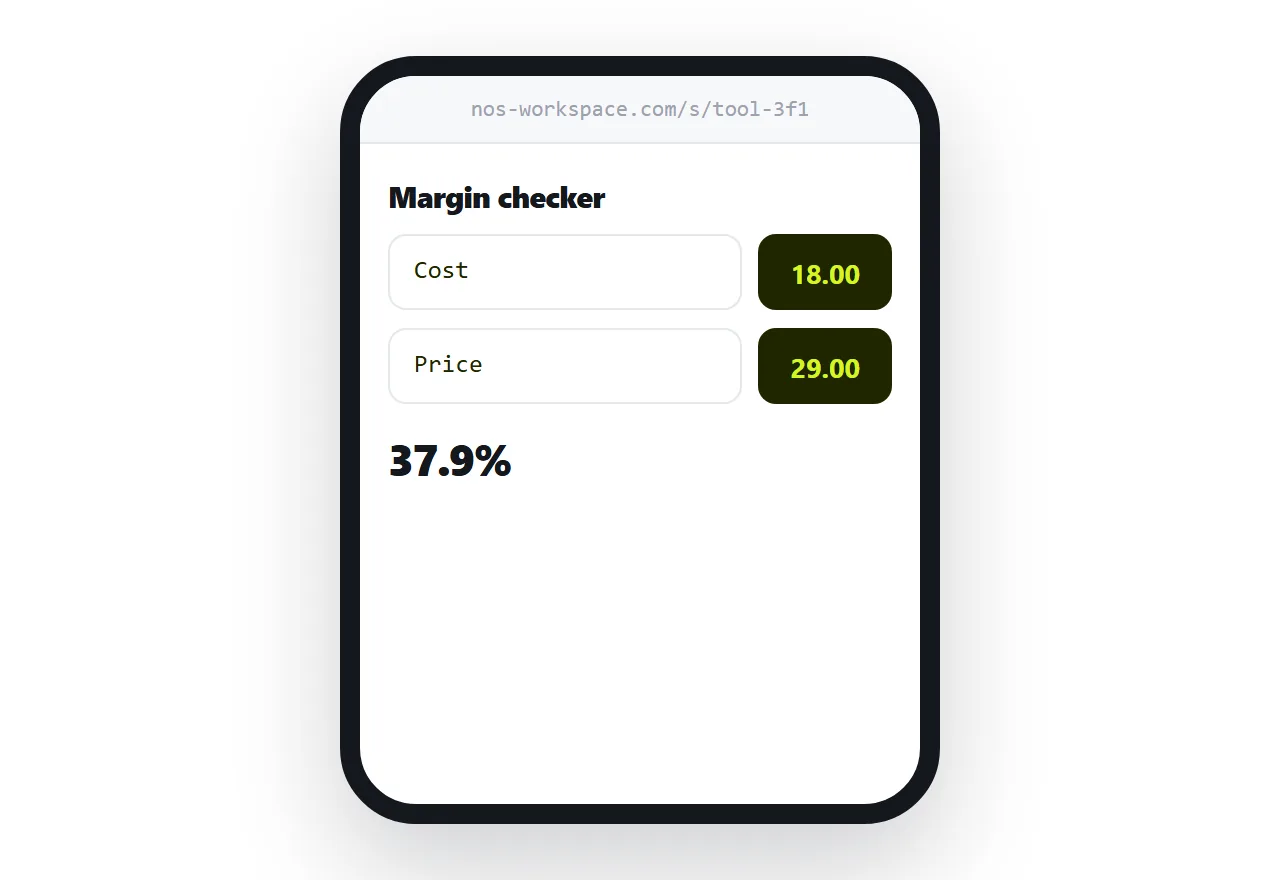
This guide covers getting it out cleanly, what the preview was doing for you, and why the address should be yours.
Ask for self-contained before you copy
The instruction that prevents most problems: everything in one file, styles and script inlined, nothing loaded from elsewhere.
Ask for it before the work is finished, not after. Retrofitting a page that assumed external libraries is more work than asking up front.
Then the code you copy is the whole thing, and it behaves identically wherever it runs.
Getting it out
Copy the code from the artifact panel and save it with an html extension.
The extension matters more than it sounds. Saved as a text file, double-clicking opens a text editor and shows markup, which is the point at which people conclude something went wrong.
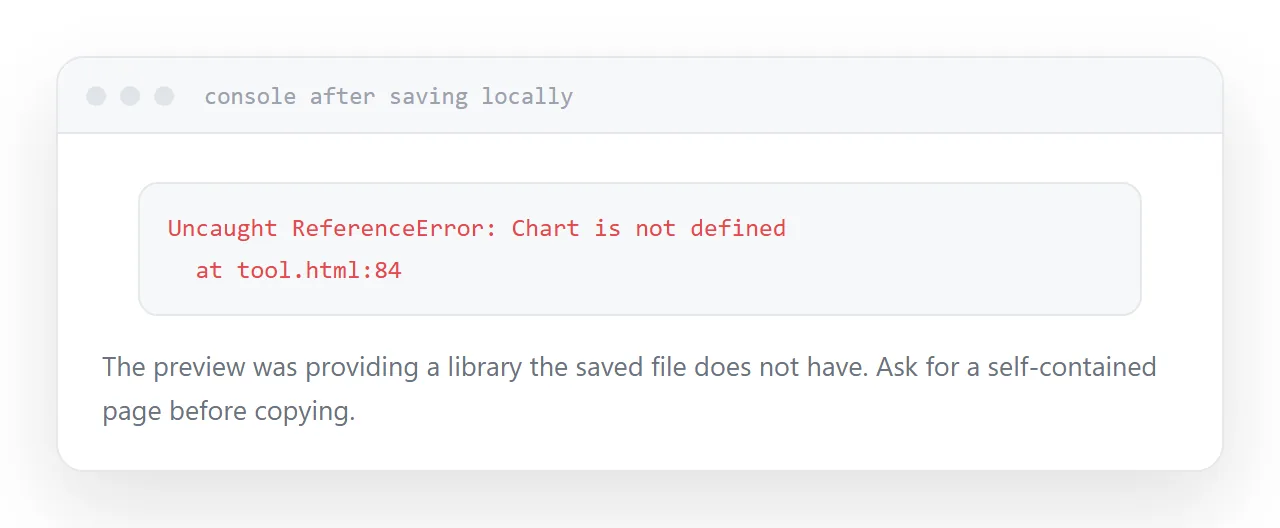
Open the saved file in a browser. It should look like the preview. If it does not, the preview was providing something the file does not have.
What the preview environment provides
A preview runs in a controlled context with some things already available and some things blocked.
Common differences once the page is on its own: a library that was available is now absent, a network request that worked is now blocked by the browser's cross-origin rules, or a font that was present is substituted.
Open the browser console once. The errors there are precisely the list of things the preview was doing for you.
| Artifact in the conversation | Page at your address | |
|---|---|---|
| Reader needs an account | Yes | No |
| Shows your whole conversation | Yes | No |
| You control the address | No | Yes |
| Still works next year | Depends on the product | Yes |
| Editable afterwards | Regenerate | Edit or regenerate |
If you want to see it first, the HTML viewer does that with nothing to install.
Why the address should be yours
Sharing the conversation shows everything: the first attempt, the correction, the thing that did not work, your prompt.
That is fine with a colleague and wrong with a client. The client should see the finished thing, at an address with your name on it, without being shown how it was made.
An address you control also keeps working regardless of what happens to any particular product, and it can be moved, renamed, and kept alive for as long as you want it.
Keep the address across versions
You will regenerate it. That is how this work goes.
Publish each new version at the same address rather than at a new one. Everyone holding the link, including the client who saved it two weeks ago, gets the current version without being sent anything.
That is the thing the conversation cannot do and the file cannot do.
If this is near what you are doing, How to share Claude artifacts, two ways and How to save a Claude artifact so you can find it later cover the cases on either side. Using a model while writing a short story is also close.
Put it at an address
Ask for a self-contained page, save it with the right extension, check the console for what the preview was providing, publish at your own address, and keep that address across versions.
Then the work is yours and it opens for anyone.