The question is not whether a browser editor matches a local one in features. It is whether the page gets corrected.
What a local setup costs
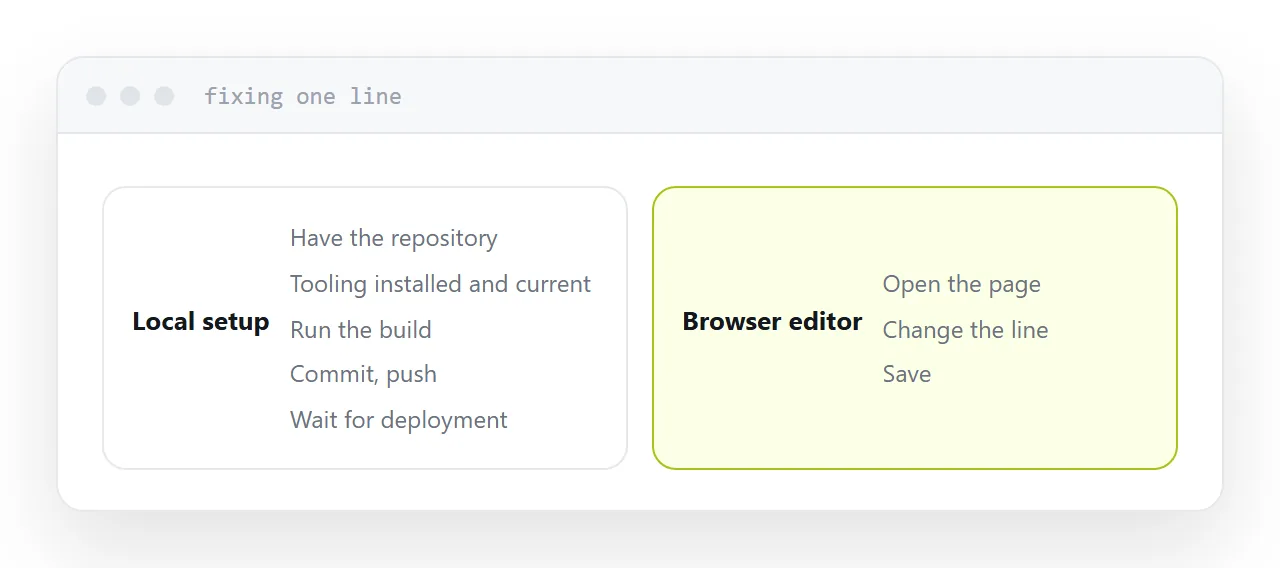
To change one line on a page: have the repository, have the tooling installed and current, run the build, check it, commit, push, wait for the deployment.
For somebody who does this daily, none of that is friction.
For somebody who does it twice a year, every step is a place to stop. The practical result is that the page stays wrong, and nobody records that as a cost.
| Step | Local setup | Browser editor |
|---|---|---|
| Install | Required | None |
| Get the files | Clone or download | Open the page |
| Change a line | Edit | Edit |
| See the result | Run the build | Preview |
| Publish | Commit, push, deploy | Save |
What is actually given up
Extensions. Linting, refactoring, deep language support. Genuinely useful on a codebase and not on one page of markup.
Search across many files. Important when there are many files.
Local tooling. Test runners, build watchers, debuggers. All project machinery.
Notice the pattern: everything given up matters in proportion to project size, and for a single page the difference is close to nothing.
Saving and publishing
Check whether they are the same action.
Some editors publish on save, which is fast and means a half-finished edit is live. Others keep a draft until you publish, which is safer and adds a step.
Neither is wrong and you need to know which you have, because the failure mode of assuming the wrong one is a visitor reading an unfinished sentence.
History
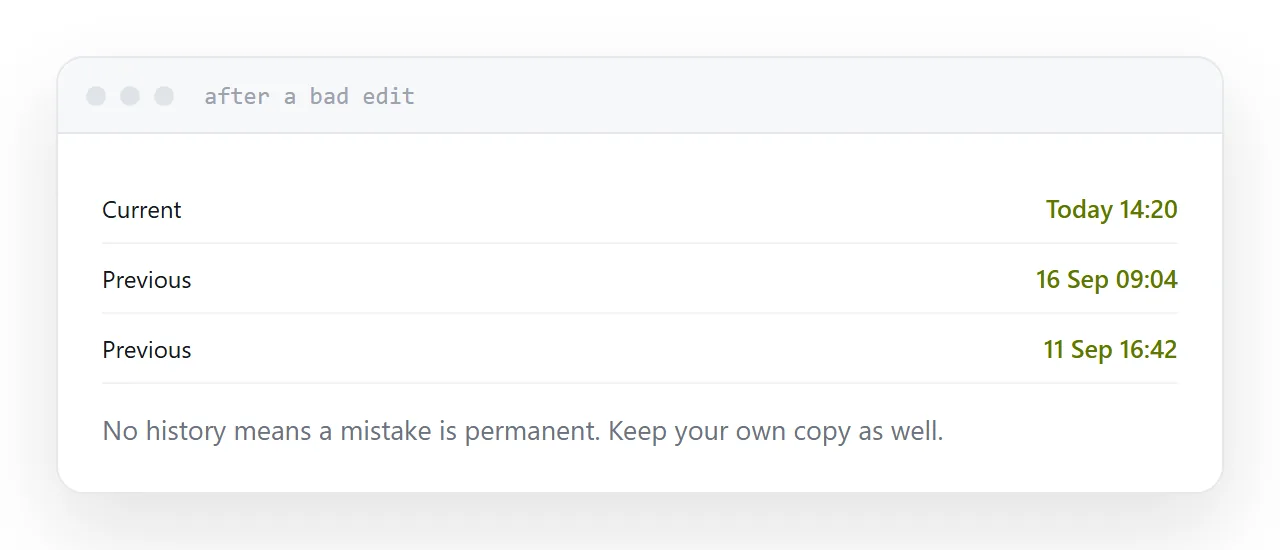
Ask what happens after a bad edit.
An editor with no history means a mistake is permanent, and eventually somebody deletes a section and cannot get it back. Versions with dates, or a simple undo to the last published state, is enough.
Keep a copy of the file yourself as well. One copy of anything, anywhere, is the arrangement that eventually fails.
Where the line is
One page, a document, a small site maintained by somebody whose job is not development: a browser editor is the better tool, because it is the one under which corrections actually happen.
A codebase with many files, tests and a build: a local editor, and the toolchain is earning its cost.
For the surrounding ground, see How to upload an HTML file and How to turn an HTML file into a website. Using free document tools safely is also close.
Put it at an address
Use a browser editor where the page is small, check whether saving publishes, confirm there is some history, preview at phone width before saving, and keep your own copy of the file.