ChatGPT Canvas was removed from OpenAI's current models at the end of May 2026 and retired from the last legacy models over the summer, taking its side-by-side editing panel and its share button with it. Writing and code now appear as blocks in the chat itself.
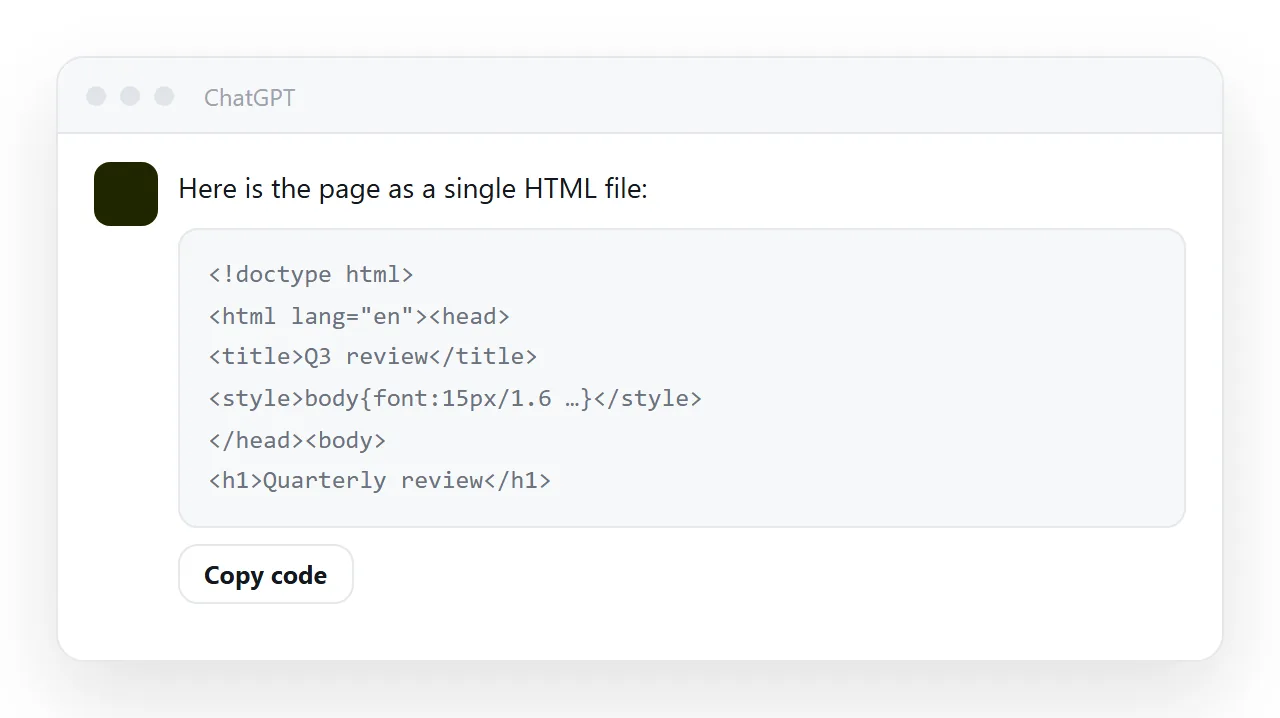
If you have a document that lived in a canvas, or a canvas share link you sent around, this is how to get the page out and onto a link that keeps working: ask for the complete HTML, check it at full width, paste it into a page you control, and let the canvas copy go.
Side-by-side canvases are a real improvement for drafting: you see the document, you ask for a change, the document changes. The problem is the next step, and it is the same problem as with any chat-resident page.
What changed when ChatGPT Canvas was removed
On 28 May 2026 OpenAI updated its current models and removed Canvas from them, with writing and code moving into blocks inside the chat. Paid users kept Canvas for a while through legacy models; those were retired through June and August.
Canvas share links that pointed at a rendered document should be treated as expired. Everything below assumes you are working from a code block, which is where an HTML document from ChatGPT now arrives.
The drafting advantages a canvas had are still available in the chat: ask for a structural change and the whole block is rewritten.
What a canvas is good at
Iterating on structure. "Move the summary to the top", "make the table three columns", "shorten the introduction" — all faster than doing it by hand, and you can see the result immediately.
Use it for exactly that, and stop when the structure is right.
Where it stops being suitable
It is attached to your account. Whoever needs to read the document cannot, unless they are you or you hand out a share view that lives inside somebody else's editing interface.
It is not where your documents are. Six months on, this document is in a canvas, that one is in a drive, another is in a chat thread. Nothing searches across them.
Only you can revise it. This is the one that costs the most. The person who notices the wrong client name is usually not the person with access to the canvas, so the correction goes through you, by message, and takes a day.
Editing means asking. A canvas edit is a request to a model. Ask for a single wording change and you may get a restructured document, because the model rewrites rather than patches.
Getting the HTML out of ChatGPT without Canvas
Ask explicitly:
Give me the complete HTML for this document as one code block —
doctype, head with charset, viewport and title, all CSS in a style tag.
Do not copy from the rendered view. That gives you formatted text, which pastes into other editors as a stack of paragraphs and loses everything structural.
Then render it in the HTML viewer to see it at real width before it goes anywhere.
What to expect at full width
The canvas panel is narrower than a browser window. Two things follow:
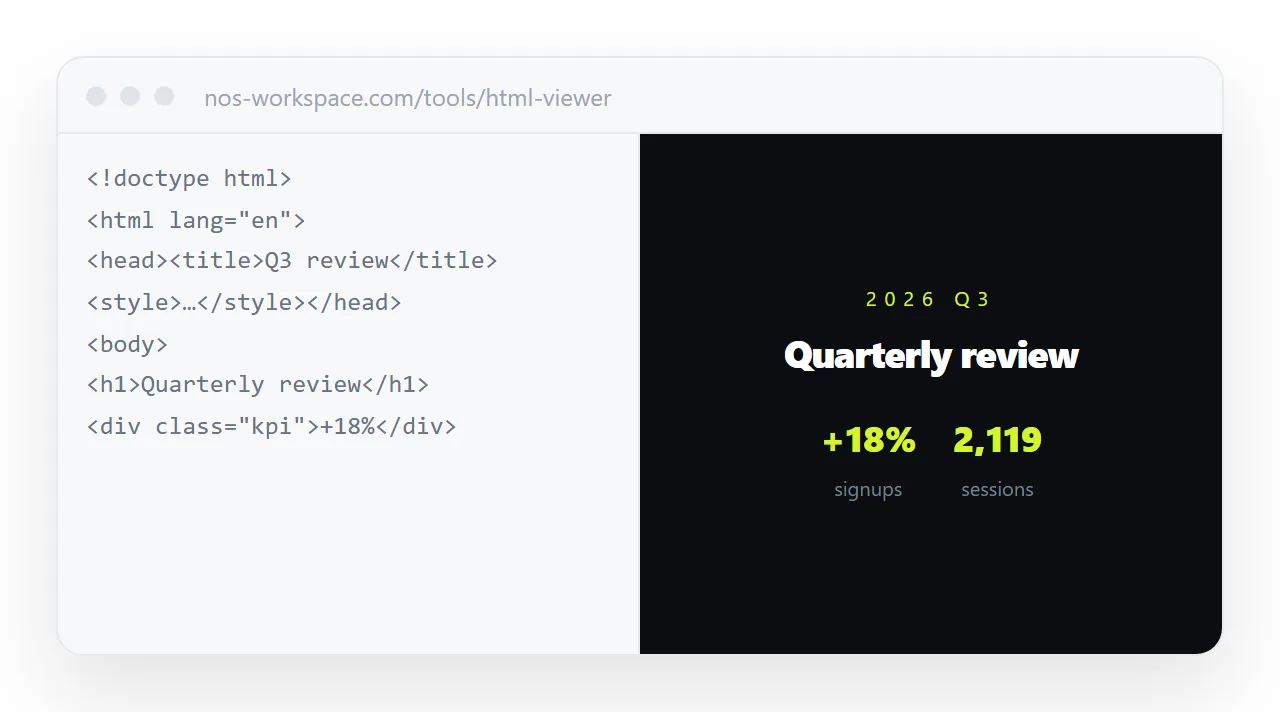
- A page built to look right in the panel can read sparse at 1400px. A
max-width: 760pxon the content block, centred, fixes it — long lines are hard to read anyway. - Anything positioned by percentage will sit differently. Check it once rather than assuming.
Then give it an address
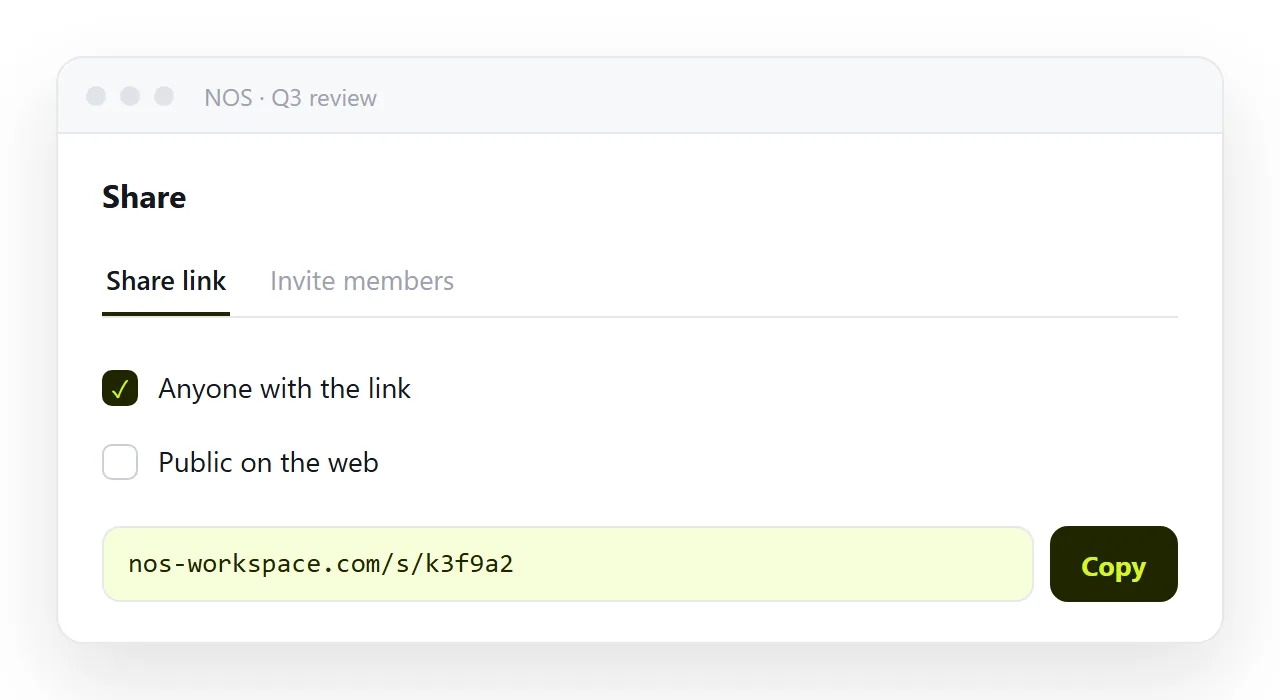
Publish the page and send the link. The document is now readable by anyone you send it to, on any device, without an account on any service.
If you only have an old canvas link
Open it while it still resolves and copy the HTML out; if it no longer opens, go back to the conversation and ask for the complete HTML file again. Then treat the new page as the only copy.
The reader who was given the canvas link needs the new address, so send it once with a line saying it replaces the old one.
Do not keep two live copies
The strong temptation is to leave the canvas version in place "just in case". That recreates exactly the problem a single address solves: two documents, both editable, diverging quietly, and nobody able to say which is current.
Move it, check it, and let the canvas one go.
The editing question, settled
The reason to move the document is not storage — it is who can correct it.
In NOS the pasted HTML renders exactly as written, and the text inside is clickable text. The colleague who spotted the wrong figure fixes the figure. No request to a model, no regenerated layout, no round trip through your inbox. The address stays the same, so everyone holding the link is reading the corrected version.
That is the division of labour worth aiming at: use the canvas to decide what the document should be, and a document with an address to keep it right afterwards.
What each place is for
| Stage | Where | Why |
|---|---|---|
| Deciding the structure | The canvas | Fast structural rewrites |
| Checking it renders | An HTML viewer | Full width, no surrounding interface |
| Handing it to people | A page with an address | Opens for anyone, on any device |
| Correcting it afterwards | The same page | No regeneration, no layout drift |
| Finding it next quarter | Wherever your documents are | Searchable by its contents |
The canvas covers one row well. The trouble starts when it is used for all five.
The drift problem, concretely
Leave the canvas copy in place "just in case" and within a fortnight there are two documents: one you edited, one you published, and no way to tell which is current. That is the exact problem a single address solves — see why links beat attachments, where the same failure appears in a different disguise.
Move it, check it, and let the canvas copy go.
From a code block to a link: 4 steps
- Ask for the complete HTML as one code block. Doctype, head with charset, viewport and title, all CSS in a
<style>tag. Copy it with the block's Copy code button, not from the rendered reply. - Check it at full width. Paste it into the HTML viewer. A
max-widthon the content block fixes a page that reads sparse; narrow the window to check it on a phone. - Move the page into a NOS document and take the link. Share, then Share link, then Create link. The text stays clickable, so the next correction is a click rather than a regeneration. Turning HTML into a link is this step.
- Replace any old canvas link with the new address. In the thread, the wiki, the signature. Then let the canvas copy go, so there is one document rather than two drifting ones.