There is no official Claude HTML CSS plugin, and for most of what people want one for, the chat window already does the work.
The search for a claude html css plugin covers three different requests: write the markup, put it into my editor, or show me the page instead of the code. Only the middle one involves installing anything.
What people mean by a Claude HTML CSS plugin
Write the markup for me. No plugin is involved. You ask in the chat and receive HTML and CSS as text. The text is complete or it is not, and that has nothing to do with tooling.
Put it into my editor or my project. This is an integration with the place your files live. Claude Code works on the files in a folder from the command line, which is covered in Claude Code and HTML files.
Show me the page. This is a renderer, not a plugin. Any window that draws HTML will do, including the HTML file opener and the HTML viewer, both of which draw the page from pasted markup.
Which route fits which job
| What you want | What you need | Where the result lands |
|---|---|---|
| A one-off page or component | The chat window | Your clipboard |
| Edits inside an existing project | A command line or editor integration | Files on your machine |
| To look at the page as you work | A renderer | A browser tab |
| To send the page to someone | A document with an address | A link |
| To keep correcting it later | An editable document | The same link |
The last two rows are where most people stop having a plan, because the chat ends with markup and the job ends with a person reading a page.
Ask for one file, not three
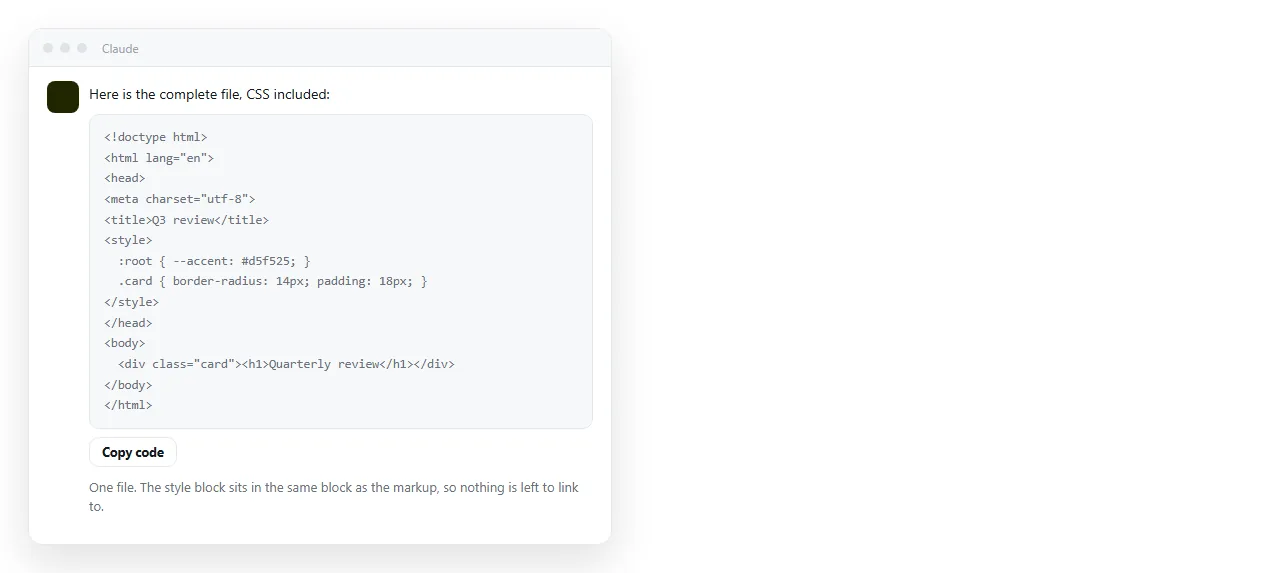
The single change that removes most of the later trouble is asking for the CSS inside the HTML.
A three-file answer gives you index.html, styles.css and script.js. That is correct for a project and wrong for anything you intend to send, because the page then depends on two neighbours that travel separately.
Ask for one file with the styles in a <style> block in the head. The output is longer to read and much shorter to handle. Self-contained HTML explains what else has to come inside.
Two more lines worth asking for by name:
- A
<title>, because it is what the browser tab and every link preview show. - The viewport line,
<meta name="viewport" content="width=device-width,initial-scale=1">, without which the page is unusable on a phone.
Why the CSS looks different once it leaves the chat
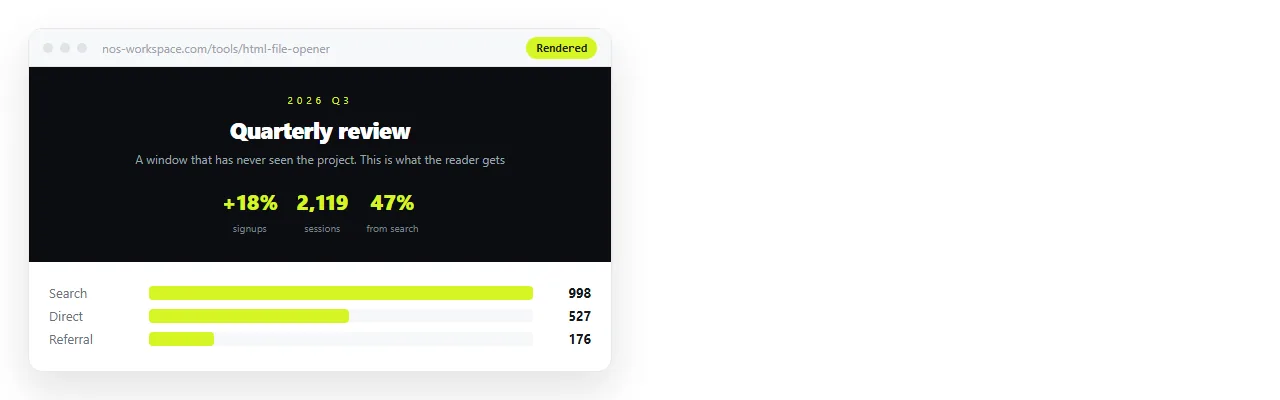
The chat preview is a page with its own defaults. Your file is a page with none. Four differences account for most of the gap.
Missing doctype. Without it the browser falls back to an old layout mode and boxes measure differently. One line at the top of the file settles it.
Fonts named but not loaded. A font stack that starts with a family your machine happens to have looks right locally and plain everywhere else. Load the font by address or accept the fallback.
Stylesheets linked by filename. A <link rel="stylesheet" href="styles.css"> works only while that file sits next to the page.
Images referenced by folder path. They vanish the moment the file moves. Embedding them, or moving them to full addresses, is the fix.
If the page survives in a neutral window, it will survive for your reader. If it does not, fix it there rather than in the chat, because the chat cannot see what broke.
Getting from markup to something people can open
Copying the block is not the end of the job. A file on your desktop is not a page anyone else can read, and a second copy sent by email is a second version to keep straight.
- Copy the complete block, from the doctype to the closing tag.
- Check it renders on its own in the HTML file opener.
- Paste it into a NOS document. It renders exactly as written, dark theme, charts and scripts included, as a page of its own.
- Create the share link. Share, then Share link, then Create link. It stays unlisted unless you tick Public on the web.
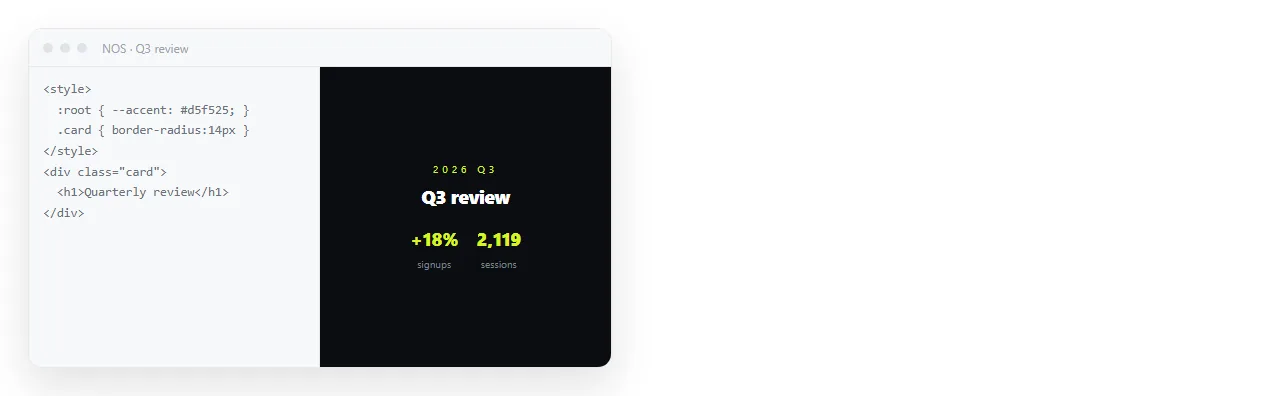
Turning HTML into a link is that step on its own if you have the markup already.
Changing the styling afterwards
This is where the plugin idea usually comes from. People expect to go back to the chat for every colour change, regenerate the file, and paste it again.
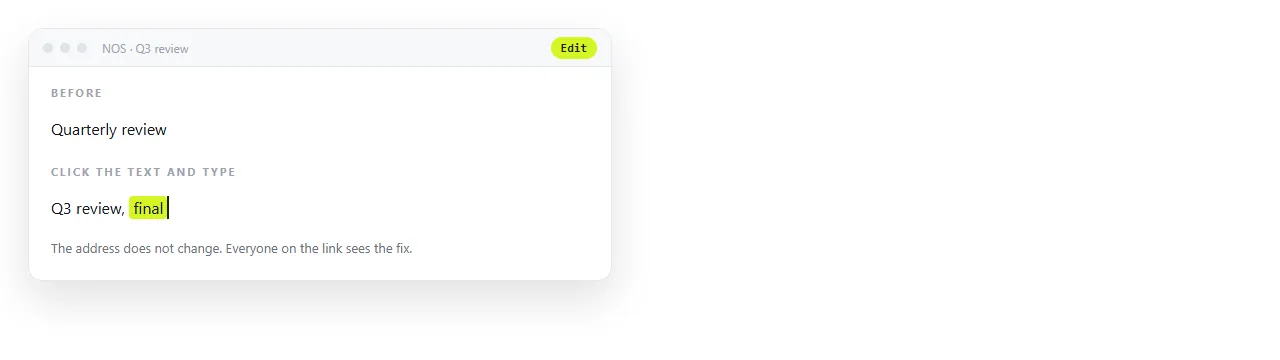
Once the page lives in a document you can click the words and correct them, with no code and no regeneration. Structural changes still mean editing the markup, which an online HTML editor handles.
Because the address does not move when the content does, the link you sent on Monday shows Friday's numbers. Editing AI generated HTML without code goes through the cases that do and do not need the source.
When you do want a real integration
A chat plus a renderer covers single pages, prototypes, reports and one-off tools. Reach for a project integration when the work has these properties:
- The change spans several files that have to stay consistent.
- The result goes through review and version control.
- There is a build step, a framework, or a test suite between the source and the page.
For a standalone page, that machinery costs more than it returns.
The output is one file, and one file needs an address rather than a pipeline. If the markup came from an artifact rather than the plain chat, turning an artifact into a link covers that path.