Claude Code writes HTML files straight into a folder on your machine, so the first thing to know is that the page exists as a real file before anyone has seen it.
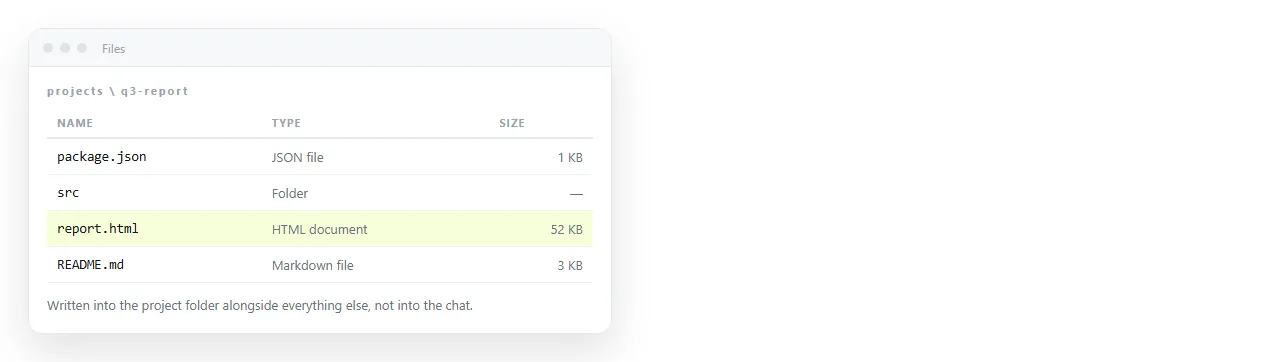
That is a genuine advantage over a chat window, and it creates one gap. Claude Code HTML files are paths, and a path is not something you can send to a colleague.
What follows is the check to run, the two ways the file breaks when it moves, and the step that turns it into a link.
What you actually have after the run
A file on disk, in the folder you pointed at. It may be one file or several, and the difference matters more than anything else on this page.
| What was written | Works when moved alone | What to do |
|---|---|---|
| One file with styles and scripts inside | Yes | Share it as is |
| index.html plus styles.css | No | Ask for the CSS inlined |
| A page that fetches a local JSON file | No | Embed the data or serve the folder |
| A page linking a font or library by address | Yes, with a network | Fine for sharing, fails offline |
| A framework project with a build step | No | Build first, then share the output |
If the run produced a folder rather than a file, you have a project. Projects need a host. Single files need an address, which is a much shorter errand.
Open it before you send it
Double clicking is the obvious check and the least reliable one, because the page then runs over the file protocol rather than from a server.
Under that protocol some fetches, module scripts and cross-file requests are blocked by the browser on purpose. You end up debugging a restriction that will not exist for your reader.
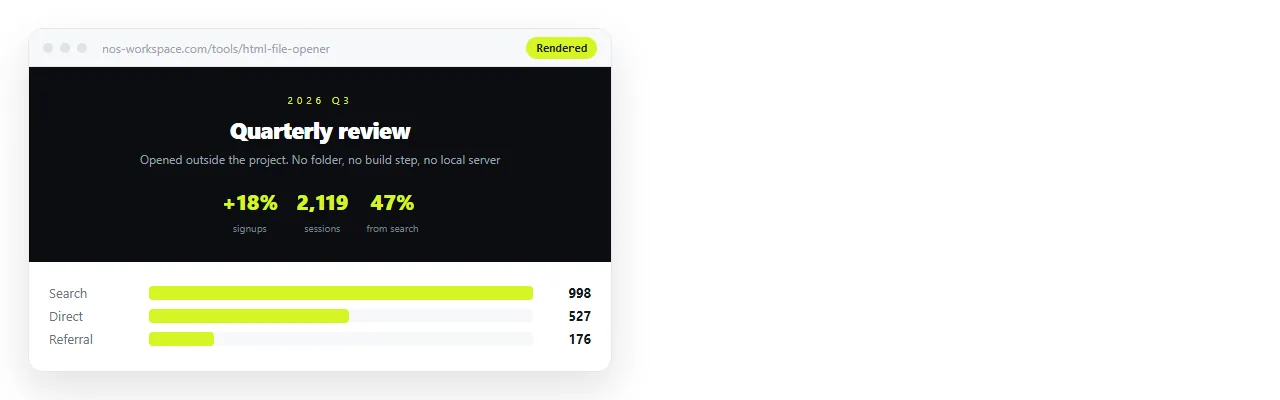
Open it in the HTML file opener instead. It is a window with no knowledge of your folder, which is exactly the position your reader is in. What survives there survives for them.
Three things to look at while it is open:
- Does the styling appear, or is the page unstyled text on white?
- Do the images appear, or are there broken placeholders?
- Does the page work at phone width, or does it need horizontal scrolling?
The second usually means an image path that only resolves inside your folder. The third usually means the viewport meta line is missing from the head.
Asking for one file instead of a project
Claude Code defaults to the shape a developer would want, which is separate files under version control. For a page you intend to hand to someone, say so in the request.
Useful phrasing: one HTML file, CSS in a style block, no external stylesheet, images embedded or on full addresses, include a title and the viewport line.
The result is a longer file and a shorter list of things that can go missing. Self-contained HTML explains which parts have to come inside and which can stay on the network.
Why the file itself is a poor deliverable
The file is done, so sending the file feels finished. Three separate problems say otherwise.
Delivery. Company mail gateways often strip .html attachments, because a page with a form and a script is also the shape of a fake sign-in page. Yours is indistinguishable from one.
Opening. On a desktop the file opens in whatever owns the extension, sometimes a code editor. On a phone it lands in file storage and stops. In chat tools it becomes a card nobody clicks.
Staying correct. Every copy is frozen at the moment you sent it. One correction means a second file, and now two versions are in circulation with nothing to tell them apart.
Any one of the three is enough on its own to stop the page being read.
Turning Claude Code HTML files into a link
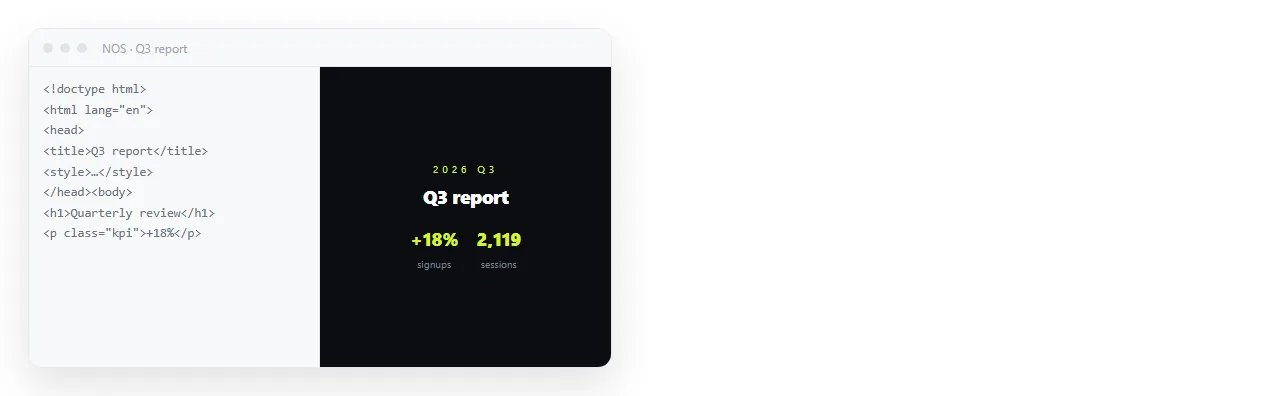
- Open the file and copy everything, from the doctype to the closing tag.
- Paste it into a NOS document. It renders as written, including dark theme, charts and scripts.
- Share, then Share link, then Create link. The link is unlisted by default, so only people who have it can open the page. Tick Public on the web if it should be findable in search.
- Send the link. When something changes, edit the document rather than sending a new file.
Turning HTML into a link is this step on its own.
Host or document
Both put the page at an address. They differ in what happens next.
A static host keeps your build pipeline and your repository in the loop. That is the right shape when the page is part of a product, has a domain of its own, or is deployed by the same process as everything else.
A document is the right shape when the page is a report, a spec, a dashboard or a prototype that a named group reads. The unit of work stops being a file, because you correct the text in place.
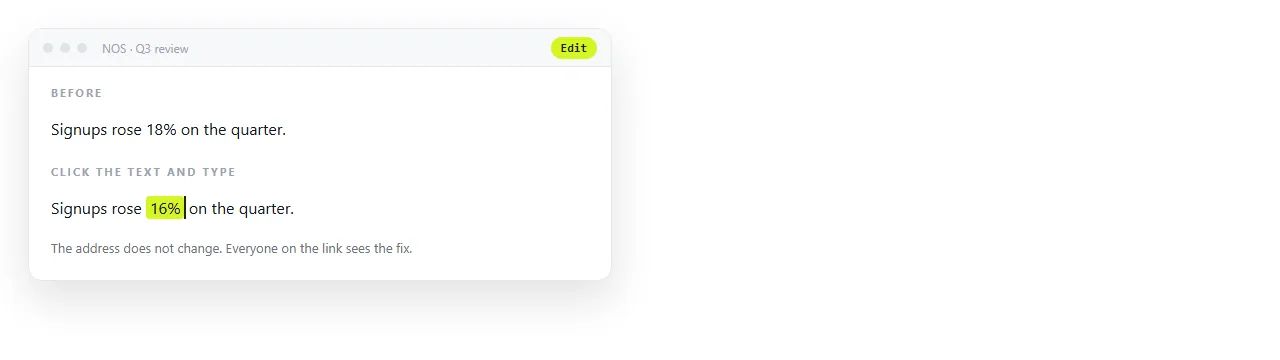
Static host versus document compares them on cost of a correction rather than on features.
Keeping the next run from undoing your edits
One trap is specific to this workflow. You share the page, edit a heading in the document, then ask Claude Code for a change and paste the new output over the top.
The regenerated file does not know about the edit you made by hand. Either keep every correction in the source file and re-paste, or keep them in the document and stop regenerating. Mixing the two is how a fixed typo comes back.
For pages that came from an artifact or a chat rather than the command line, saving a Claude artifact covers the export path.