To host HTML in Confluence, you need something other than pasted markup. Confluence Cloud has no built-in macro that renders raw HTML, so the working routes are an embed pointing at an address, a marketplace app, or a link to the page.
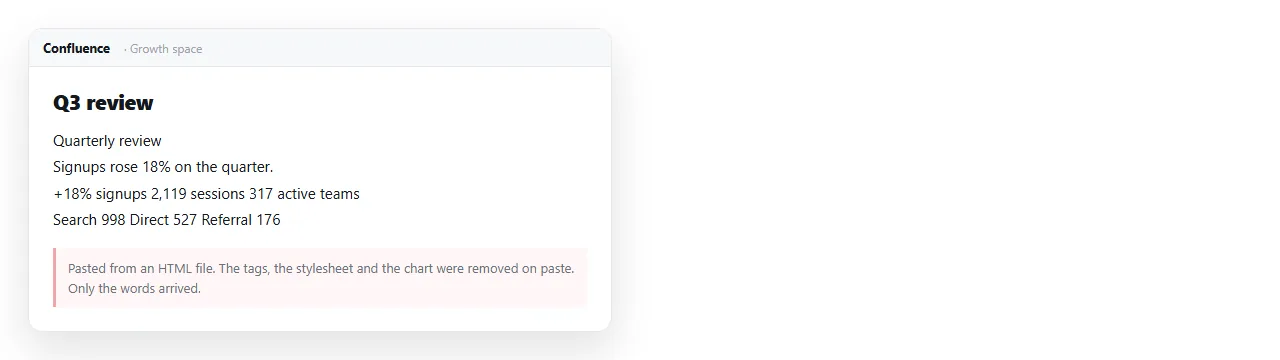
Pasting markup into the editor does not produce a page. The editor treats it as content to clean, and the tags are stripped or escaped.
Why raw HTML is restricted
Confluence is a signed-in wiki. A page that renders arbitrary markup and script runs it in the context of the reader's session.
That is enough for a script on a page in one space to act as any colleague who opens it. Atlassian's answer was to remove the capability from Cloud and to leave it disabled by default where it remains.
The HTML macro still exists in Data Center, switched off until an administrator enables it. On Cloud it is not part of the built-in set at all.
Ways to host HTML in Confluence, and what each costs
| Route | Needs | Renders your markup | Works on mobile |
|---|---|---|---|
| Paste into the editor | Nothing | No, tags are stripped | n/a |
Attach the .html file |
Nothing | No, it downloads | No |
| Iframe or embed macro | An address to point at | Inside a frame | Unreliably |
| Marketplace HTML app | Purchase and admin approval | Yes, within the app's rules | Varies |
| HTML macro, Data Center | Administrator enables it | Yes | Varies |
| Link to the page | An address | The page opens in full | Yes |
Two of these are dead ends worth naming clearly. Pasting produces text. Attaching produces a download, which on a phone goes into storage and stops.
Embedding an address
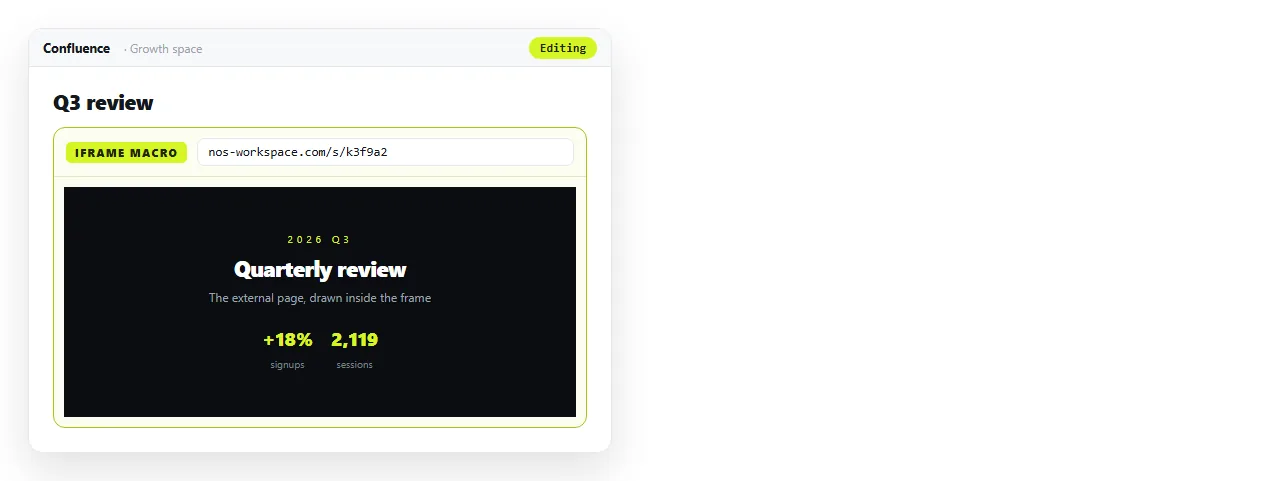
The iframe route inverts the problem. It does not take your file, it takes an address, so the page has to be served somewhere before the macro is any use.
Within that, it is workable for small content. A single chart, a status board, a compact table.
It is a poor fit for anything wide. The frame sits inside the page column with the space sidebar beside it.
A report designed for a full browser window arrives cropped, with its own scrollbars inside the page's scrollbar. What an iframe is covers the mechanics and the limits.
There is a second constraint that is easy to miss. The page being embedded has to permit being framed, and many services send a header that refuses it.
When that happens the macro shows an empty box or a refusal message, and nothing you change on the Confluence side will fix it.
Marketplace apps
Several apps restore an HTML macro on Cloud. They are a real option for a team that repeatedly needs markup inside pages.
The cost is not only the licence. It is an administrator decision, a security review in most organisations, and one more app in the stack that has to keep working after every platform change.
For one report, it is a large amount of process. For a documentation team embedding interactive components across a hundred pages, it may be the right call.
Ask one question before starting the request. Does the markup have to live inside the wiki, or does it only have to be reachable from it?
If a link satisfies the requirement, the app is being bought to avoid a click. That is worth knowing before a security review begins.
The route with no approvals
Give the page its own address, then link to it from Confluence. Nothing here needs an administrator.
- Check the page survives on its own. Open it in the HTML file opener. If styling and images hold there, they hold for readers. If not, fold them in with self-contained HTML.
- Paste the HTML into a NOS document. It renders exactly as written, as a page of its own, with dark theme, charts and scripts intact.
- Create the link. Share, then Share link, then Create link. Unlisted by default, so it opens for whoever has the link without being listed anywhere.
- Put the address on the Confluence page, with a line of context above it.
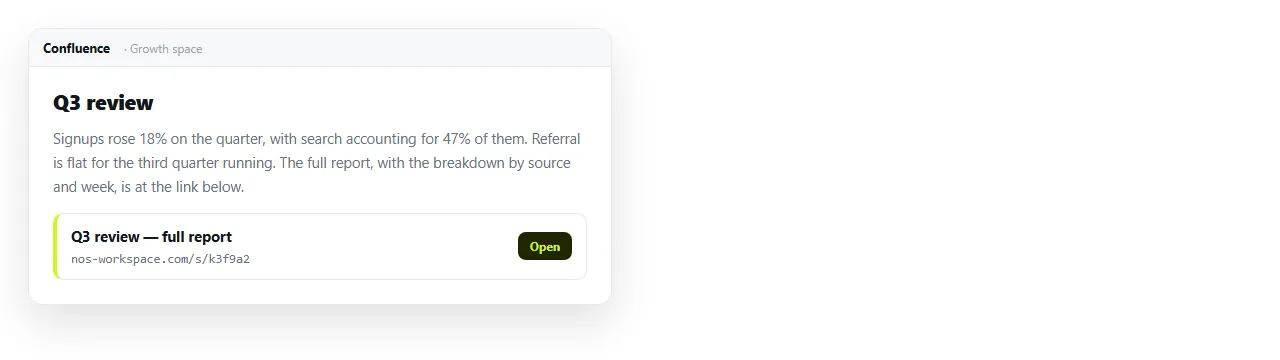
Turning HTML into a link is this route. Embedding HTML in Notion covers the same constraint in a different wiki, and hosting HTML on SharePoint covers it in the Microsoft stack. The pattern repeats because the reason repeats.
Deciding between an embed and a link
- Small, and it belongs in the flow of the page. Embed it.
- Wide, or it has tabs, sorting or charts worth using. Link to it.
- Readers may be on a phone. Link to it. Frames in the mobile app are unreliable.
- The content changes often. Link to it, so there is one place to correct.
- It must live inside the wiki for compliance reasons. A marketplace app, with the approval that implies.
Keeping Confluence in its role
Confluence is good at written context. What was decided, by whom, and what it relates to.
It is not good at holding an interactive page. Put the narrative in the space, put the page at an address, and link the two.
Write two or three lines above the link saying what the page shows and when it was last correct. A bare address at the bottom of a page gets clicked by nobody.
The link keeps working after every edit, so there is exactly one current version for anyone to find. Corrections are made by clicking the text in the document, with no new attachment and no new page version.
That also keeps the search results clean. One page in the space, one address, rather than four attachments named report-final-v3.