To make an HTML link for a phone number, use the tel: scheme with the number in international form.
<a href="tel:+442071234567">020 7123 4567</a>
The href carries machine readable digits. The visible text carries the formatting a human expects. Those two do not have to match, and usually should not.
What belongs in the href
Keep it to a plus sign and digits. Everything else is decoration that some dialers tolerate and others do not.
| Written as | Result |
|---|---|
tel:+442071234567 |
Correct. Unambiguous anywhere |
tel:02071234567 |
Works only on a phone already on that network |
tel:+44 20 7123 4567 |
Spaces in an href, avoid |
tel:(020) 7123-4567 |
Brackets and dashes, inconsistent support |
tel:+442071234567,,101 |
Extension after a pause, patchy support |
The leading plus is the part people skip and the part that matters most. It tells the dialer that a country code follows, so the number resolves the same way from anywhere.
The visible text is a separate decision
Readers recognise their own national formatting. A string of fifteen unbroken digits looks like an error.
<a href="tel:+18005551234">(800) 555-1234</a>
Keep the punctuation outside the href and inside the text. This also helps anyone reading the page on paper or on a desktop where the link does nothing.
Do not write "click here to call". The link text should be the number itself, because that is what a screen reader announces and what someone will copy.
Extensions
There is no clean answer, so plan for the fallback.
<a href="tel:+442071234567,,101">020 7123 4567, ext. 101</a>
Each comma is a short pause before the remaining digits are sent as tones. Whether that works depends on the dialer and on the phone system at the other end.
Because of that, always print the extension in the visible text. If the automatic dialing fails, the reader still knows what to press.
Desktop clicks
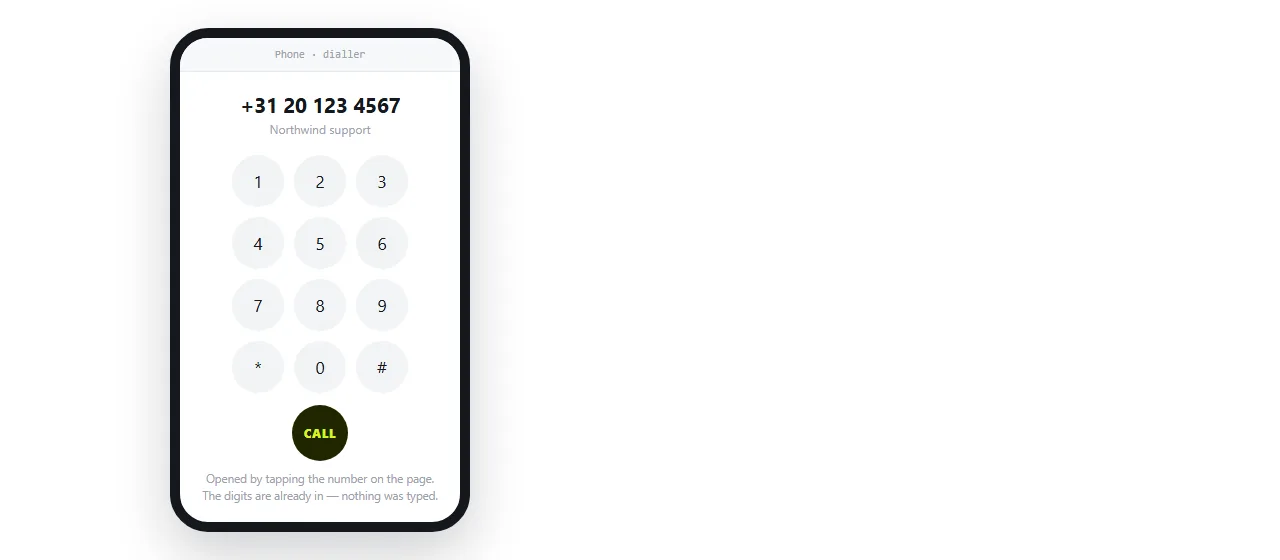
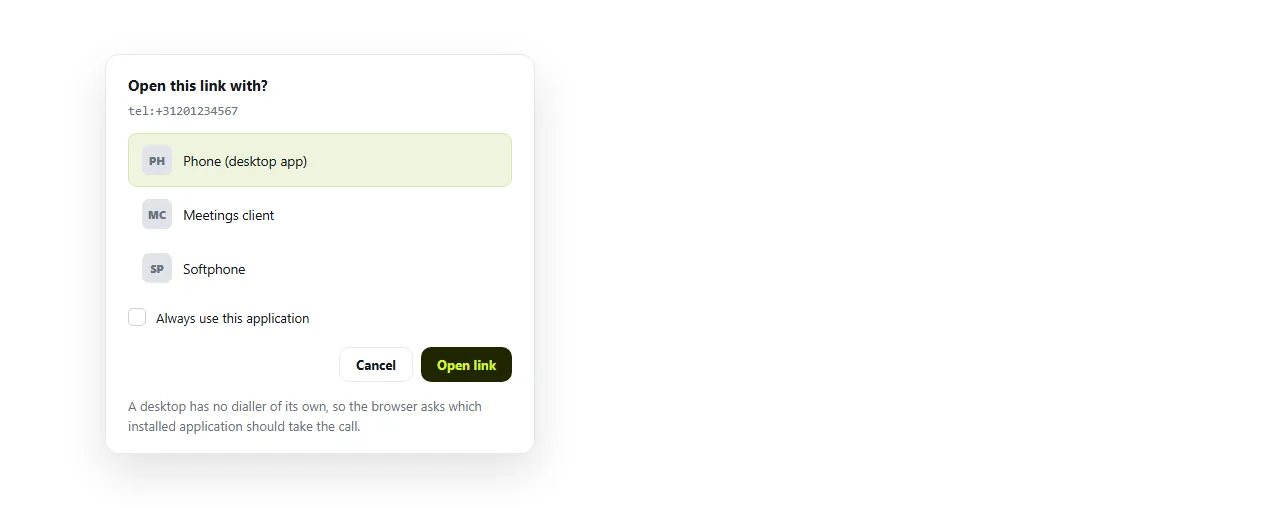
On a phone, a tel: link opens the dialer. On a desktop, the outcome depends entirely on what is registered for the scheme.
Three things commonly happen: a softphone opens and dials, the browser asks which application to use, or the click does nothing at all.
None of this is detectable from the page. The practical response is the same as for mailto links: keep the value readable as text, so a dead click is still useful.
Text message links
sms: works the same way and has one inconsistency worth knowing.
<a href="sms:+442071234567">Text us</a>
<a href="sms:+442071234567?body=Booking%20query">Text us about a booking</a>
The separator before body is a question mark on some platforms and an ampersand on others. There is no single form that prefills text everywhere.
Treat the prefilled body as a bonus. The number itself is the part that has to work.
Stopping the browser guessing
Mobile browsers detect things that look like phone numbers and turn them into links on their own. That is helpful for a real number and wrong for an order reference or a date.
<meta name="format-detection" content="telephone=no">
With that in the head, the browser stops autolinking and only your explicit tel: links become tappable. Use it on any page full of reference numbers.
The same page still needs the viewport meta tag, or the whole layout is unreadable on the device where calling matters most.
Making the number a tap target
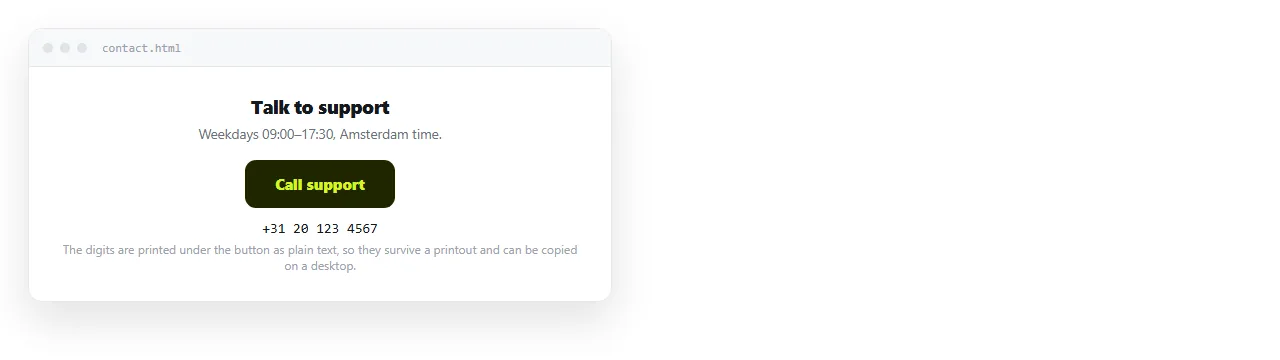
On a contact page the number is usually the main action, so it gets styled as a button. That is CSS on an anchor.
<a href="tel:+442071234567"
   style="display:inline-block;padding:12px 20px;background:#111;color:#fff;border-radius:8px;text-decoration:none">
  Call 020 7123 4567
</a>
Keep it an anchor rather than a <button>, so it navigates without script. HTML button with a link explains why that distinction matters.
Give it real padding. A forty pixel tall target is comfortable on a phone; an underlined line of text in a paragraph is not.
Where phone links actually get used
- Contact pages. One tap from the page to a call.
- Event and booking pages, next to the address. Linking to a map location covers the other half of that pair.
- Invoices and quotes, where a query needs a human.
- Support pages, where the number is the escalation path after the self service options.
In every case the number appears twice in effect: once as a tappable link, once as readable text. That redundancy is the whole reliability strategy.
Getting the page in front of the reader
A phone link only helps if the page opens on a phone, which rules out sending the HTML file itself. Files land in a phone's storage and stop there.
Turning the HTML into a link avoids that. In a NOS document the pasted HTML renders as written, tel: links included, and the document has its own address.
The reader taps one link in a message and gets a page where the number is one more tap away. Sharing an HTML file ranks the alternatives if you want the full comparison.
A block to copy
<p>
  Support:
  <a href="tel:+442071234567">020 7123 4567</a>
  (Mon to Fri, 9am to 5pm)
</p>
Three things are deliberate in those four lines.
- The plus form in the href and the local form in the text, so machines and people each get what they need.
- Opening hours beside the number, which removes most of the calls that arrive at the wrong time.
- No "click to call" wording, because the number itself is the better label.
Check it on a real handset before publishing. A desktop browser tells you nothing about whether the dialer picks the number up correctly.