A workbook is a working environment. Sending one to a client sends the environment, not the answer.
This guide covers what travels with a file, what to publish instead, and the date.
What travels with the file
Everything.
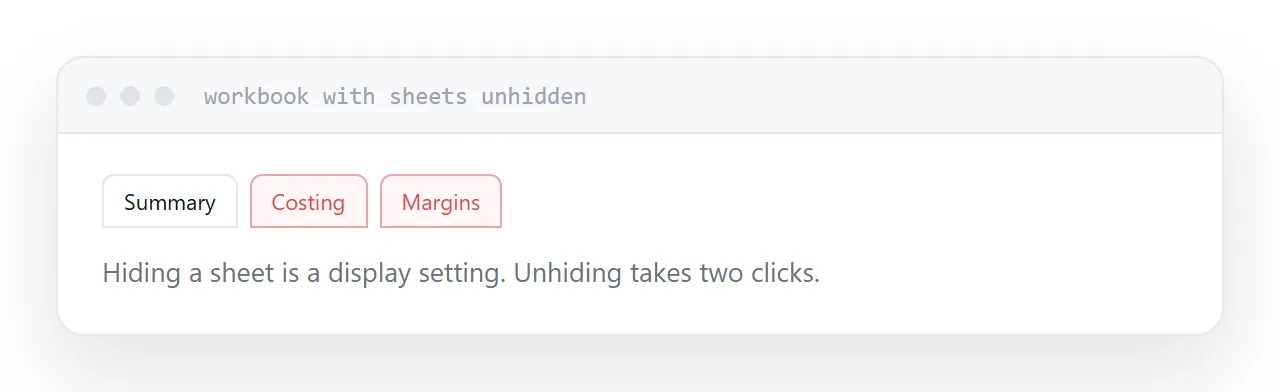
Every sheet, including hidden ones. Hiding is a display convenience, not protection, and unhiding takes two clicks.
Every formula. A total cell shows its calculation, which frequently shows a margin, a multiplier, or a rate you did not intend to disclose.
Source data. Summaries are built from a sheet of raw figures, and that sheet is usually still in the workbook.
Comments and names. Notes written for colleagues, and defined ranges with revealing names.
None of this is exotic. It is the ordinary contents of a workbook that has been worked in, and it goes to the recipient intact.
| Working file | Table on a page | |
|---|---|---|
| Hidden sheets travel | Yes | No |
| Formulas visible | Yes | No |
| Source data included | Usually | No |
| Editable by accident | Yes | No |
| Readable on a phone | Poorly | Yes |
| Dated | No | Yes |
Publish the figures instead
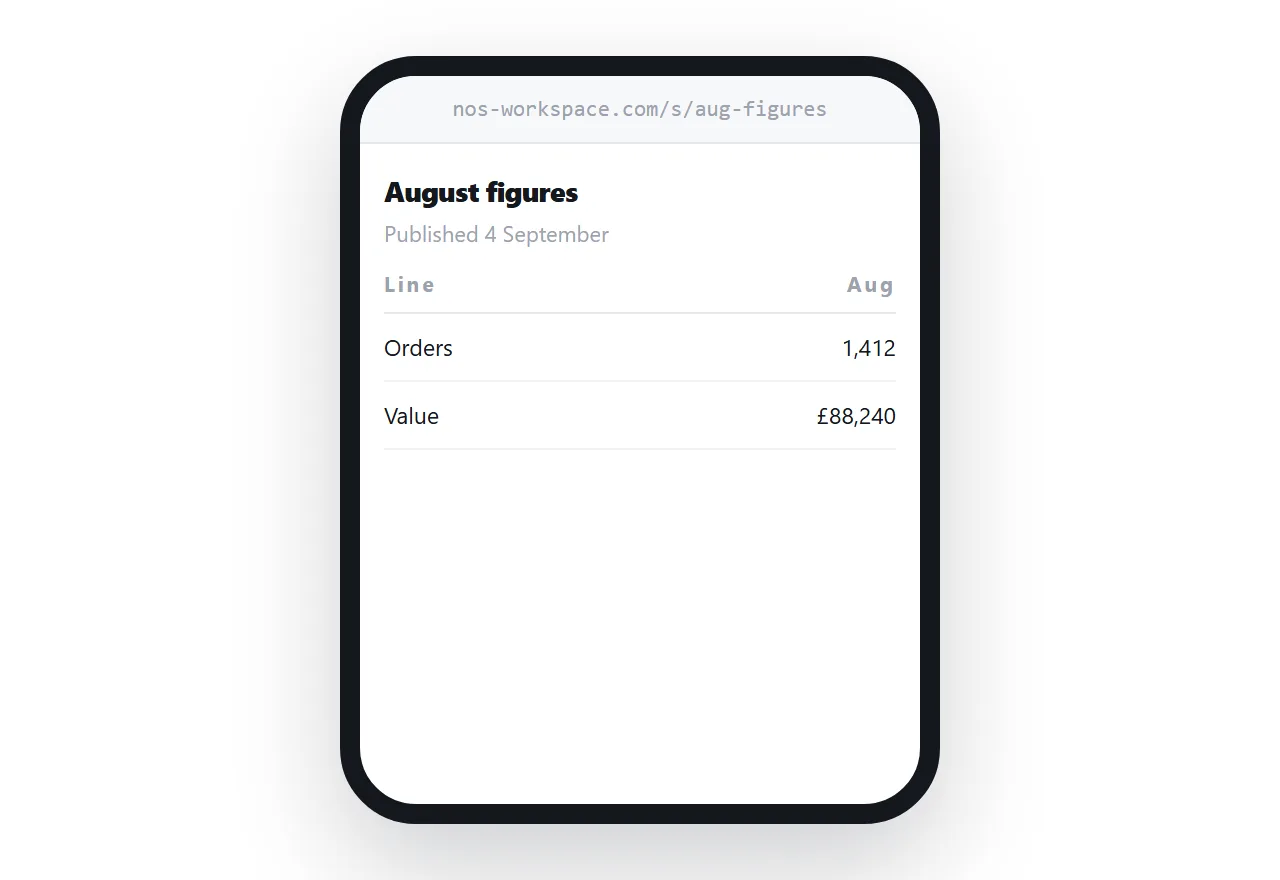
Put the numbers that matter in a table on a page.
The recipient sees the figures, on any device, formatted legibly, with nothing behind them. No sheets to explore, no formulas, no possibility of an accidental edit that later gets quoted back at you.
A table on a page also reads properly on a phone, which a spreadsheet does not, and spreadsheets are increasingly opened on phones.
Offer a cut-down file underneath
Some recipients genuinely want to work with the data.
Give them a file containing only the columns they need, exported deliberately for that purpose. Not your working file with sheets deleted, which leaves traces, but a fresh export.
Then the table serves everyone who is reading, and the file serves the one person who is calculating.
Put the date on the page
A published table is current as of when it was published.
Without a date it gets forwarded, saved and quoted six weeks later as though it were today's figure. That produces arguments in meetings you are not in.
Put the date at the top, visibly. Update the page on a rhythm if the numbers change regularly, and say what the rhythm is.
Check every sheet before exporting anything
Even when exporting deliberately, look at the whole workbook first.
Unhide everything. Read the sheet names. Check the last sheet, which is usually where working calculations end up.
This takes a minute and it is the step that prevents the specific incident where a client sees a costing sheet. That incident is common enough to be worth a standing habit.
Two neighbouring cases are worth a look: How to share a spreadsheet as a link and How to turn a CSV into an HTML table.
Put it at an address
Never send the working file, publish the figures as a dated table, offer a purpose-built export underneath, and check every sheet before exporting anything.
Then the client receives the numbers and nothing else.