An AI html code corrector works well on faults that are visible in the source, and not at all on the four faults that are not. Knowing which kind you have saves most of the time.
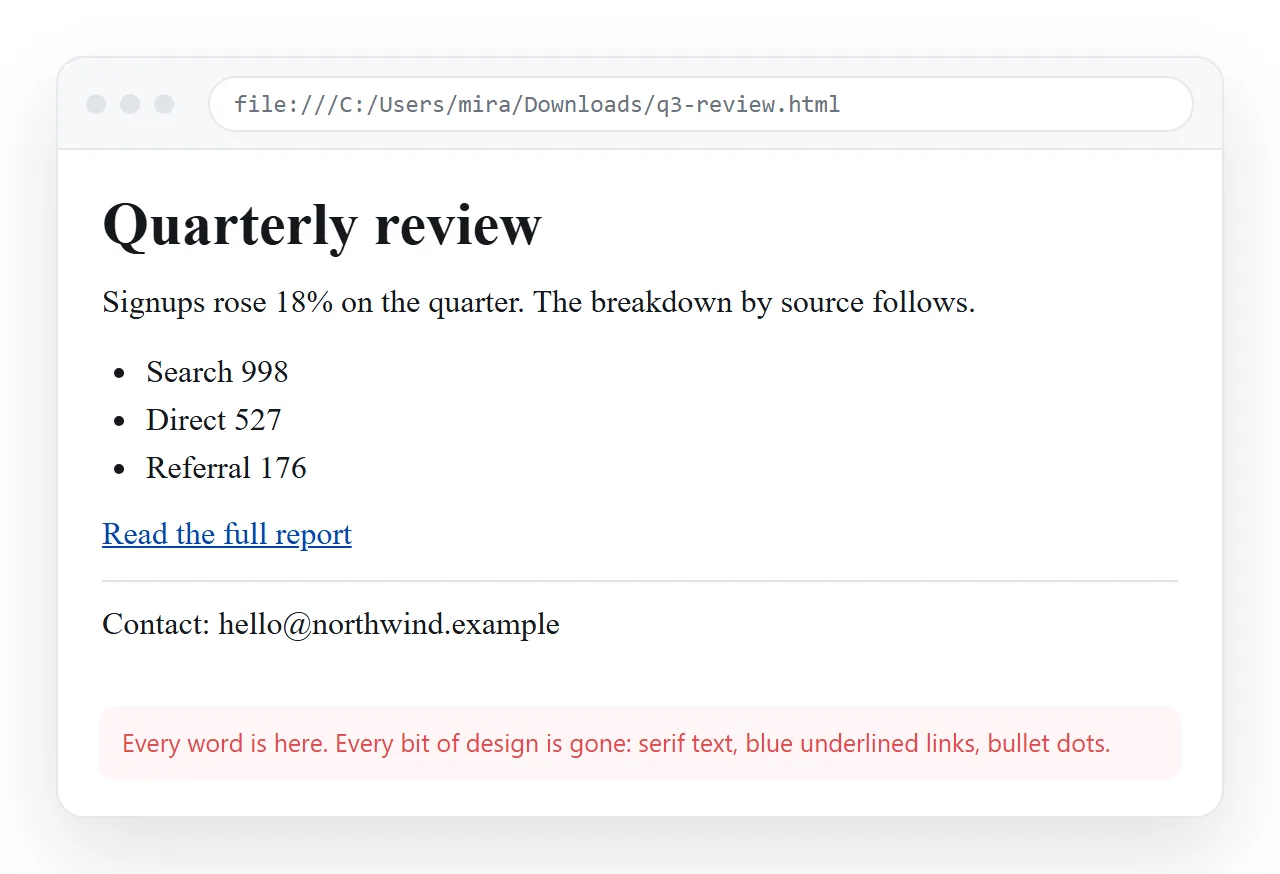
Paste the complete file, say what the screen shows rather than what you believe is wrong, and check the corrected version in a window that has never seen your project.
What an AI html code corrector can and cannot see
The model sees text. If the fault is in the text, it will usually find it on the first pass.
| Fault | Visible in the source | Typical result |
|---|---|---|
| Unclosed or mismatched tags | Yes | Fixed reliably |
| Broken nesting inside tables or lists | Yes | Fixed reliably |
| Missing quotes or stray angle brackets | Yes | Fixed reliably |
| Duplicate or conflicting CSS rules | Yes | Usually fixed |
| A script error that stops the page | Yes | Often fixed |
| An image file that is not where the path says | No | Guesses |
| A stylesheet that failed to download | No | Guesses |
| A request blocked by the browser | No | Guesses |
| A font the reader does not have | No | Guesses |
The bottom four have one thing in common. The markup is correct and the page is still wrong, because something outside the file did not arrive.
Reproduce the fault somewhere neutral first
Before pasting anything, open the file in the HTML file opener. It has no knowledge of your folder, which is the position your reader is in.
This separates two very different situations. If the page breaks there as well, the fault travels with the file and a corrector can help.
If the page looks correct there but broken in your setup, the fault is in the environment, not the markup. Opening a file directly from disk runs it over the file protocol, which blocks requests that a served page would allow.
Describe the symptom, not your theory
The most common way to waste a round is to lead with a diagnosis. "The CSS is broken" sends the correction into the style block and closes off every other path.
Say what you see instead:
- The page shows plain black text on white with no layout.
- The header renders and everything below it is blank.
- Boxes stack vertically on a phone but overlap on a desktop.
- The chart area is empty but the legend is there.
Add the two facts the model cannot infer: where you opened it, and whether it ever worked. Those sentences are worth more than any amount of markup commentary.
A prompt that returns a usable file
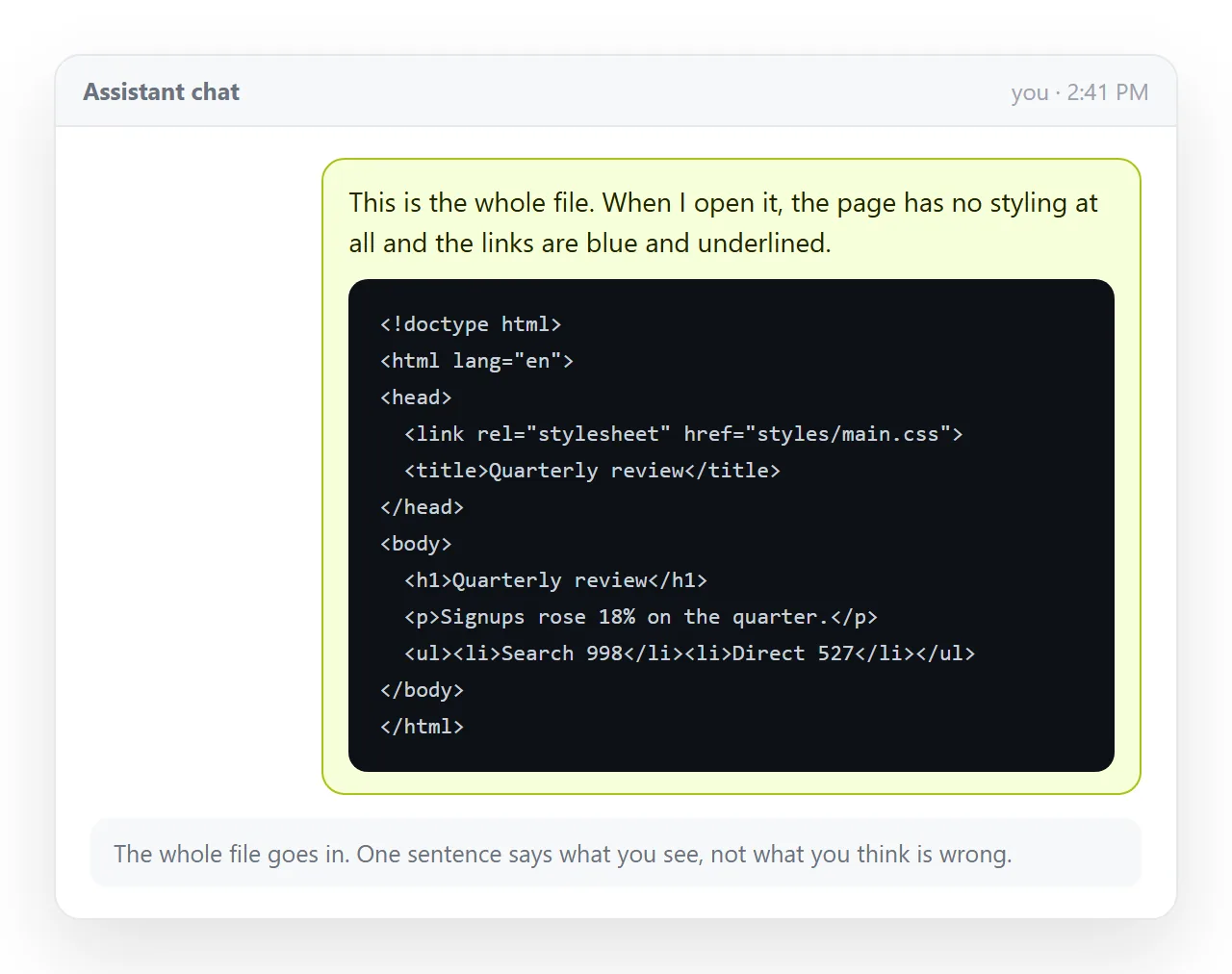
Ask for the whole corrected file back, not a description of the change. A patch you have to apply by hand reintroduces the fault you were fixing.
Four things worth stating in the request:
- Return one complete HTML file, from the doctype to the closing tag.
- Keep the CSS in a style block inside the same file.
- Do not add libraries that were not already there.
- List the changes underneath the file, so the diff is readable without a tool.
The last point matters more than it looks. Without it, a corrector will quietly restructure sections you did not ask about, and you will not notice until a reader does.
The four faults that are not in the markup
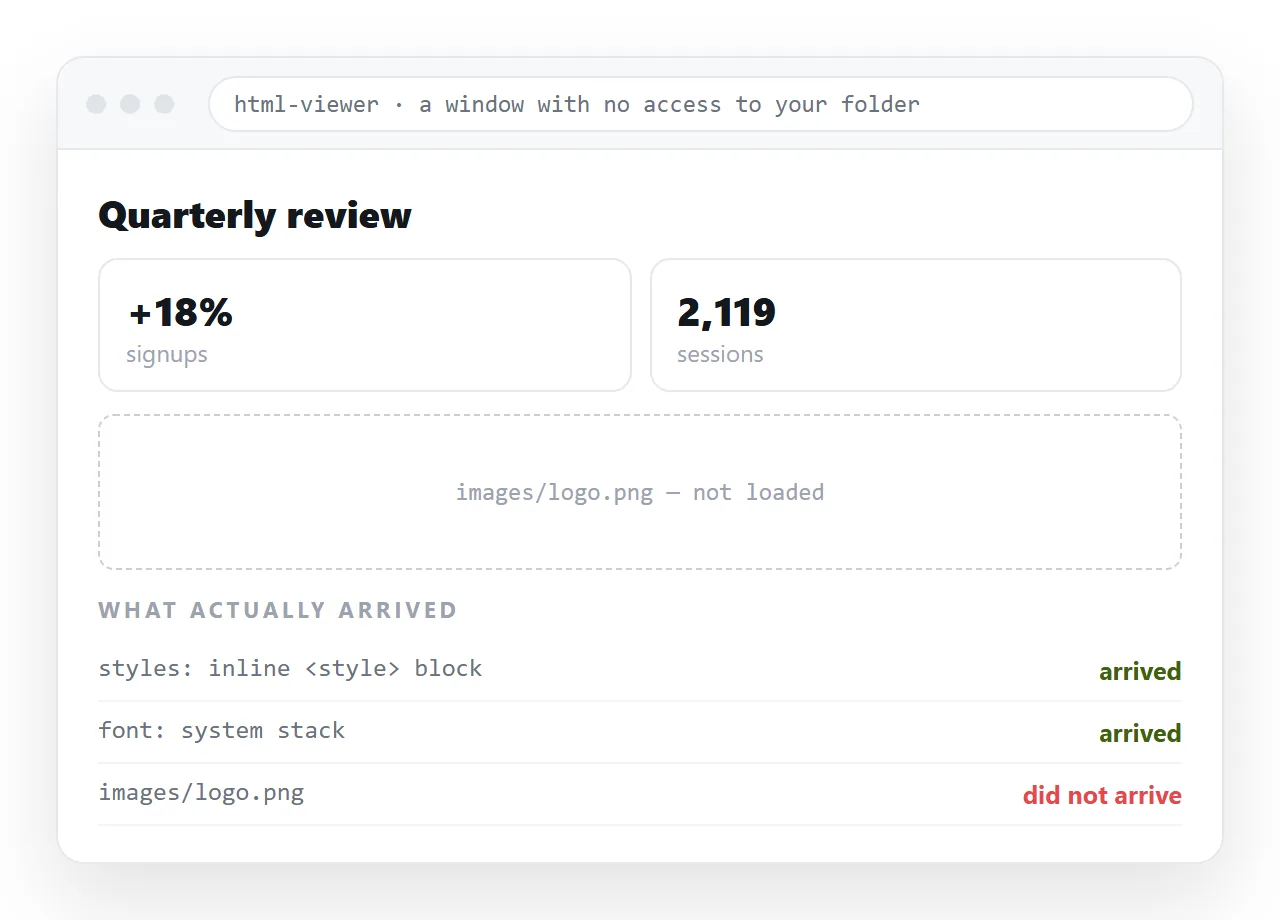
Images on folder paths. <img src="images/chart.png"> resolves next to the file and nowhere else. Embed them or put them on full addresses and they travel with the page.
External stylesheets. A <link rel="stylesheet" href="styles.css"> works while the neighbour file travels with the page and fails the moment it does not.
Fonts named but never loaded. The page looks right on the machine that has the family installed and plain everywhere else, which is why this one is reported so often.
Blocked requests. A page served over HTTPS that pulls a script over HTTP gets the script blocked by the browser. The markup is valid and the page is still broken.
For symptom-first routes through these, AI HTML not rendering and AI HTML missing styles start from what you see rather than from the cause.
Verify, then give the page an address
A corrected file that lives on your desktop has the same delivery problem as the broken one. Mail gateways strip HTML attachments, phones drop them into storage, and every copy you send is frozen.
- Render the corrected file in a neutral window one more time.
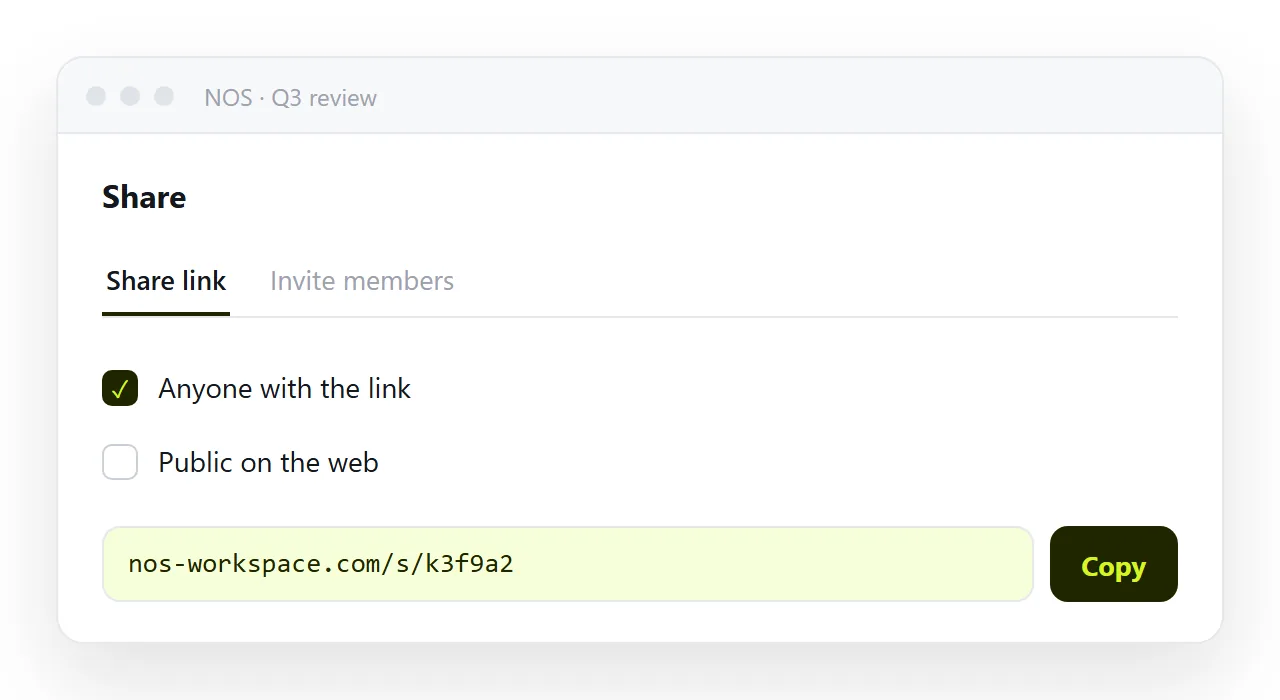
- Paste the markup into a NOS document. It renders exactly as written.
- Share, then Share link, then Create link. The link is unlisted unless you tick Public on the web.
- From then on, fix wording by clicking the text in the document rather than regenerating the file.
Turning HTML into a link is this step alone, and fixing AI generated HTML covers the broader repair list.
When to stop correcting and start again
Some files are not worth repairing. Three signs that a fresh generation is cheaper:
- The same fault returns after two rounds of correction.
- The file contains two competing layout systems, for example a grid and absolute positioning fighting over the same section.
- Half the markup is unused, left over from a structure that was abandoned mid-conversation.
Regenerating with a tighter description costs one round. Correcting a file that is built wrong costs several, and leaves you with markup nobody wants to touch later.
If the page is one you will use every week, the version worth solving is the template, not this copy of it.