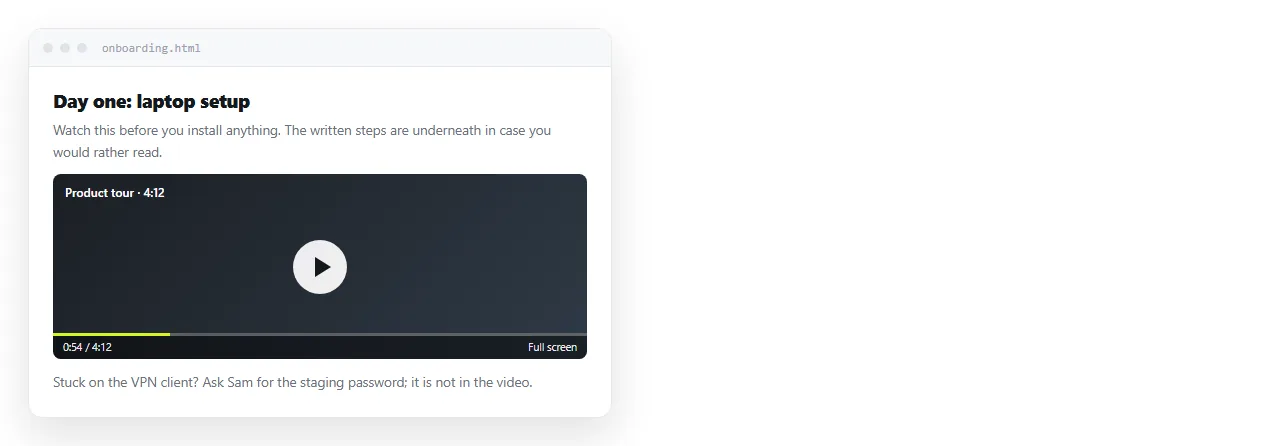
To embed a YouTube video in HTML, put an <iframe> on the page whose src is the embed URL for that video.
<iframe
  src="https://www.youtube.com/embed/dQw4w9WgXcQ"
  title="Product walkthrough"
  allow="accelerometer; autoplay; clipboard-write; encrypted-media; picture-in-picture"
  allowfullscreen
  loading="lazy"></iframe>
The video id is the part after v= in the ordinary watch address, or the tail of a short youtu.be link.
The watch URL will not work
This is the single most common mistake:
<!-- does not render -->
<iframe src="https://www.youtube.com/watch?v=dQw4w9WgXcQ"></iframe>
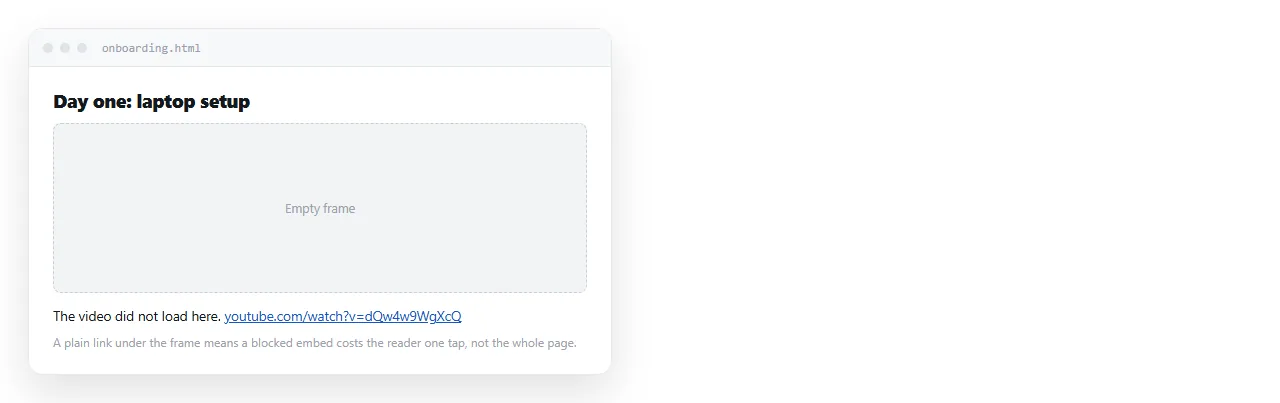
The watch page sends headers that refuse to be framed, so the browser shows an empty box. It is not a typo you can fix with an attribute.
| You have | Use |
|---|---|
youtube.com/watch?v=ID |
youtube.com/embed/ID |
youtu.be/ID |
youtube.com/embed/ID |
youtube.com/shorts/ID |
youtube.com/embed/ID |
A playlist list=ID |
youtube.com/embed/videoseries?list=ID |
In every row the id is the same string. Only the path around it changes.
Making it scale
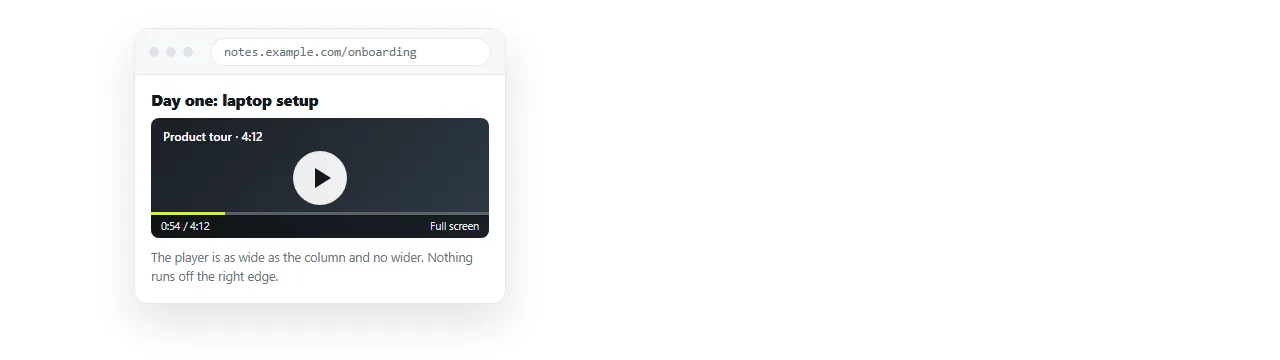
Fixed width and height attributes produce a video that overflows a phone screen. The modern fix is two CSS declarations.
iframe {
  width: 100%;
  aspect-ratio: 16 / 9;
  height: auto;
  border: 0;
}
Remove the width and height attributes from the tag when you do this, or they fight the CSS.
The older wrapper technique does the same thing:
.video { position: relative; padding-bottom: 56.25%; height: 0; }
.video iframe { position: absolute; inset: 0; width: 100%; height: 100%; }
That 56.25 is nine divided by sixteen. Use it if you need to support very old browsers; otherwise aspect-ratio is one line and easier to read.
Parameters worth knowing
Everything after a question mark on the embed URL configures the player.
<iframe src="https://www.youtube.com/embed/dQw4w9WgXcQ?start=90&rel=0&modestbranding=1"></iframe>
startbegins playback at that many seconds in. Useful when you are pointing at one moment in an hour long recording.endstops at that second.rel=0limits suggested videos at the end to the same channel.modestbranding=1reduces the branding in the player controls.mute=1is required alongsideautoplay=1, because browsers block sound that starts on its own.
The first parameter follows a question mark and every later one an ampersand. Getting that wrong turns the rest of the string into part of the video id.
Autoplay, and why to skip it
Autoplay with sound is blocked in every current browser. Muted autoplay works, and is still usually the wrong choice.
It consumes the reader's data, it moves in their peripheral vision while they are reading, and on a shared document it starts over for every person who opens the page.
A poster frame and a play button is better behaviour and costs nothing to implement.
Attributes that are not optional
title. A frame with no title is announced to screen readers as "frame" with nothing else. Name the video.
allowfullscreen. Without it the fullscreen control does nothing, which on a phone makes the video close to unusable.
loading="lazy". A page with several embeds otherwise loads several players at once, which is slow and heavy on mobile data.
The iframe element covers the rest of the attribute set, including the sandbox rules.
When the frame is blank on someone else's network
You tested it and it works. A colleague sees an empty rectangle. Two likely causes.
A content security policy. Corporate networks and some hosting setups restrict which origins can be framed. Content security policy explains what that header does.
Embedding disabled by the video owner. Some videos are set to watch on YouTube only, and there is no way around that from your side.
Either way, put the plain watch link next to the embed. A reader who sees a blank box still has a way to reach the video.
Embeds and pages that travel
An embed needs the network at read time. That makes the page not self contained, so it will not work offline and will not render inside an email client.
Two consequences for anything you intend to send.
- Do not put a video in an email. Mail clients strip frames. Use a still image linked to the video instead.
- If the page might be read offline, state what the video covers in text beside it.
For a deck or a walkthrough where the video is the point, an embed on a page at a real address is the right shape. HTML for pitch decks covers that kind of page.
Getting the page to the reader
An embed only works if the page is opened in a browser. Sending the HTML file itself often fails at that step, since files get filtered by mail gateways and land in storage on phones.
Turning the HTML into a link removes that step. In a NOS document the pasted HTML renders as written, frames included, and the document has its own address.
Because editing does not move the address, swapping the video for a new cut is one edit rather than a new file and a second message. If you need the player defined inline rather than by URL, srcdoc covers that variant.
A block to copy
<figure>
  <iframe
    src="https://www.youtube.com/embed/VIDEO_ID?rel=0"
    title="What the video shows"
    style="width:100%;aspect-ratio:16/9;border:0"
    allow="accelerometer; autoplay; clipboard-write; encrypted-media; picture-in-picture"
    allowfullscreen
    loading="lazy"></iframe>
  <figcaption>
    Recorded walkthrough.
    <a href="https://www.youtube.com/watch?v=VIDEO_ID">Watch on YouTube</a>
  </figcaption>
</figure>
Replace VIDEO_ID in both places and the embed is finished. The caption link is the fallback for every reader whose network blocks the frame.
Wrapping it in a <figure> is not decoration. It groups the player with its caption for assistive technology, which is the same reasoning as the rest of semantic HTML.