A travel brochure has two readers who are the same person at different moments. One is deciding whether to book. The other is standing somewhere unfamiliar, on bad wifi, checking what time the coach leaves.
A document handles the first badly and the second not at all.
This guide covers prices that move, the itinerary structure, and working on a weak connection.
Prices move and the brochure cannot
This is the central problem with travel material as a file.
Prices change with season, exchange rate and availability. Departure dates fill. A brochure emailed in March is quoting March, and it keeps quoting March in inboxes for the rest of the year while being forwarded to friends.
At an address, the fix is an edit. Better still, keep the prices on their own page linked from the brochure, so updating them touches one small page rather than the whole thing.
Then the brochure someone saved in March shows today's prices when they finally open it in July.
| Brochure as a file | Brochure at an address | |
|---|---|---|
| Price change | New file to everyone | One edit |
| Departure sold out | Silently wrong | Marked on the page |
| Forwarded to a friend | Old prices | Current ones |
| Read on the road | Downloads | Opens |
| You can tell it was opened | No | Yes |
Structure it by day
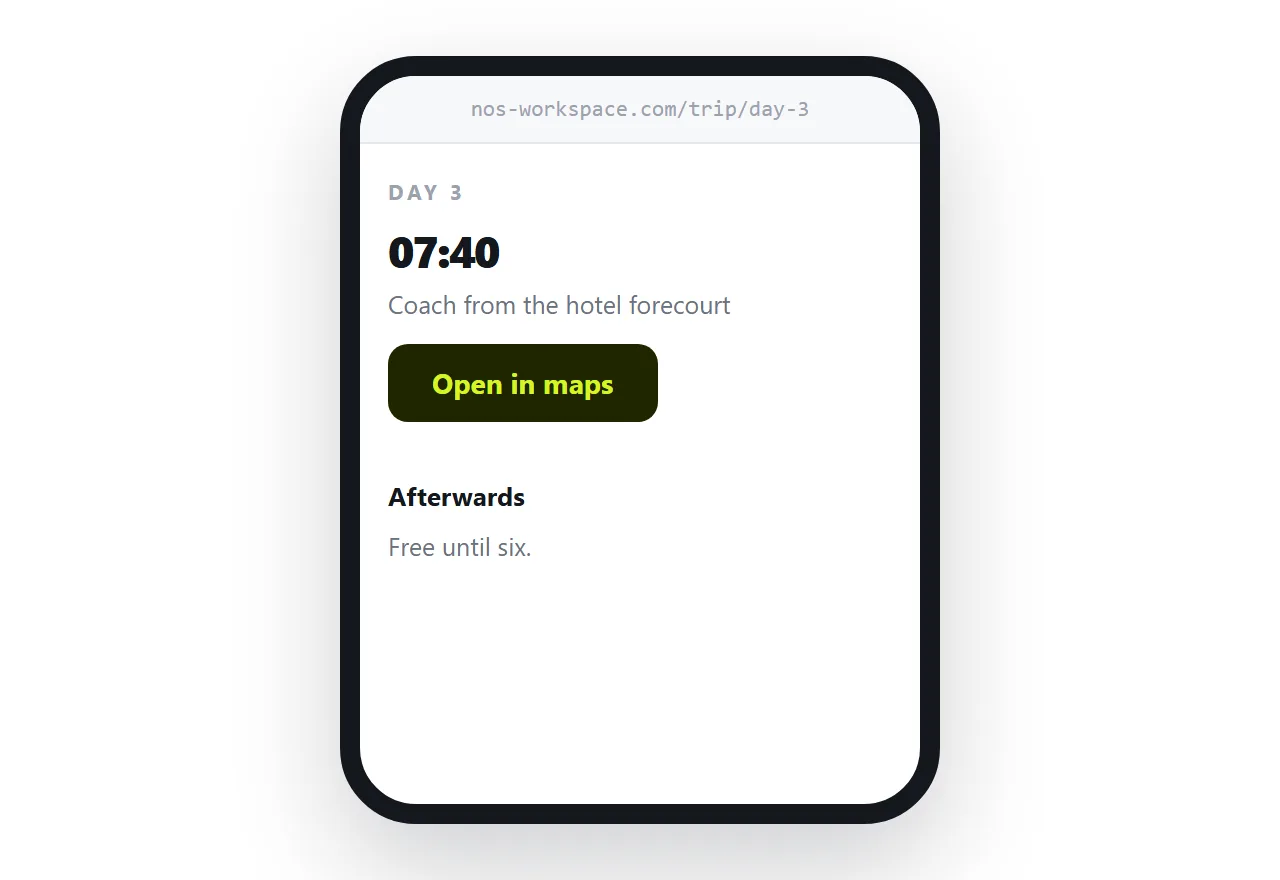
For anything longer than a weekend, give each day its own page.
The guest on the trip is not reading; they are checking one thing. What time, which meeting point, how far. A day per page means they tap the day and see it, rather than scrolling through three days they have already lived.
Put the time and the meeting point at the top of each day. That is what gets checked, usually while walking.
Working on a bad connection
Travel is where heavy pages fail, and it fails at the worst moment.
Photography sized for print is the usual cause. A page with eight print-resolution images is fine on an office connection and does not load at all on hotel wifi in a rural area.
Size images for a screen. Load the ones further down only as the reader scrolls. Keep the practical information, the times and addresses, as text near the top so it appears first even when the pictures are still loading.
A page the guest opened before leaving generally stays readable if they lose signal afterwards, which is another argument for them opening it early.
Link maps, do not picture them
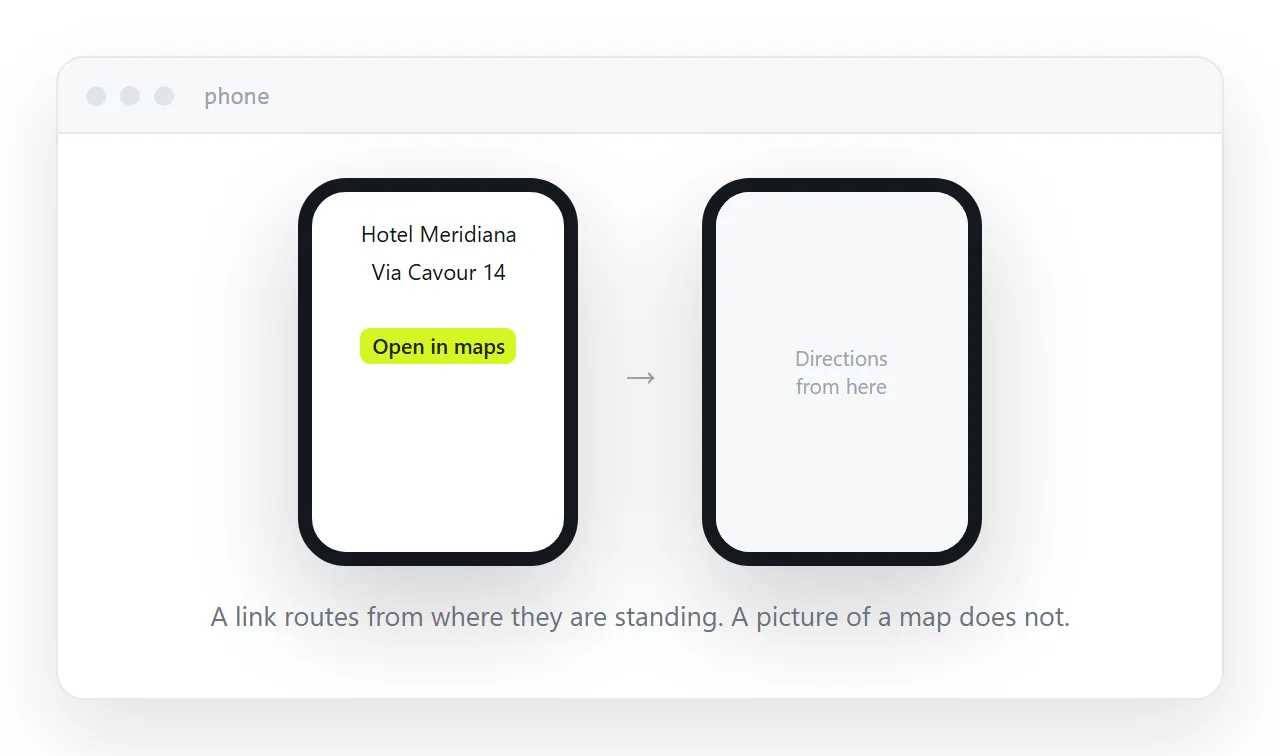
A picture of a map tells the guest where a place is relative to other places on the picture.
A map link opens their own map app, centred on the place, with directions from wherever they are currently standing. One is a diagram, the other is help.
Same for phone numbers, which should be tappable, and addresses, which should be copyable.
Keep the printed version useful
Printed brochures still work in agency windows and at travel shows.
The address printed on the cover turns the paper into a route to the current itinerary. The photographs sell the trip, the address carries the facts, and the facts stay correct without a reprint.
Two neighbouring cases are worth a look: How to make a digital brochure and How to make a house manual for guests. How to save an email as a PDF is also close.
Put it at an address
Keep prices on a page you can edit, split the itinerary by day, link maps instead of picturing them, keep the pages light, and print the address on the paper version.
Then the brochure is still accurate when the guest finally opens it, and still useful when they are standing in the airport.