An itinerary at an address stays correct when the schedule moves, opens on a phone at a station, and is the same for everyone in the group.
An itinerary emailed as a file is a snapshot of the plan at the moment it was written.
This guide covers the structure, time zones, and what to do when the plan changes.
It is checked, not read
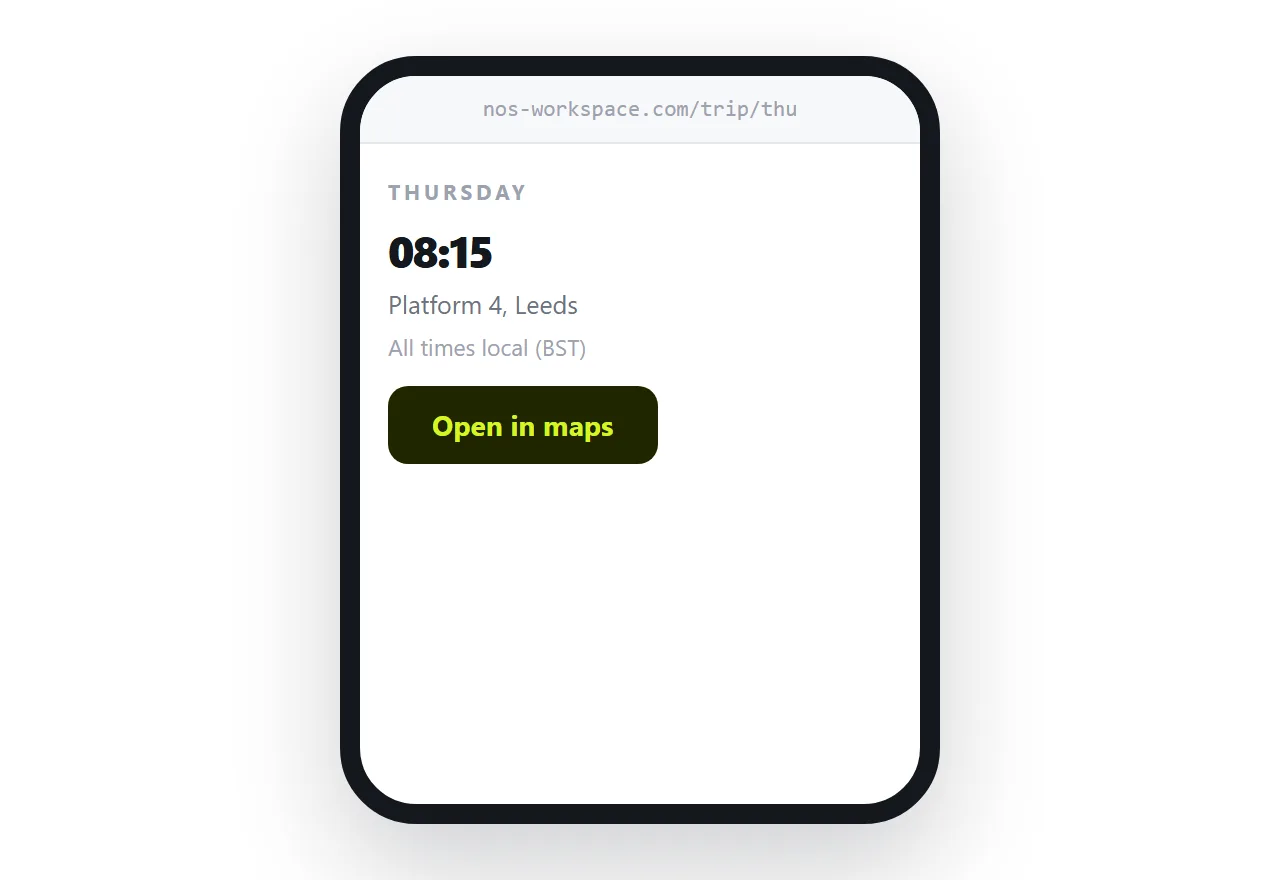
Picture the actual moment of use. Someone is walking through a station with a bag, and they want to know one thing: what time, and which platform.
They are not reading an itinerary. They are scanning it for the next entry.
So the top of each day carries the first time and the first place, in large text, with nothing above it. The rest of the day follows in order. Background, history, restaurant recommendations, all of it goes below or on another page.
If the group is doing something that requires preparation, say so at the top of the day before rather than the morning of.
Time zones are where trips go wrong
Write every time in local time and name the city.
Itineraries that cross time zones and leave the reader to work it out produce missed flights. The traveller does the conversion once, gets it wrong, and trusts their own arithmetic over your document.
If a flight departs in one zone and arrives in another, say both explicitly. The extra line is much cheaper than the alternative.
| Itinerary as a file | Itinerary at an address | |
|---|---|---|
| Schedule changes | Everyone has the old one | One edit |
| Group of six | Six copies drifting apart | One address |
| Opened at a station | Downloads | Opens |
| Maps | Described in words | Tapped |
| Reader knows it changed | No | Marked with a date |
Changes need to be visible
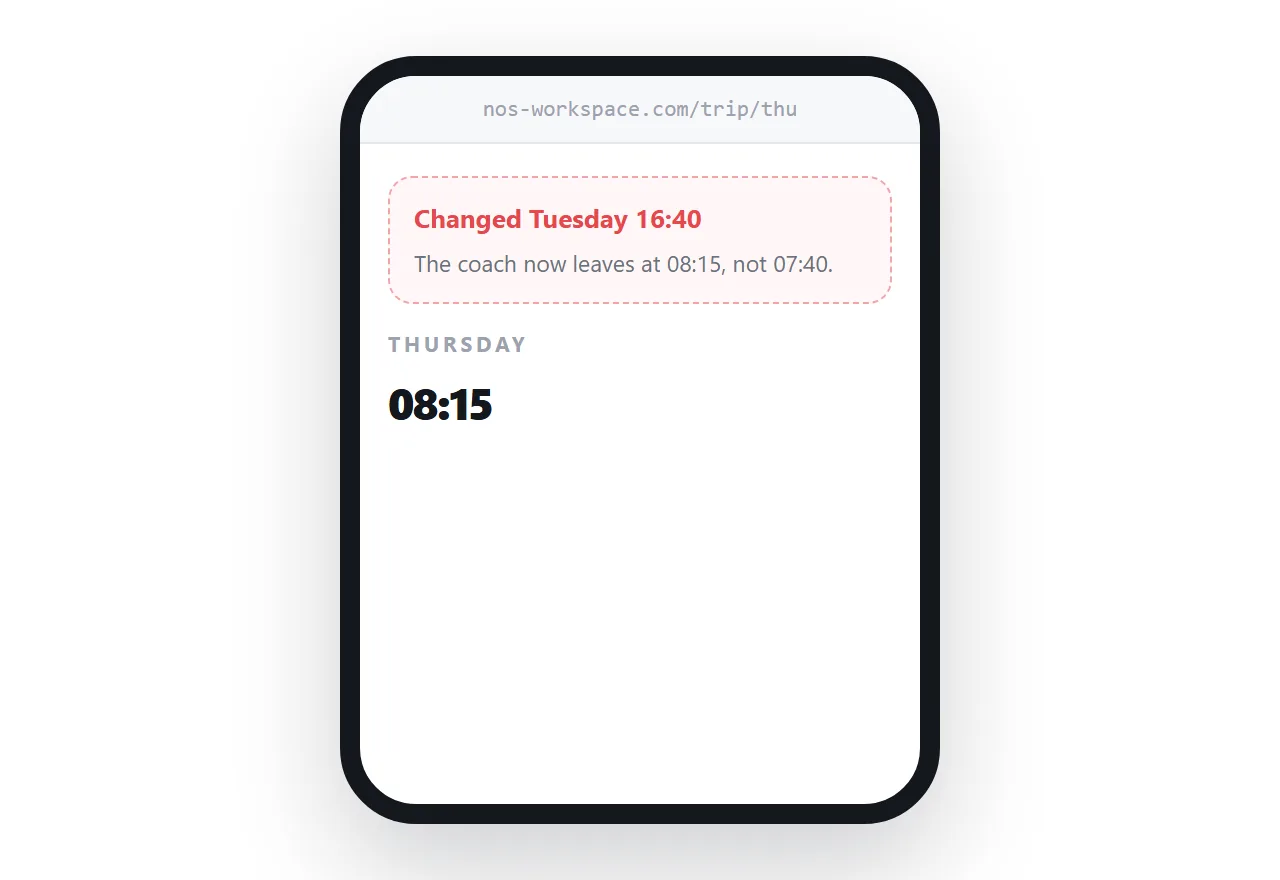
Editing the page silently is not enough. A traveller who looked at the itinerary yesterday will not re-read it today.
Mark what changed and when, at the top. One line: the Thursday coach now leaves at eight, updated Tuesday. Then anyone re-checking sees immediately whether they are working from stale information.
For anything that moves inside twenty-four hours, send a message as well. The page is the record; the message is the alert.
Link maps, do not describe routes
Written directions assume the reader starts where you imagined.
A map link opens their own map application, centred on the destination, routing from wherever they actually are. It handles the traveller who got off at the wrong stop, which written directions never do.
Same for phone numbers, which should be tappable, and for the hotel address, which should be copyable so it can be shown to a taxi driver.
One address for the group
The quiet advantage of an address is that a group stays synchronised.
Six people with six copies of a file drift apart the first time anything changes. Six people with one address are all looking at the same schedule, including the one who joined late and the one who deleted the email.
Two neighbouring cases are worth a look: How to make a travel brochure and How to send a calendar invite as a link. How to publish a brand book is also close.
Put it at an address
Lead each day with the next time and place, state time zones, link maps, mark changes with a date, and send the link before anyone leaves.
Then the person walking through the station gets the right answer in one glance.