An HTML CSS modal is a <dialog> element opened with showModal(), styled with dialog and dialog::backdrop.
Everything else is the long version. A div overlay reaches the same result after you write the focus trap, the Escape handler, the backdrop click, the scroll lock and the inert background.
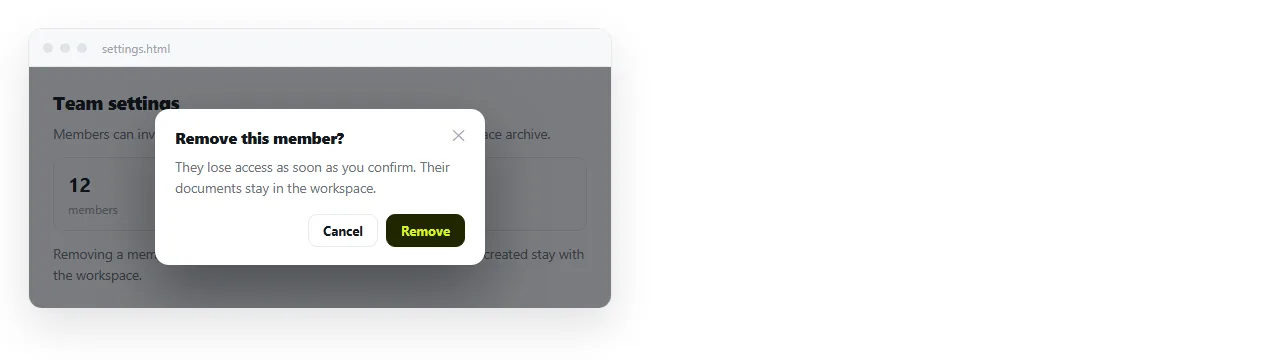
The short HTML CSS modal
<button type="button" id="open">Details</button>

<dialog id="dlg">
  <h2>Delivery window</h2>
  <p>Orders confirmed before 14:00 ship the same working day.</p>
  <button type="button" id="close">Close</button>
</dialog>
var dlg = document.getElementById('dlg');
document.getElementById('open').onclick = function () { dlg.showModal(); };
document.getElementById('close').onclick = function () { dlg.close(); };
dialog {
  border: 1px solid #2c2f36; border-radius: 10px; padding: 1.5rem;
  background: #16181d; color: #e6e8eb; max-width: 32rem; width: 92vw;
}
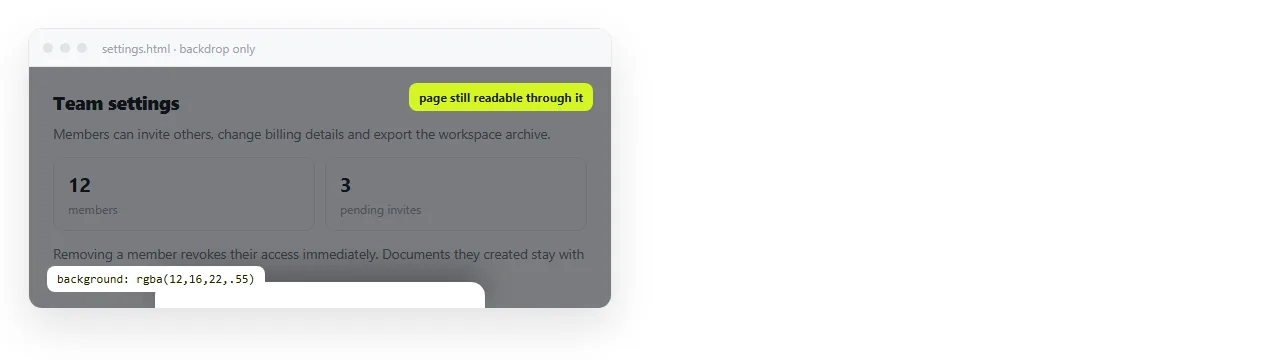
dialog::backdrop { background: rgba(0,0,0,.6); }
Five lines of script and six of CSS. The browser supplies the rest.
What you get free, and what you have to build
| Behaviour | <dialog> |
Div overlay |
|---|---|---|
| Backdrop | ::backdrop |
Extra element and CSS |
| Page behind inert | Yes | inert attribute, set manually |
| Focus trapped inside | Yes | Keydown handler on Tab |
| Escape closes | Yes | Keydown handler on document |
| Focus returns to trigger | Yes | Store and restore it yourself |
| Above everything on the page | Top layer, ignores z-index | Fights stacking contexts |
| Body scroll locked | No, do it yourself | No, do it yourself |
Only the last row is equal work. That is the honest summary of why the element is worth using.
The one argument for the div version is control over the open and close sequence, because you own every step of it. That matters for a panel that slides in from the edge and has to coordinate with something else on the page.
For a message, a confirmation or a short form, it does not matter at all, and the element is shorter and more correct.
The stacking context problem
This is the bug that sends people to a library. A modal with z-index: 9999 still renders behind a header with z-index: 10.
The cause is that a z-index only competes with siblings inside the same stacking context. An ancestor with transform, filter, opacity below 1 or will-change creates a new context, and everything inside it is trapped there.
Two fixes. Move the modal markup to the end of <body> so it has no such ancestor. Or use <dialog> with showModal(), which paints in the browser's top layer and is not subject to z-index at all.
That is also why a modal inside a sticky header so often renders in the wrong place.
Locking the scroll behind it
Neither approach stops the page behind from scrolling. Do it yourself and restore the position, or the page jumps to the top on close.
var y = 0;
function lock() {
  y = window.scrollY;
  document.body.style.position = 'fixed';
  document.body.style.top = (-y) + 'px';
  document.body.style.width = '100%';
}
function unlock() {
  document.body.style.position = '';
  document.body.style.top = '';
  window.scrollTo(0, y);
}
The position: fixed approach is longer than overflow: hidden and it is the one that works on iOS, where overflow: hidden on body is ignored.
Centring and sizing
dialog {
  margin: auto;
  max-height: 85vh;
  overflow: auto;
}
margin: auto centres a dialog in both directions because it is positioned in the top layer. For a div overlay you need flex centring on the overlay instead.
max-height with overflow: auto is the rule people leave out. Without it, a modal taller than the window has content below the fold that cannot be reached.
On narrow screens, consider dropping the centring and pinning the panel to the bottom edge:
@media (max-width: 30rem) {
  dialog { margin: auto auto 0; width: 100vw; max-width: none; border-radius: 12px 12px 0 0; }
}
The CSS only versions, and their limit
A hidden checkbox plus :checked, or a :target selector driven by a hash link, both produce a working overlay with no script.
They are fine for a purely decorative panel. They are not modals in the behavioural sense, because Tab walks straight out of the panel into the links behind it and Escape does nothing.
If the content is important enough to interrupt for, it is important enough to trap focus. Controlling focus order covers what that involves by hand.
Animating it open
A modal that appears instantly is fine. If you want it to fade, animate the dialog and the backdrop separately.
dialog { opacity: 0; transition: opacity .15s ease, display .15s allow-discrete; }
dialog[open] { opacity: 1; }
@starting-style { dialog[open] { opacity: 0; } }
The @starting-style block is what gives the element a value to animate from on the frame it appears. Without it the dialog jumps to full opacity, because there is no previous state to transition out of.
Keep the duration short. A modal is an interruption, and a slow one delays the thing the reader asked for.
Respect the motion preference:
@media (prefers-reduced-motion: reduce) { dialog { transition: none; } }
Closing on a backdrop click
The dialog element does not close when the backdrop is clicked. The backdrop is a pseudo element with no listener of its own.
The usual trick is to check whether the click landed outside the dialog's own box:
dlg.addEventListener('click', function (e) {
  var r = dlg.getBoundingClientRect();
  var inside = e.clientX >= r.left && e.clientX <= r.right &&
               e.clientY >= r.top  && e.clientY <= r.bottom;
  if (!inside) dlg.close();
});
Do not add this to a modal containing a form the reader has filled in. An accidental click outside then discards their work with no warning.
A short checklist
- Does Escape close it?
- Does focus start inside it and stay inside it?
- Does focus return to the trigger afterwards?
- Is there a visible close control, not only the backdrop?
- Does it fit on a phone without two scrollbars?
- Does the page behind stay where it was?
If the modal contains inputs rather than a message, the modal form page covers validation and the cancel path.
Checking it and sending the page
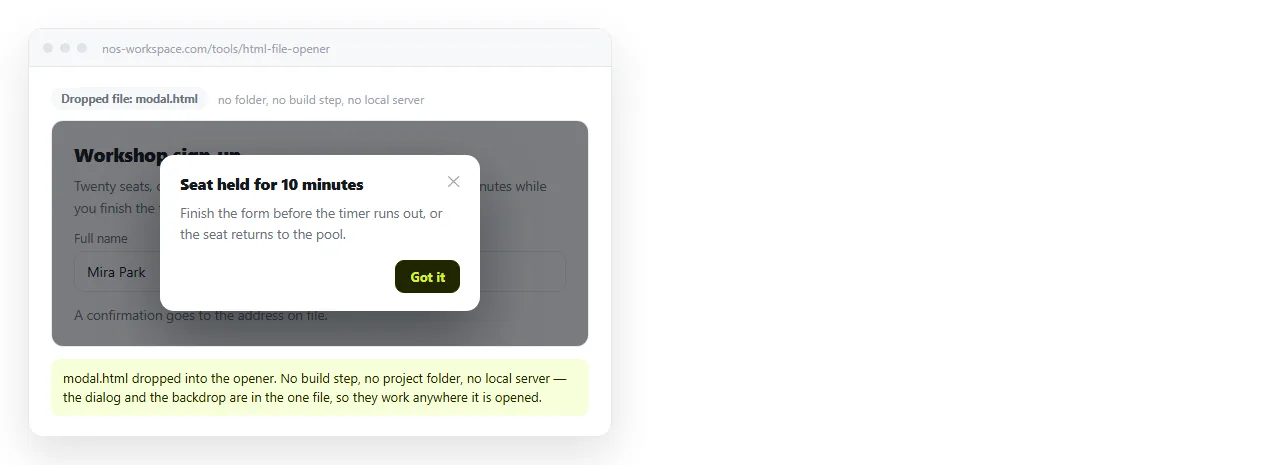
Open the file in the HTML file opener and run the checklist with the keyboard only. That window has no access to your project, so a missing script file shows up immediately.
Then paste the HTML into a NOS document. The dialog, the backdrop and the script render at the document's own address, so the reader opens a link and the modal behaves for them as it does for you.